7 ATS Friendly Resume Examples That Get Past the Robots in 2026
Beat the bots with these 7 ATS friendly resume examples. Get templates and optimization tips to land your next remote job interview.
Have you ever spent hours perfecting your resume, only to send it into a digital black hole and never hear back? The culprit is likely an Applicant Tracking System (ATS). These automated systems are used by over 98% of Fortune 500 companies and countless others to scan, parse, and rank job applications before a human ever sees them. If your resume isn't formatted correctly, it gets filtered out, no matter how qualified you are.
The secret to getting past this first hurdle isn’t a flashy, creative design; it’s strategy. Beating the ATS requires a resume built for both robots and humans, focusing on clean formatting, precise keyword alignment, and a standard file type. As remote work opens up global opportunities, a properly optimized resume is more critical than ever to stand out in a crowded applicant pool. To ensure your resume successfully navigates these systems, explore this comprehensive resource on creating an Your Ultimate ATS Friendly Resume Template Guide.
This guide is your practical playbook for getting noticed. We won’t just show you what a good resume looks like; we’ll provide a series of ATS friendly resume examples specifically for top remote job categories. For each one, we’ll break down:
- Before & After: See how a resume performs in a real ATS parser.
- Key Optimizations: Understand the exact changes made and why they work.
- Actionable Checklists: Get a quick list to customize the template for your own experience.
You'll find downloadable plain-text and Word versions for each example, ready for you to adapt and apply. Let’s get your resume past the robots and into the hands of a hiring manager.
1. The Senior Software Engineer: Optimized for Technical Keywords and Impact Metrics
This first example demonstrates how to build a powerful, ATS-friendly resume for a technical role like a Senior Software Engineer. The primary goal is to ensure that a machine can easily read and categorize your skills while a human recruiter can quickly grasp your impact. This example serves as one of the most critical ATS friendly resume examples because technical roles are often filtered heavily by automated systems looking for specific programming languages, frameworks, and tools.
We present a clear 'before' and 'after' to illustrate common pitfalls. The 'before' version often includes design elements that confuse parsers, such as a two-column layout, skill ratings represented by icons or bars, and project descriptions that are too generic. These elements, while visually appealing to a human, can cause an ATS to misread or completely ignore essential information.
Strategic Breakdown and Key Optimizations
The 'after' version strips away these problematic elements in favor of a clean, single-column format. This is the cornerstone of ATS compatibility.
Key ATS Optimizations:
- Format: A single-column layout ensures a linear, top-to-bottom reading path for the ATS. It uses standard fonts like Arial or Calibri and avoids tables, text boxes, and images.
- Keywords: The resume is packed with role-specific keywords. A dedicated "Technical Skills" section lists languages (Python, Java, Go), frameworks (React, Django, Spring Boot), and cloud technologies (AWS, Docker, Kubernetes) using standard naming conventions.
- File Type: The final document should be saved as a .docx or a text-based .pdf file. Avoid "image-only" PDFs created from scanners or design software.
Strategic Insight: For technical roles, the ATS acts as a bouncer, checking for a specific list of required technologies. Your resume must spell these out explicitly. Don't assume the system will infer "AWS" experience from a project description; list it directly in your skills section.
Customization and Application
To adapt this template for your own use, follow this quick checklist. First, replace the placeholder technical skills with your own, ensuring they match the requirements listed in target job descriptions. Next, rewrite your project or experience bullet points using the "Problem-Action-Result" (PAR) framework. Instead of saying "Worked on a new feature," quantify the outcome: "Developed a new caching microservice using Redis, which reduced API response times by 40% and improved system scalability."
Finally, you can directly access the optimized version.
- Download: Senior Software Engineer Resume Template - Word (.docx)
- Copy: Senior Software Engineer Resume - Plain Text Version
This example provides a solid foundation for any software engineer aiming to pass the initial ATS screening and get their qualifications in front of a hiring manager.
2. Jobscan: Validating Your Resume Against Real Job Descriptions
Jobscan takes a more analytical approach by not only providing templates but also giving you the tools to test your resume's effectiveness. It provides a library of free, minimalist Word templates formatted specifically for applicant tracking systems, along with examples tailored to different job titles and seniority levels. This platform is an excellent source for ATS friendly resume examples because its core function is to mimic how an ATS actually thinks.
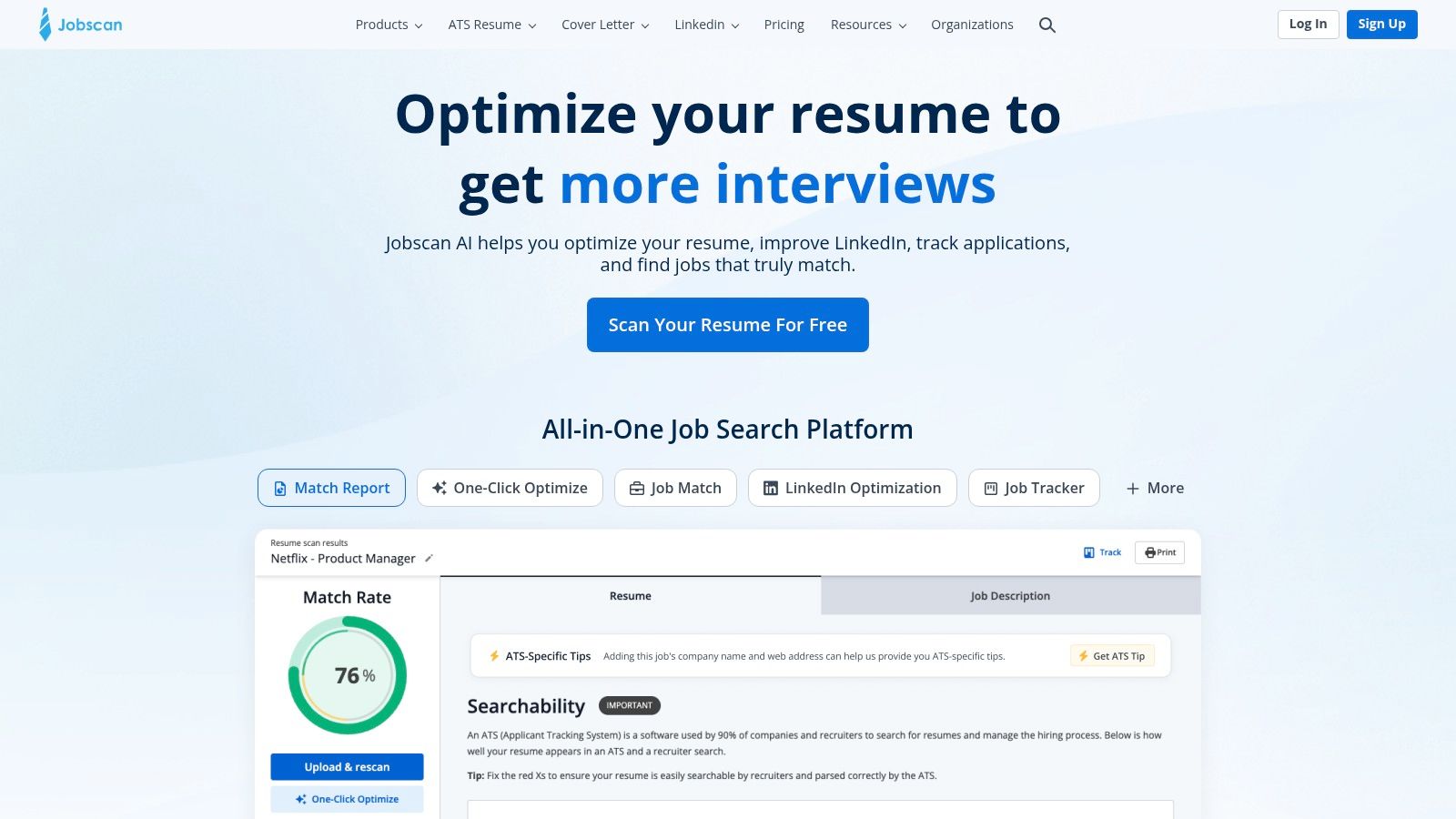
Unlike platforms focused solely on design, Jobscan emphasizes substance over style. Its free resume builder guides you toward creating a document with a clean structure and standard headings. The real power comes from its ATS scanner, which compares your resume against a specific job description to find keyword gaps and flag formatting issues that could get your application discarded before a human ever sees it.
Strategic Breakdown and Key Optimizations
Jobscan's entire philosophy is built around data-driven optimization. The goal isn't just to make a resume that looks ATS-friendly, but to create one that is quantifiably matched to the job you want.
Key ATS Optimizations:
- Format: The templates are exclusively DOCX files designed for maximum compatibility. They use standard fonts, single-column layouts, and simple bullet points, actively avoiding graphics, tables, or other elements known to break parsers.
- Keywords: Jobscan’s primary feature is its comparison scanner. It analyzes a job description and your resume side-by-side, providing a match rate and highlighting the exact keywords you are missing. This removes the guesswork from tailoring your resume.
- File Type: All downloadable templates are provided as .docx, which is a universally accepted and highly parsable format for nearly all modern ATS platforms.
Strategic Insight: The biggest mistake job seekers make is sending the same generic resume to every opening. Jobscan forces you to break this habit by showing you, in stark data, how poorly your resume matches a given role. Its value is in making resume customization a systematic, repeatable process.
Customization and Application
To get the most out of Jobscan, use it as a final validation step. First, choose one of their clean templates or use your own ATS-formatted resume. Next, find a job you want to apply for and copy the entire job description text. Paste your resume and the job description into the scanner to get your initial match report.
Focus on incorporating the "hard skills" and "soft skills" the tool identifies as missing. The goal isn't to reach a 100% match, which can look like keyword-stuffing, but to aim for 80% or higher. For a deeper dive into how these tools work, you can explore other free ATS resume checkers to compare results.
- View Templates: Free ATS-Friendly Resume Templates (DOCX)
- Try the Scanner: Free Resume Scan
3. Zety: The Content-First Resume Builder with Deep ATS Guidance
Zety earns its spot by pairing an intuitive resume builder with an extensive library of content that explicitly teaches users how to create ATS friendly resume examples. It stands out by not just providing templates, but by educating job seekers on the why behind ATS optimization, making it a valuable resource for anyone wanting to master the application process. Its deep archives of role-specific examples and guides address common ATS pitfalls directly.
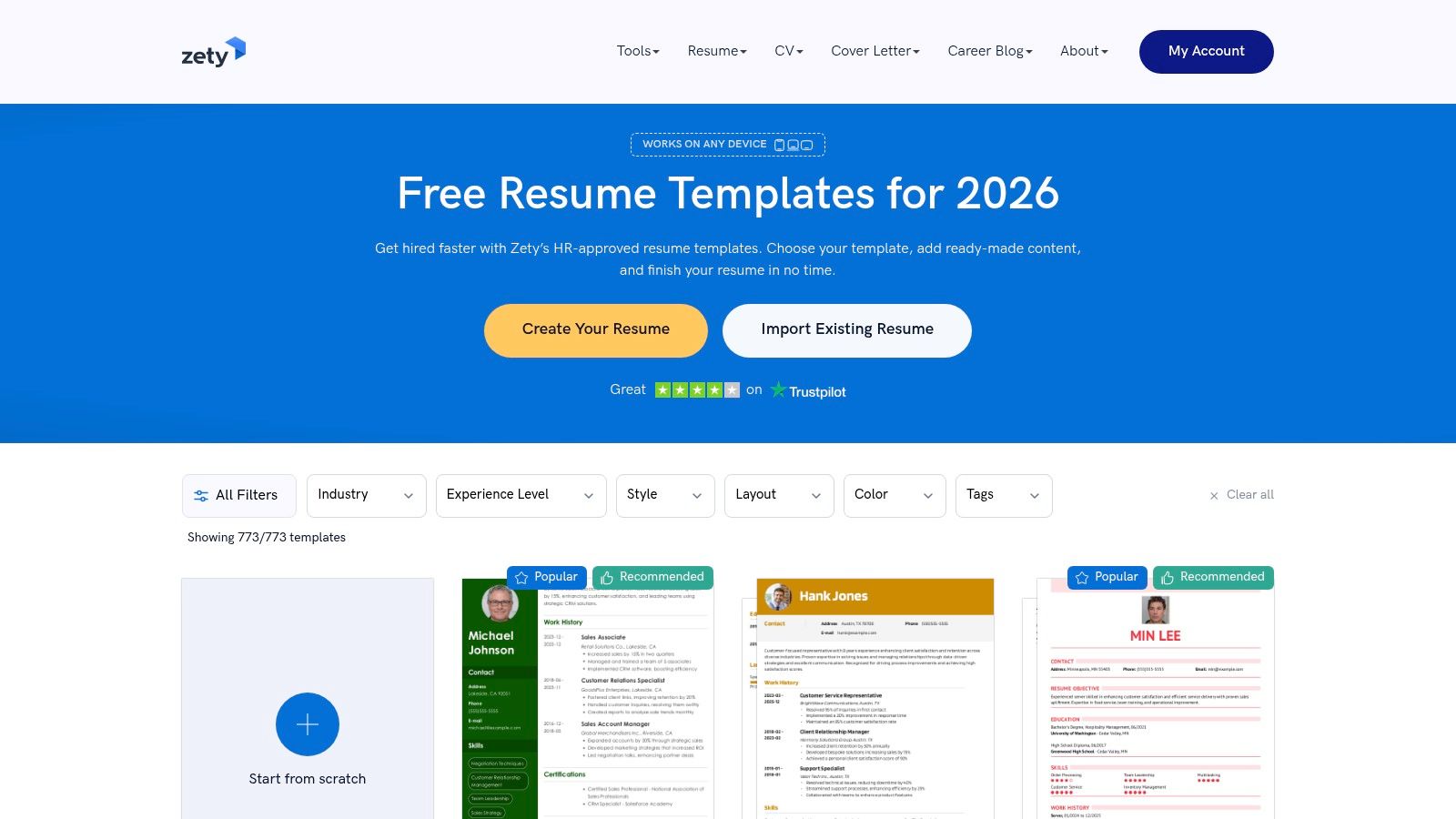
Unlike platforms that are purely template-driven, Zety's strength lies in its educational approach. A user can browse hundreds of resume examples, then click over to an in-depth article explaining the exact formatting, keyword, and structural choices needed to pass an ATS scan for that specific role. This combination of builder and knowledge base makes it a powerful tool for crafting a compliant document.
Strategic Breakdown and Key Optimizations
Zety's resume builder guides users toward ATS-friendly choices by default. The templates are clean, single-column, and designed for scannability by both machine and human readers.
Key ATS Optimizations:
- Format: The platform promotes standard, single-column layouts that are proven to parse correctly. It steers users away from complex designs, tables, or graphics that confuse automated systems.
- Keywords: The builder often includes role-specific content suggestions and keyword ideas, helping users pepper their resume with relevant terms. The site's articles also heavily emphasize keyword matching with job descriptions.
- File Type: Zety allows downloads in multiple formats, but its guides consistently recommend submitting a .docx or a text-based .pdf file to ensure maximum compatibility with applicant tracking systems.
Strategic Insight: Zety's core value is its synthesis of tool and training. Use the builder to construct your resume, but use the blog content to understand the strategy. This dual approach ensures you're not just filling in a template but actively engineering a document to beat the bots.
Customization and Application
To get the most out of Zety, start by exploring the resume examples for your target role. Pay close attention to the suggested sections and phrasing. As you use the builder, customize the recommended content with your own quantifiable achievements, focusing on the impact you delivered in previous roles. Remember that while the builder makes things easy, personalization is what makes a resume effective. For more foundational knowledge on this, you can learn more about how to create an effective resume with our detailed guide.
Finally, while Zety's formatted downloads require a subscription, you can always build your resume and then download it as a .txt file for free. This plain-text version is the ultimate in ATS compliance and can be easily formatted in Word or Google Docs.
- Access Builder: Zety Resume Builder
- Browse Examples: Zety Resume Examples by Job Title
4. ResumeGenius: Guided Examples for ATS-Compliant Content
ResumeGenius earns its spot by combining a massive library of role-specific examples with an AI-assisted builder that guides users toward creating ATS-readable content. It focuses on helping you find the right words and quantifiable achievements, which is a common stumbling block. This platform provides strong ATS friendly resume examples because its core builder is designed to produce documents that follow standard parsing rules, preventing common formatting errors.
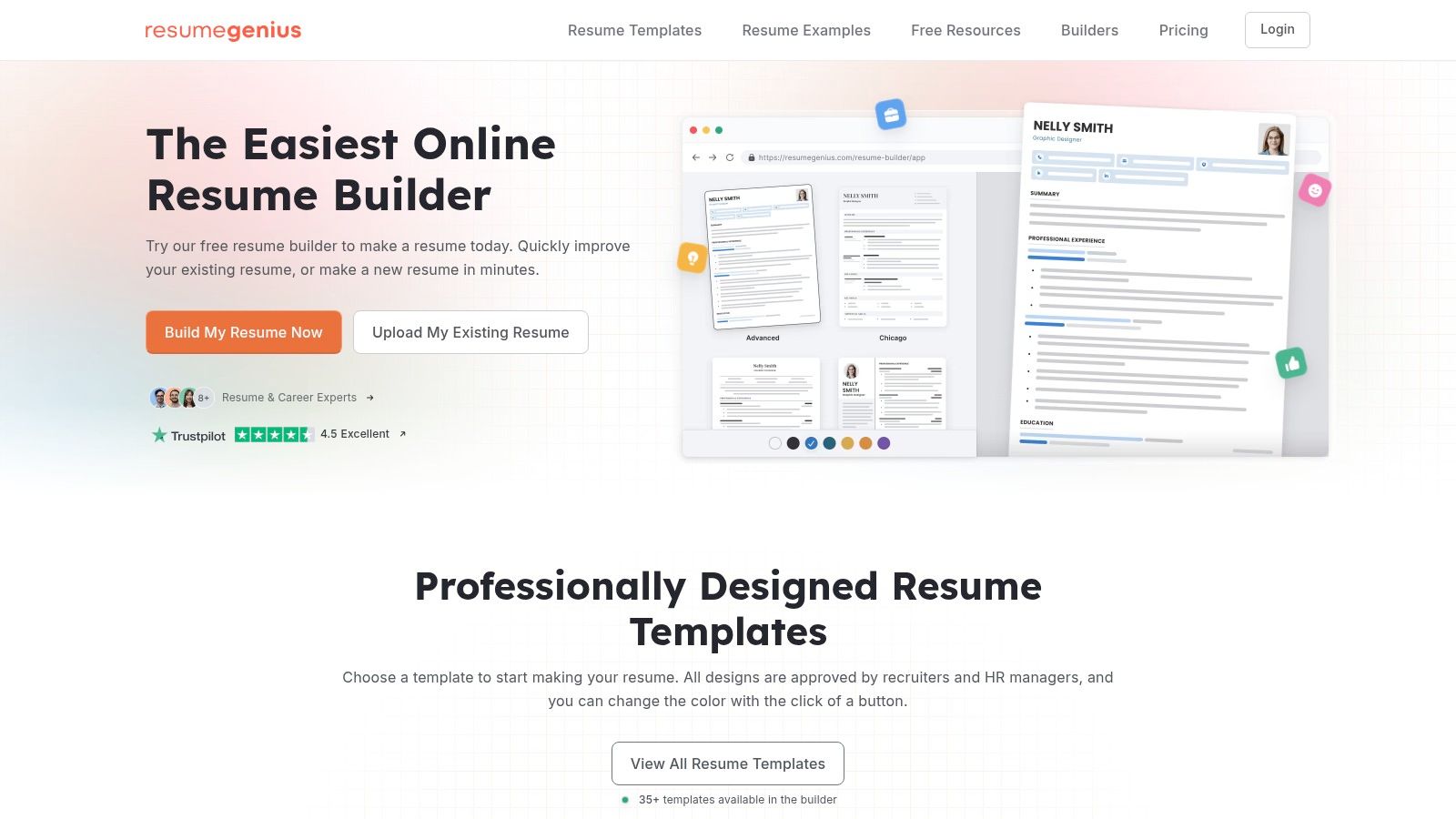
Unlike a simple template, ResumeGenius walks you through each section with prompts and keyword suggestions based on your job title. This guided process is excellent for those who struggle with phrasing or quantifying their impact. While a 'before' version might have vague descriptions like "Managed social media," the platform encourages an 'after' approach with specific, metric-driven bullet points that are easily parsed.
Strategic Breakdown and Key Optimizations
The main advantage of ResumeGenius is its ability to keep you within ATS-safe boundaries without you having to be a formatting expert. The builder promotes simple, single-column layouts and standard section headings.
Key ATS Optimizations:
- Format: The builder defaults to clean, linear layouts that are easy for an ATS to read from top to bottom. It avoids complex design elements like tables or graphics that often cause parsing failures.
- Keywords: Its AI-assisted writing tool suggests industry-specific keywords and action verbs. This feature helps you align your resume's language with the terminology found in job descriptions, boosting your match score in an ATS.
- File Type: Users on paid plans can download their resumes as .docx or text-based .pdf files. A free option allows you to copy the content as plain text, which can then be formatted in any word processor, ensuring full ATS compatibility.
Strategic Insight: The biggest value here is content assistance. An ATS doesn’t just check for keywords; it often looks for patterns related to impact. ResumeGenius guides you to write "Increased lead generation by 30% through targeted ad campaigns" instead of just "Ran ad campaigns," which is far more effective for both bots and humans.
Customization and Application
To get the most out of ResumeGenius, start by finding a resume example that closely matches your target role. Use this as a guide for phrasing your own accomplishments. When using the builder, pay close attention to the keyword suggestions but always customize them to reflect your genuine experience. The goal is to sound authentic, not generic.
Finally, while the formatted templates are behind a paywall, the plain-text copy feature is a powerful free tool.
- View Examples: Explore Resume Examples by Job Title
- Copy Content: Use the builder and then select the option to copy the content as plain text to your clipboard.
This platform is a practical choice for job seekers who need help with both the structure and substance of their resume to ensure it passes the initial ATS screening.
5. Kickresume: Learning from Real-World Success Stories
Kickresume takes a unique approach by combining an AI-powered builder with a massive library of successful resume examples. This platform is ideal for job seekers who want to see what worked for others and adapt proven strategies for their own documents. It offers a clear path to creating one of the best ATS friendly resume examples by providing templates that are explicitly labeled as parser-safe, removing the guesswork.
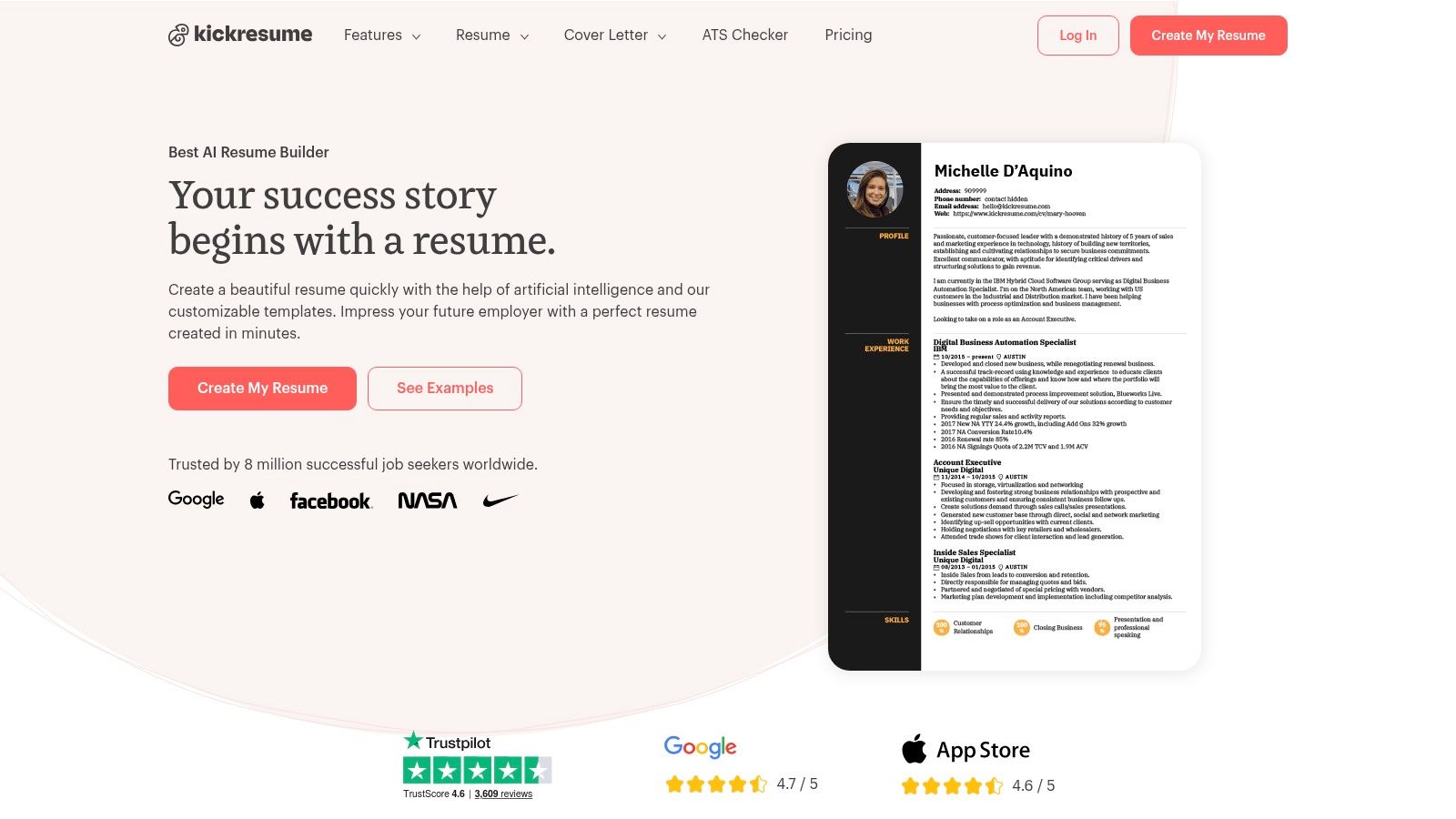
Unlike platforms focused solely on templates, Kickresume's strength lies in its gallery of over 1,500 real-world resumes that helped candidates land jobs at companies like Google, Apple, and Amazon. You can filter these by role and seniority to find a successful example in your exact field, then use its structure and phrasing as a model for your own content.
Strategic Breakdown and Key Optimizations
The platform guides you toward ATS-compliant choices from the start. Its dedicated "ATS-friendly" template category ensures you're building on a solid foundation.
Key ATS Optimizations:
- Format: The builder encourages the use of clean, single-column layouts with standard fonts. Users are directed to templates that avoid complex design elements, which aligns with the core principles of ATS compatibility you can explore in these ATS-friendly resume tips.
- Keywords: Its AI writing assistant can suggest bullet points and skills relevant to your job title, helping you populate your resume with industry-specific keywords that both machines and recruiters are looking for.
- File Type: Kickresume allows for easy export to both .docx and text-based .pdf formats, giving you the two most reliable file types for passing through applicant tracking systems without errors.
Strategic Insight: The biggest advantage here is learning from a successful peer. By analyzing a real resume that got someone a job at your dream company, you can deconstruct their keyword strategy, action verb usage, and impact metric framing.
Customization and Application
To get the most out of Kickresume, begin by searching its example library for your target role. Find a few strong examples and note the common skills, verbs, and quantitative results they highlight. Use these insights to guide the content you generate with the AI writer or input manually. The platform also offers cover letter and personal website builders to create a cohesive application package.
A generous free tier includes access to basic templates and a limited number of entries, while the premium subscription unlocks all templates, AI features, and unlimited examples.
- Visit the Website: Kickresume
- Pricing: Free tier available; Premium plans start at a published monthly rate with discounts for longer commitments.
6. Resume.io: The All-in-One Builder with an ATS-Readiness Check
Resume.io stands out by combining a guided resume builder with a built-in ATS checker, offering an integrated solution for job seekers who want to create and validate their documents in one place. Unlike simple template sites, this platform guides you through each section with pre-written, adaptable phrases and then allows you to run your finished resume through its own ATS simulation. This makes it a strong choice for those looking for ATS friendly resume examples and a tool to confirm their final document is machine-readable.
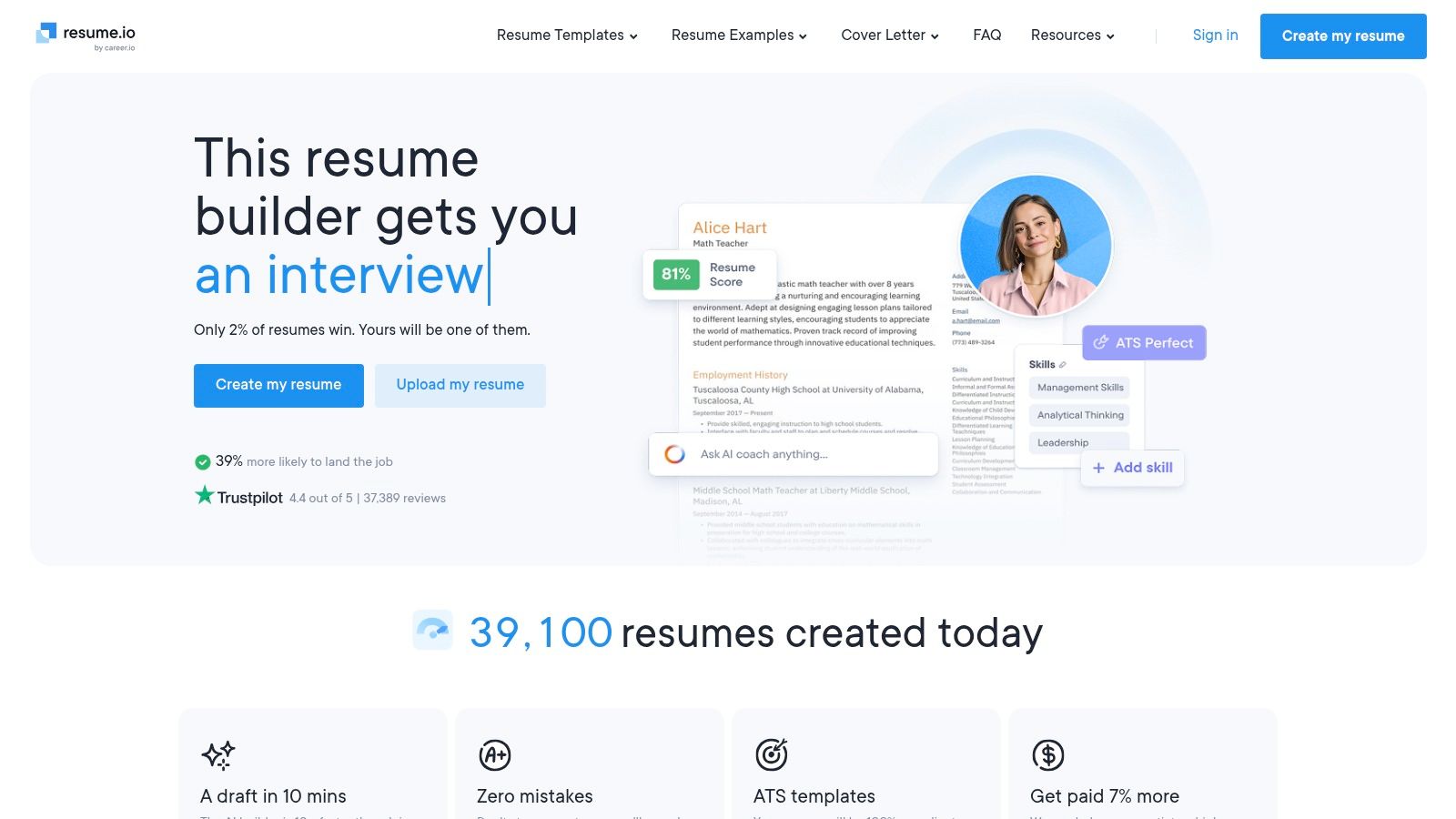
The platform presents a streamlined user experience. You select a template, and the builder walks you through filling in your experience, skills, and education with helpful prompts. This guided process is excellent for those who are unsure how to phrase their accomplishments or structure their information for maximum impact and parsability.
Strategic Breakdown and Key Optimizations
Resume.io's main advantage is its focus on creating scannable documents from the start and then providing a direct way to verify them. The templates are designed with ATS best practices in mind, favoring clean layouts and standard fonts.
Key ATS Optimizations:
- Format: The builder encourages single-column layouts and provides templates that are already optimized for parsing. It avoids the complex tables or graphical elements that often cause ATS errors.
- Keywords: With its library of pre-written phrases for various roles, Resume.io helps you integrate relevant keywords naturally into your bullet points, which is a critical step for passing automated screenings.
- File Type: It supports exporting your resume as a text-based .pdf or .docx file, ensuring the final document is readable by any modern applicant tracking system.
Strategic Insight: The built-in ATS checker is the key feature here. It simulates how a real ATS would parse your resume, flagging potential issues. Using this tool before every application gives you confidence that your information won't be garbled or missed by the machine.
Customization and Application
To get the most out of Resume.io, start by selecting a simple, professional template. As you fill out each section using the guided builder, customize the suggested phrases to reflect your specific achievements with quantifiable metrics. Before finalizing, run the ATS check to catch any formatting or content issues. The free plan allows you to share a link to your resume, but a paid subscription is required to download PDF or Word files.
Finally, you can explore the builder and its features directly.
- Website: Resume.io
This platform is ideal for users who want an end-to-end solution: a builder to create the resume, examples for inspiration, and a checker to validate it for ATS compliance before sending it off.
7. BeamJobs: A Library-Driven Approach to ATS-Friendly Resumes
BeamJobs stands out by offering a massive library of over 2,000 free, job-specific resume examples as its foundation. Instead of starting with a blank slate, users can find a pre-written, ATS-friendly resume for their exact job title and use it as a launchpad. This makes it an excellent resource for anyone looking for ATS friendly resume examples because every template is built around a single-column layout and standard headings proven to parse correctly.
The platform’s core strength is its practical, example-first philosophy. The 'before' state for many users is a generic resume that fails to target a specific role. The 'after' state, created with BeamJobs, is a highly-tailored document populated with relevant bullet points and keywords drawn directly from its extensive database. It directly addresses the "blank page" problem by giving you a strong, ATS-compliant starting point.
Strategic Breakdown and Key Optimizations
The BeamJobs resume builder is intrinsically linked to its example library, ensuring the final output is clean and machine-readable. It avoids the visual frills that often get resumes rejected by automated screeners.
Key ATS Optimizations:
- Format: The builder exclusively produces single-column resumes with standard section titles like "Work Experience" and "Skills." This linear structure is ideal for ATS parsers.
- Keywords: With thousands of role-specific examples, the platform provides a rich source of relevant keywords and impactful bullet point formulas. You can pull ideas directly from resumes for similar positions.
- File Type: Resumes can be downloaded as a text-based PDF, which is the universally accepted format for online applications, ensuring parsers can read the content.
Strategic Insight: Your biggest advantage is context. Instead of guessing what a "Product Marketing Manager" resume should include, you can view dozens of examples on BeamJobs. This helps you identify common keywords and action verbs that recruiters expect for that specific role, giving you an immediate competitive edge.
Customization and Application
To get the most from BeamJobs, begin by searching for your job title in their example library. Find an example that closely matches your background and import it into the builder. From there, use the AI assistant or LinkedIn import feature to generate a first draft of your experience.
Finally, customize the pre-written bullet points with your own metrics and accomplishments. The examples serve as a guide for structure and phrasing, but the specifics must be your own. The platform is free to use for building and downloading your resume.
- View Examples: Browse 2,000+ ATS-Friendly Resume Examples
- Try the Builder: Build Your Resume with BeamJobs
BeamJobs offers a practical, low-friction path to creating a targeted, ATS-compliant resume by building on the success of others in your field.
ATS-Friendly Resume Examples: 7-Service Comparison
| Product | 🔄 Implementation complexity | ⚡ Resource requirements | ⭐ Expected outcomes | 💡 Ideal use cases |
|---|---|---|---|---|
| YayRemote | Low for jobseekers; Medium for employer/API setup | Free to browse + free candidate tools; Pro/employer bundles (pricing opaque) | ⭐⭐⭐⭐ — Curated remote roles, relocation tools improve fit & mobility | Remote job seekers, digital nomads, employers building distributed hiring stacks |
| Jobscan | Low — simple templates and scanner | Free basic templates and builder; premium for advanced optimization | ⭐⭐⭐⭐ — Strong ATS validation and parsing reliability | Applicants needing ATS checks and ATS‑safe DOCX examples |
| Zety | Low — builder + extensive examples | Freemium; formatted downloads usually paid | ⭐⭐⭐⭐ — Broad role coverage and clear ATS guidance | Users wanting role‑specific examples and ATS how‑to content |
| ResumeGenius | Low — AI‑assisted builder and examples | Freemium; most formatted exports paid; transparent pricing | ⭐⭐⭐⭐ — Guided phrasing and keyword alignment for US roles | Tailoring resumes to US job descriptions with guided prompts |
| Kickresume | Low — template gallery and example library | Free tier + published premium pricing for upgrades | ⭐⭐⭐⭐ — Real resume examples and ATS‑friendly templates (use ATS set) | Modeling resumes on successful hires; trial before upgrade |
| Resume.io | Low — fast guided flow with ATS check step | Freemium; downloads often require subscription | ⭐⭐⭐⭐ — Quick builds with built‑in ATS readiness testing | Users who want integrated ATS validation before download |
| BeamJobs | Low — large free example library and builder | Mostly free examples; limited advanced analytics | ⭐⭐⭐ — Deep job‑title coverage; fewer analytics for optimization | Those who want many free role‑specific examples and quick starts |
Your Next Steps: From Optimized Resume to Job Offer
You've explored the tools, dissected the templates, and seen the direct impact of strategic optimization on resume parsability. Moving from a visually cluttered, ATS-hostile document to a clean, keyword-aligned format is the single most important first step in modern job hunting. Throughout this guide, we've demonstrated how to build a resume that not only satisfies the applicant tracking system but also impresses the human recruiter who makes the final call.
The core principles remain consistent across every successful example we analyzed. A single-column layout ensures a predictable, error-free parse. Standard, universally recognized headings like "Professional Experience" and "Skills" guide the ATS in correctly categorizing your information. Most importantly, aligning your resume's language with the job description's specific keywords and quantifying your achievements with concrete metrics are what elevate your document from merely "seen" to "shortlisted."
Remember, the ats friendly resume examples provided here are more than just templates; they are strategic blueprints. They show how a Senior Software Engineer can highlight specific tech stacks for a backend role or how a Digital Marketing Manager can quantify campaign success with hard data. The goal isn't to copy them verbatim but to adopt their underlying structure and strategic thinking.
Final Pre-Submission Checklist
Before you hit "submit" on your next application, run your resume through this final review. This quick audit can be the difference between getting an interview and being automatically filtered out.
- File Type Check: Is your resume saved as a .docx or .pdf file? Avoid .jpeg, .png, or other image-based formats that are unreadable by an ATS.
- Formatting Sanity Check: Does it use a single-column layout? Are there any tables, text boxes, or images (including logos or headshots) that could confuse the parser?
- Font & Readability: Is the font a standard, legible choice like Arial, Calibri, or Times New Roman? Is the font size between 10-12 points?
- Standard Headings: Are your section titles clear and conventional? Stick to "Work Experience," "Education," "Skills," and "Summary" instead of creative alternatives.
- Keyword Alignment: Have you identified the top 5-10 keywords and skills from the specific job description you're targeting? Are they naturally included in your experience and skills sections?
- Quantifiable Achievements: Does each bullet point under your work experience start with a strong action verb? Have you included numbers, percentages, or dollar amounts to prove your impact wherever possible?
- Contact Information: Is your contact info clearly listed at the top? It should include your name, phone number, email, and a link to your LinkedIn profile.
Bridging the Gap: Finding the Right Role for Your New Resume
Creating a perfectly optimized resume is a massive accomplishment, but it's only half the battle. The next, equally critical phase is finding the right remote opportunities where your qualifications will truly shine. This is where you transition from document preparation to active, strategic job searching.
Your new ATS-friendly resume is your key. Now, you need to find the right doors to unlock. Instead of sifting through countless job boards filled with outdated or irrelevant listings, focus your energy on platforms that specialize in the type of role you're seeking. For remote professionals, this means using a resource that curates high-quality, fully remote positions across the globe. By pairing your optimized application materials with a targeted job search, you dramatically increase your efficiency and your chances of landing a great role. This is where YayRemote's suite of tools becomes your next essential asset.
Ready to put your newly optimized resume to the test? YayRemote is more than just a job board; it's a dedicated platform for remote professionals, featuring thousands of curated remote jobs and free tools like our ATS Resume Checker and Skills Analyzer. Stop searching and start applying to the right opportunities by exploring the hand-picked roles on YayRemote today.