7 Top Companies Hiring Remote Customer Service in 2026
Discover the best companies hiring remote customer service staff in 2026. Get insider tips, salary data, and direct links to apply for your next WFH job.
You're probably seeing the same pattern over and over. A “remote customer service” listing looks promising, then the pay is hidden, the location turns out to be restricted, or the application sends you into a generic portal with no clue whether the job is still live. That kind of search burns time fast.
The good news is that companies hiring remote customer service roles are still out there in force, and this category has staying power. During the pandemic, remote customer service postings climbed to 5.5 times their pre-pandemic level, then were cut in half over the following two years, according to Site Selection Group. That matters because it shows the market cooled from the peak without disappearing. Remote support proved it could work at scale.
If you're trying to break in, switch employers, or find a better-quality role, treat this like a targeted search, not a scrolling marathon. The right process matters as much as the company list. If you also want a wider view of optimizing remote customer support, it helps to understand how employers structure these teams and why some roles are far better than others.
1. YayRemote: The Starting Point for Your Search
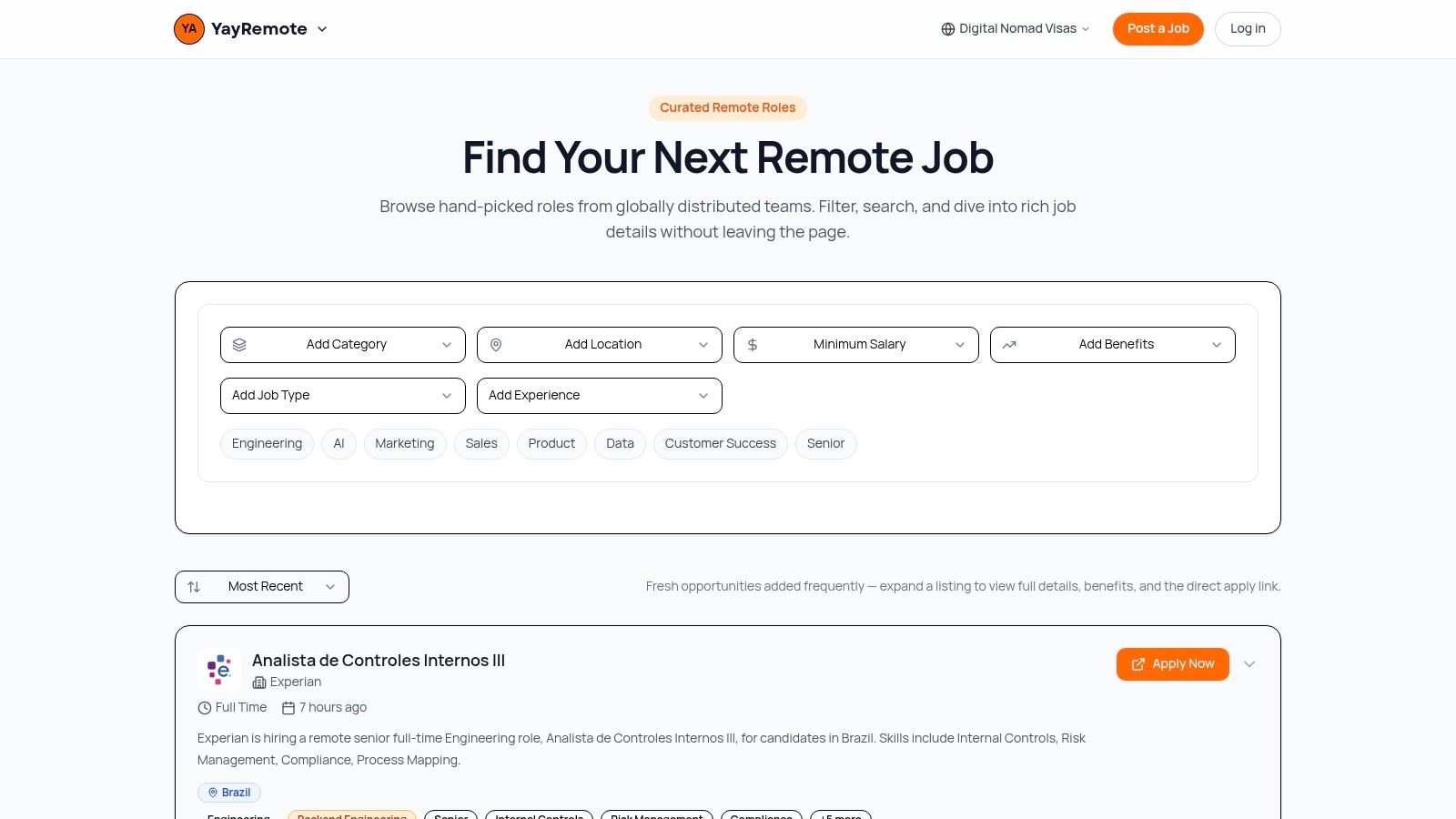
You find a listing that says “remote customer service,” open it, and then start decoding the fine print. US only. Weekend shifts required. Contractor role. No pay range. By the fifth tab, the problem is no longer finding jobs. It is filtering out weak ones fast.
YayRemote works well as the first stop because it helps you screen before you invest time. Instead of dumping you into a giant pool of mixed-quality postings, it gives you a tighter set of remote roles and filters that match how job seekers make decisions. Salary matters. Benefits matter. Time zone overlap matters. Location rules matter even when a company calls the role remote.
That changes your process. Start broad enough to see the market, then narrow quickly with filters for compensation, employment type, and logistics. If you want to expand beyond standard support titles, the platform also helps you browse remote customer success jobs, which is useful because many employers split customer-facing work across service, support, and success teams.
Why it works better than broad job boards
General job boards are useful for reach, but they create extra screening work. A remote label tells you where the work happens. It does not tell you whether the role is stable, fairly paid, or compatible with your schedule. Remote.co's customer service listings make that clear. Full-time, part-time, freelance, and work-from-anywhere roles all sit under the same category, even though they lead to very different day-to-day realities.
YayRemote is built to address that specific challenge. The advantage is not just access to listings. The advantage is being able to sort for fit before you write a specific application.
Practical rule: If you cannot confirm pay, schedule expectations, and location restrictions in the first pass, do not treat the role as high priority.
The built-in tools also matter more than they may seem at first glance. The ATS Resume Checker is useful when you are applying to larger employers with structured hiring systems. The Skills Analyzer helps candidates coming from retail, hospitality, admin, or call center work translate their experience into language hiring teams recognize, such as ticket handling, de-escalation, SLA awareness, and CRM use.
Best use case
Use YayRemote as your search hub, then apply on the employer's site once a role clears your filter. That approach keeps your pipeline cleaner and makes it easier to track which jobs are worth tailoring for.
There are trade-offs, and they are worth understanding before you rely on any single platform:
- Curated focus: The search experience is more intentional, but it is not trying to cover every local, hybrid, or in-office opening.
- Better prep tools: The resume and skills tools help if you customize applications. They add much less value if you send the same resume everywhere.
- Useful location support: Visa and mobility resources are relevant if your job search is tied to relocation or long-term travel.
- Pricing detail: Public pricing for Pro and employer packages is not fully spelled out, so you may need to create an account or contact the team for specifics.
If your target role sits close to account management or onboarding, check opportunities in customer success support too. In practice, the line between customer service and customer success is often thin, and strong candidates should search both.
2. Amazon: For High-Volume, Structured Opportunities
Amazon customer service jobs are a smart target if you want volume, structure, and a recognizable employer on your resume. Amazon tends to attract candidates who prefer clearly defined systems, formal training, and large-scale operations over startup-style ambiguity.
The pay range is also one of the few concrete signals job seekers can use when comparing remote employers. A 2026 roundup of remote customer service employers lists Amazon at $16 to $22 per hour. That doesn't tell you everything about role quality, but it does give you a useful benchmark when you're deciding whether a listing is competitive.
Where Amazon fits best
Amazon works best for candidates who are comfortable with process-heavy environments. If you like scripts, metrics, escalation paths, and clear expectations, that's a plus. If you want a highly personalized support style or a lot of autonomy in how you handle cases, it may feel rigid.
The other advantage is category breadth. Amazon's customer service hiring can span different business units, which gives you more than one entry point. That matters when one team freezes hiring and another ramps up.
Apply to the role that matches your actual background, not just the brand. A direct fit usually beats a famous company with a mismatched function.
A practical move is to compare Amazon openings with more relationship-driven support paths, such as remote customer success roles. If you enjoy problem solving but prefer fewer repetitive contacts and more ongoing account interaction, customer success might suit you better than queue-based service.
Watch-outs before you apply
- Expect structure: Amazon usually rewards consistency and adherence to process.
- Read location language carefully: “Virtual” or “remote” can still come with state-based restrictions.
- Tailor for scale: Emphasize handling volume, de-escalation, and reliability under pressure.
Amazon is a solid option when you want a mainstream employer with established systems. It's not always the most flexible path, but it's often one of the clearest.
3. UnitedHealth Group: For a Stable Career in Healthcare
If you want stability and you're comfortable learning regulated processes, UnitedHealth Group customer service careers deserve serious attention. Healthcare support is less about casual troubleshooting and more about accuracy, documentation, and helping people through stressful situations.
That changes the hiring profile. Employers in this category often care less about flashy brand experience and more about patience, precision, and your ability to handle complex systems without losing empathy.
Why healthcare support is different
One live remote customer service posting in this space required candidates to have stable high-speed internet of at least 100 Mbps, with a speed test in the interview process, and listed a pay range of $17.00 to $34.15 per hour. It also expected candidates to work across multiple systems during calls and use tools such as Teams and Excel.
That's a useful signal even beyond a single employer. Healthcare-adjacent remote service work often has higher technical expectations than candidates assume. You're not just answering questions. You're handling sensitive information, navigating policy details, and moving between systems while keeping the conversation calm and clear.
Hiring signal: When a remote customer service role asks for bandwidth tests and multi-system fluency, the employer is screening for operational reliability, not just friendliness.
Use an ATS resume checker before applying to UnitedHealth Group. In healthcare, keyword fit matters because the language is more specialized. Terms tied to claims, benefits, eligibility, scheduling, compliance, documentation, and member support can make a real difference in whether your application gets reviewed by a person.
Best candidate profile
- Strong fit: People from insurance, medical offices, pharmacy support, admin, call centers, or any detail-heavy service role.
- Possible fit: Career changers with excellent communication and patience who can show process discipline.
- Weak fit: Applicants who dislike structured workflows or get frustrated by policy-driven conversations.
UnitedHealth Group is one of the better paths if you're looking for a long-term remote career, not just a quick work-from-home job.
4. TTEC: For Variety Across Major Brands

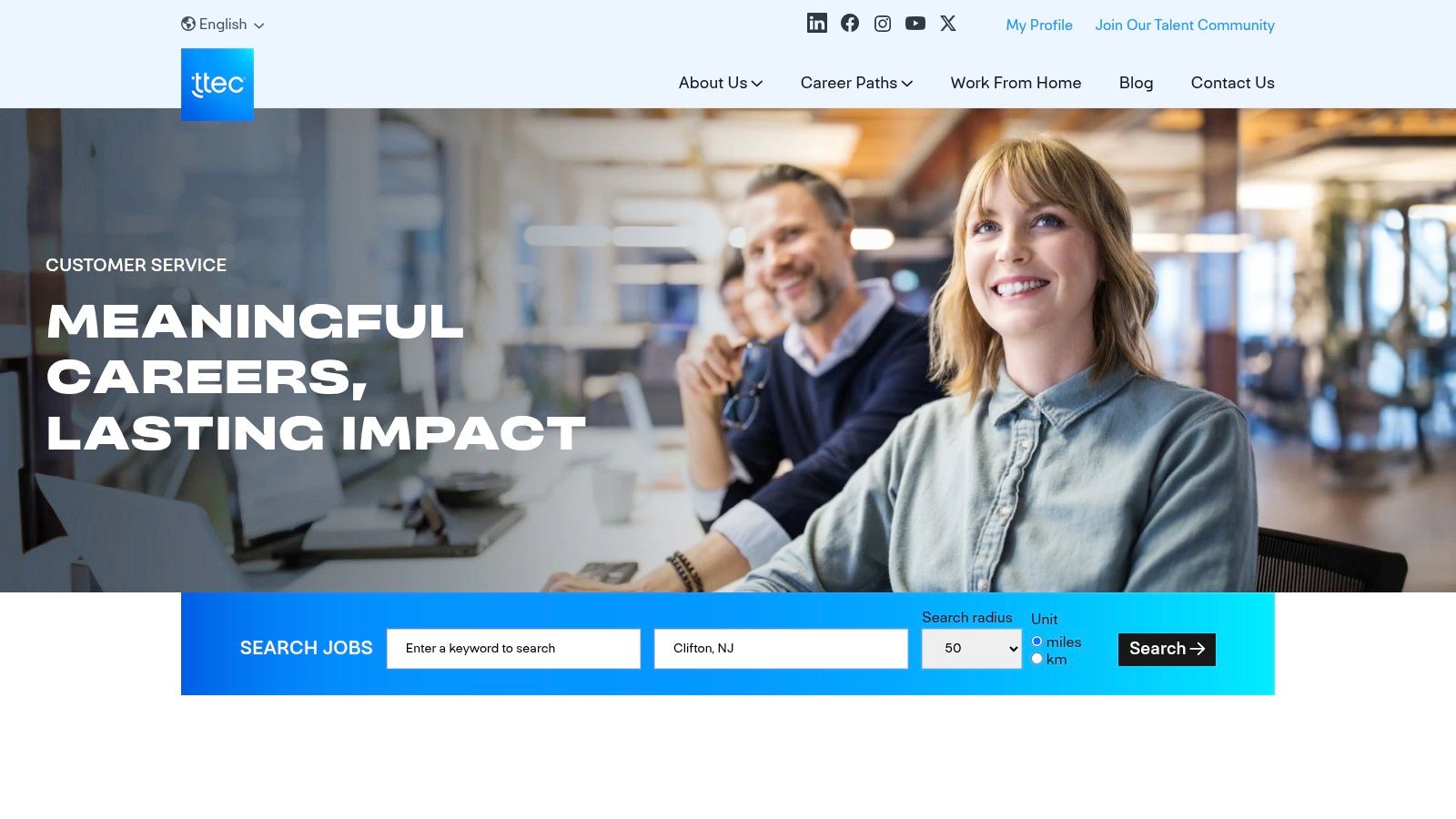
TTEC customer service jobs appeal to candidates who want exposure to big-name brands without needing to get hired directly by each one. That's the core trade-off with a business process outsourcing employer. You gain access to a wider set of programs, but the client relationship sits one layer above you.
For many job seekers, that's a good deal. BPOs like TTEC can be one of the fastest ways to build remote support experience across industries such as retail, healthcare, and finance.
What works well at TTEC
Variety is the big advantage. If you're still figuring out whether you prefer phone support, chat, billing, account care, or technical troubleshooting, a company like TTEC can expose you to different service models faster than a single-brand employer.
That experience compounds well on a resume. Hiring managers often recognize that BPO candidates have dealt with standardized workflows, performance metrics, and demanding queue environments.
There's a second benefit that people often overlook. You can support a major brand's customers without waiting for that brand to open a direct internal role.
What to watch carefully
The trade-off is that outsourced roles can feel less attached to the client's broader mission. In some programs, that doesn't matter. In others, it affects culture, advancement visibility, or how much influence agents have over process improvements.
Use this filter when reading a TTEC posting:
- Look for training details: Better listings usually explain onboarding and support expectations.
- Check schedule language: Some programs are flexible. Others are tightly shift-based.
- Read hardware and workspace requirements: These details tell you how operationally mature the program is.
If your immediate goal is to get into remote customer service with a recognized employer and gain broad experience, TTEC is a practical choice. If your goal is deep product ownership or a stronger sense of internal brand identity, direct employers may be a better fit.
5. Foundever: For Roles with Paid Licensing
Foundever is worth a close look if you want customer service work that can lead to a more specialized track. That's especially true when the role includes paid training or employer-supported licensing.
Many remote customer service jobs top out quickly if they rely only on generic contact-center skills. Licensing changes that. It gives you a credentialed lane and often makes your experience more portable.
Why specialization matters
A lot of job seekers focus only on “who's hiring now.” A stronger question is “which role gives me an advantage six months from now?” Foundever can make sense when the answer is specialization.
That can be especially valuable if you're trying to move beyond entry-level support. A role tied to insurance, regulated products, or more complex workflows gives you a clearer story for your next application than a generic “handled customer inquiries” line ever will.
Specialized customer service experience tends to age better on a resume than general queue work.
Another reason Foundever stands out is that it can lower the barrier to entry into more technical or regulated support categories. If the employer pays for training and required credentials, you're not carrying the full burden of that transition yourself.
Best use case for Foundever
Consider Foundever if any of these apply:
- You want upward mobility: Licensing and formal training can create a stronger progression path.
- You're comfortable with exams or structured learning: Some candidates love this. Others dread it.
- You prefer practical career moves over prestige: The title may look ordinary at first, but the specialization can pay off later.
The main caution is fit. If you want casual, low-complexity support work, a licensed or regulated track may feel heavy. But if you're serious about building a durable remote customer service career, Foundever can be one of the smarter stepping stones.
6. Concentrix: For Broad Industry Exposure
Concentrix sits in a similar category to TTEC, but it's often a strong fit for candidates who want broad client exposure and a large remote-work infrastructure. When a company has a dedicated work-from-home filter, it usually makes the search process less painful because you're not constantly sorting hybrid roles out by hand.
That sounds small, but it matters. Search friction is one of the main reasons people waste energy in remote job hunts.
Where Concentrix has an edge
Concentrix is useful if you want options across sectors. Support experience in tech, media, finance, automotive, or communications can position you for several different next steps, and a large BPO often posts roles at a steady pace.
Its scale also helps candidates who want repeat opportunities. If one program closes, another may open. That makes Concentrix a practical employer to monitor over time, not just once.
If you want to identify more distributed employers beyond one company, browse remote-friendly company listings on YayRemote. That's an efficient way to avoid relying only on the best-known outsourcing brands.
There's also a business reality behind the demand for these teams. Employers keep investing in support operations because cost and coverage matter. For context on that pressure, this example on how CXconnect AI reduces support costs shows why companies continue reshaping customer operations. For job seekers, that means the strongest candidates are the ones who can work well with systems, not just people.
Trade-offs to think through
- Breadth: Good for exposure, less ideal if you only want one specific industry.
- Scale: More openings usually means more process and more formal screening.
- Client-based environment: You may gain versatile experience, but not always deep ownership of a single product.
Concentrix is a solid option when your priority is entry, breadth, and repetition. It's less compelling if you already know exactly which niche you want and you're only interested in direct-hire roles.
7. Sutherland: For Global CX with US-Remote Roles

Sutherland is a strong option for candidates who want remote customer service experience inside a global delivery model. That usually means exposure to mature processes, varied client programs, and support environments that run across regions and time zones.
For some applicants, that's a plus. For others, it's a warning sign. The difference comes down to how comfortable you are with structured operations and location constraints.
The hidden issue many applicants miss
Cross-border remote work isn't as open as job seekers often expect. Current employer listings and aggregators regularly highlight bilingual Spanish, Dutch, German, and English-support roles, while also specifying regional hiring limits or country-based eligibility, as noted in FlexJobs' discussion of remote customer service hiring patterns. That's a useful reminder that “remote” often still means “remote from approved locations.”
Sutherland is a good example of why that matters. A global company may serve customers everywhere while still hiring only in selected states or countries for compliance, scheduling, payroll, or language coverage reasons.
Before you apply, check three things in this order: approved location, shift expectations, and language requirements. If one fails, the rest of the listing doesn't matter.
Who should target Sutherland
Sutherland makes sense if you bring one or more of these strengths:
- Comfort with queues and systems: Global CX programs usually rely on clear workflows.
- Interest in advancement: Large delivery organizations often create internal movement paths.
- Language ability: Bilingual support can widen your options in this category.
It's less attractive if you want a highly informal company culture or broad freedom in how you structure your workday. Still, for job seekers who want a reliable path into remote support with global exposure, Sutherland remains a credible target.
Top 7 Remote Customer Service Employers Comparison
| Item | 🔄 Implementation Complexity | ⚡ Resource Requirements | 📊 Expected Outcomes | 💡 Ideal Use Cases | ⭐ Key Advantages |
|---|---|---|---|---|---|
| YayRemote: The Starting Point for Your Search | Low, web-based platform, simple filters | Minimal, browser (JS recommended), optional paid plan | Higher-quality, vetted leads and better application match rates | Job seekers targeting vetted remote CS roles and digital nomads | Curated listings, ATS/Skills tools, visa hub |
| Amazon: For High-Volume, Structured Opportunities | Medium, formal hiring process and background checks | Moderate, stable home office, scheduled shifts, training time | Stable full-time roles with benefits and clear progression | Candidates seeking stability, brand experience, career paths | Structured paid training, benefits, many openings |
| UnitedHealth Group: For a Stable Career in Healthcare | Medium, healthcare-specific onboarding and compliance | Moderate, often provides equipment; healthcare knowledge useful | Stable employment, transparent pay range, internal mobility | Those aiming for long-term healthcare CS careers | Strong benefits, tuition reimbursement, growth |
| TTEC: For Variety Across Major Brands | Low–Medium, client-specific programs but standard onboarding | Low, entry-level friendly, paid training available | Broad experience across industries; consistent hiring | Entry-level candidates or those wanting varied client exposure | Wide client variety, steady WFH infrastructure |
| Foundever: For Roles with Paid Licensing | Medium, includes licensed training and state exam processes | Moderate, company-funded licensing and training time | Path to licensed roles and typically higher pay for certified staff | Candidates wanting to upskill into licensed insurance roles | Company-funded licensing, paid training, higher pay potential |
| Concentrix: For Broad Industry Exposure | Low–Medium, scalable processes, client-dependent complexity | Low, standard WFH setup; must adapt to client programs | Diverse resume experience and internal account mobility | Professionals seeking varied industry exposure and rotations | Large client portfolio, steady remote opportunities |
| Sutherland: For Global CX with US-Remote Roles | Medium, paid training and client-specific procedures | Moderate, equipment and training; focus on remote culture | Supportive culture, promotion paths, work in dynamic sectors | Those valuing culture, growth, and sector variety (streaming, travel) | Paid training, promotion focus, diverse client mix |
Your Three-Step Plan to Land a Remote CS Role
You find a remote customer service opening that looks promising. Thirty minutes later, you notice the pay is vague, the shift runs outside your timezone, and the employer only hires in a handful of states. That kind of drift is what turns a job search into busywork.
A better approach is to run the search like a process.
Start by filtering hard. Use a remote job platform that lets you screen for pay range, timezone fit, benefits, and location restrictions before you spend time on an application. The goal is simple: put your effort into roles you would accept. A long list of openings is not the same as a short list of good-fit jobs.
Then tailor each application to the employer. Amazon, UnitedHealth Group, TTEC, and Concentrix may all hire remote customer service staff, but the work environment is different in each one. One role may reward speed and queue discipline. Another may focus on documentation, compliance, or industry-specific language. Your resume should reflect that difference in the summary, core skills, and most recent experience.
Remote readiness also needs to be explicit. Hiring teams look for signs that you can work independently, communicate clearly in writing, manage multiple systems, and stay accurate without constant supervision. If your background comes from retail, hospitality, healthcare, or admin work, translate that experience into support outcomes. Show how you handled volume, resolved issues, documented next steps, or kept customers informed.
A stronger application usually does three things:
- Matches the language of the role: Use the same terminology as the posting where it is accurate and true to your experience.
- Highlights relevant service context: Billing support, healthcare coordination, account help, retail service, and chat support require different strengths.
- Shows operational reliability: Employers want proof that you can follow process, manage schedules, and work cleanly inside remote systems.
The third step is interview prep. Treat the virtual interview like a live sample of how you would show up on the job.
Test your internet, audio, camera, lighting, and background before the call. Prepare short examples that show calm decision-making, de-escalation, and clear follow-through. Many remote CS interviews include scenario questions, especially around upset customers, conflicting priorities, and cases you cannot solve on the first contact. Strong answers are specific and structured. Explain the situation, the action you took, and how you kept the customer updated.
That is how quality remote job searches work. Strong targeting cuts wasted applications. Tailoring improves response rates. Interview prep helps you sound like someone who already understands remote service standards.
If you want one place to run that process, start with YayRemote. It helps you sort through remote customer service openings, filter out weak-fit listings, and stay focused on roles that match your pay, timezone, and location requirements.