7 Top Sites for Remote Positions Hiring Now in 2026
Find remote positions hiring now on top job boards for 2026. Explore curated lists, get application tips, and land your next remote role.
You spot a promising remote role, spend 40 minutes tailoring your resume, and only then notice the fine print: U.S. only, Eastern Time only, or within driving distance of an office. That pattern wastes more time than the application itself.
Remote hiring still exists, but the market is tighter than the headlines suggest. Fully remote openings are harder to find, and broad searches for "remote" often surface hybrid jobs, location-restricted roles, and recycled listings. That is why random scrolling performs so poorly.
At the same time, remote work is far from niche. FMC Group's overview of the market points to a large global base of remote-capable work and continued long-term growth in remote jobs (FMC Group remote jobs overview). If you want a grounded argument for why companies still have good reasons to support distributed teams, this piece on debunking Musk's remote work views is a useful read.
The practical takeaway is simple. Getting hired faster usually comes from using job boards with more discipline, not from applying to more roles.
Use boards that clearly show location limits, salary data, and employment type. Set alerts around job titles, skills, and time zone overlap instead of the single word "remote." Adjust your resume to match the language in each posting, especially around async communication, distributed collaboration, and tool stacks. If you want a broader shortlist before we break down the platforms below, this guide to the best remote job boards for different job search needs is a strong starting point.
The sections that follow focus on where each board is useful, where it falls short, and how to use it without wasting applications.
1. YayRemote
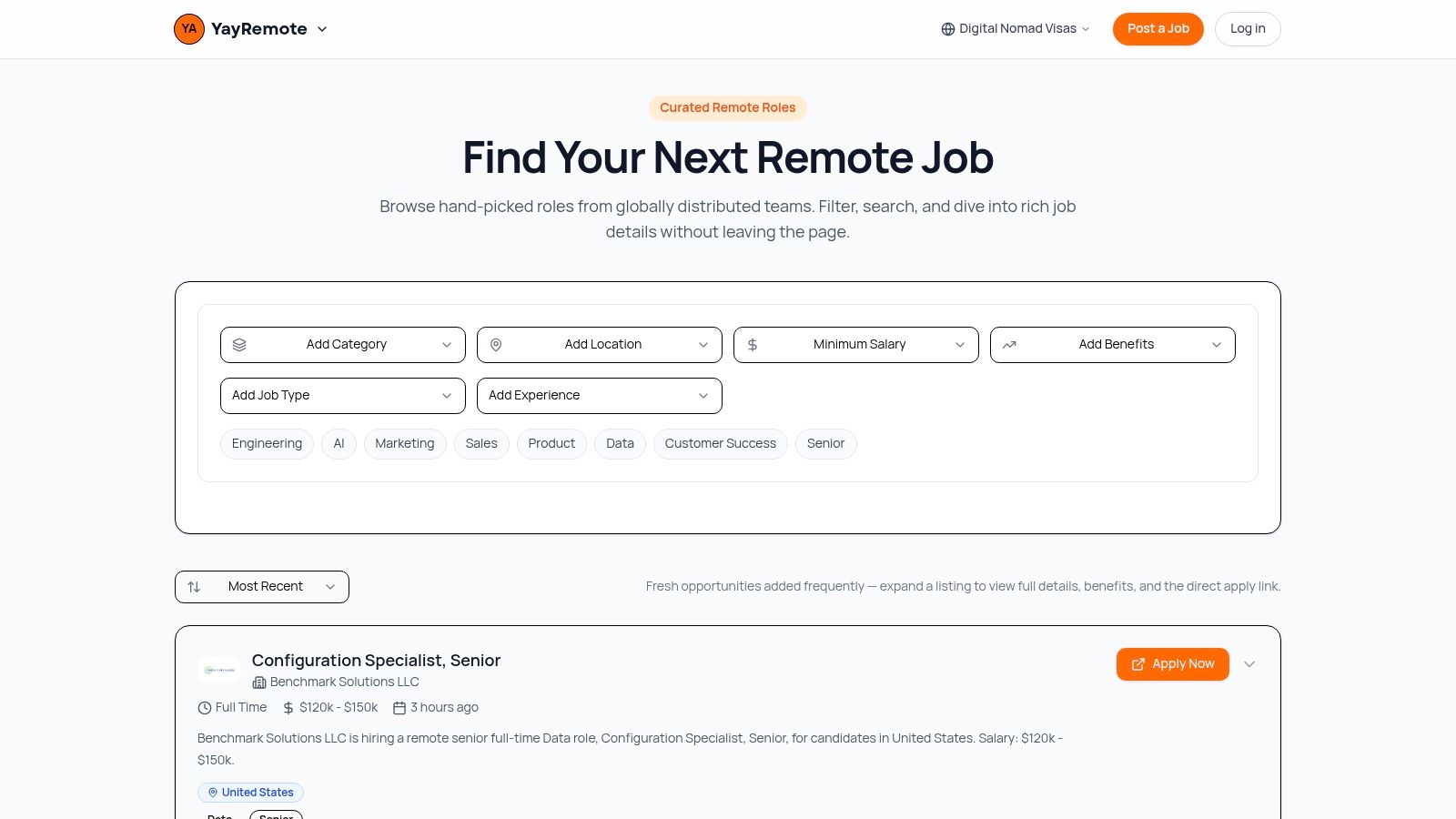
You find a role that looks perfect, spend 40 minutes tailoring your resume, then notice the company only hires in three countries you do not live in. That is the kind of waste YayRemote is built to reduce.
The board is useful because it gives more decision-making context before you apply. When available, listings include salary ranges, benefits, required skills, hiring company details, and a direct apply link. That extra detail matters in remote hiring, where “remote” can mean global, regional, contractor-only, or tied to work authorization.
Why it works in practice
YayRemote covers the categories that drive a large share of remote interest: Engineering, AI, Product, Data, Design, Marketing, Sales, Customer Success, and senior-level roles. The platform also features recognizable employers such as NVIDIA, Airbnb, HubSpot, Hewlett Packard Enterprise, Bose, and Medtronic. That mix helps if you want more than startup listings without sorting through broad job boards.
Its stronger advantage is the set of tools around the listings. The Skills Analyzer helps compare your profile against a role. The ATS Resume Checker helps tighten formatting and keyword alignment before submission. The Time Zone Overlap and Days in Country tools address a problem many candidates ignore until late in the process: whether you can realistically work the schedule and stay within location rules if you travel or relocate.
Practical rule: If a listing says “remote” but does not state where the company can hire, assume there is a location limit until you confirm otherwise.
That makes YayRemote more than a place to browse openings. It supports the parts of the search that usually slow people down, especially resume targeting and timezone fit. If you need to tighten your process before sending more applications, this guide on how to get a remote job with a stronger application workflow is a useful companion.
Best use case
Use YayRemote when you want fewer, better-matched applications. It is a strong fit for candidates who care about salary visibility, remote work policies, and the difference between “work from anywhere” and “remote within approved countries.”
A few trade-offs matter:
- Best strength: Curated listings and direct apply links cut down on extra clicks and low-intent browsing.
- Most useful extras: The ATS Resume Checker and Time Zone Overlap tools help improve application quality, not just search volume.
- Main drawback: Pro features and employer pricing are not listed publicly, so evaluating paid options may take extra digging.
- Reality check: The board is only as current as the employers posting there. Its value comes from better filtering and remote-specific context.
For a broader comparison of platforms, YayRemote's guide to best remote job boards is a solid follow-up.
2. FlexJobs
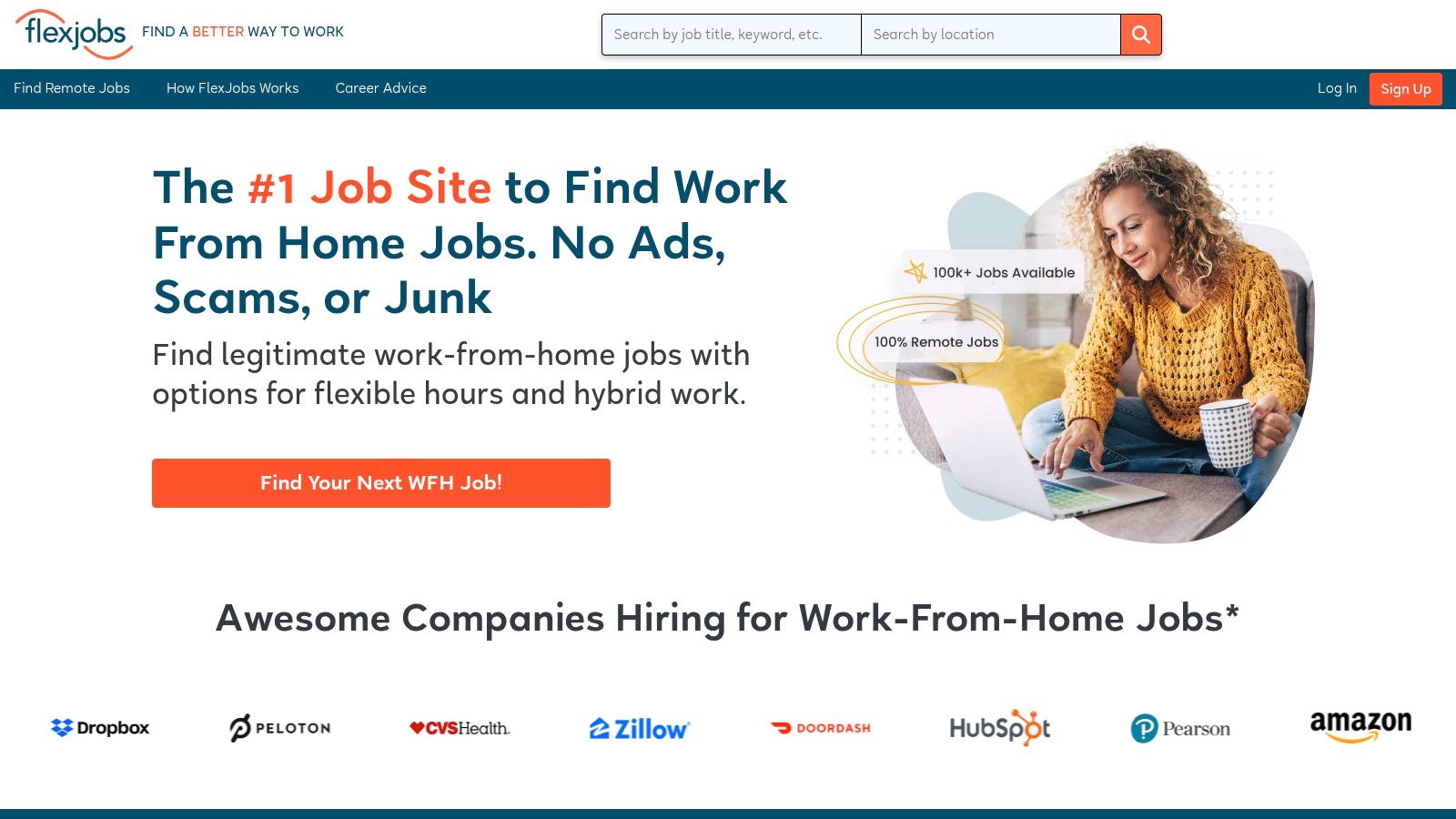
FlexJobs is for people who are tired of junk listings. If your biggest problem is scam avoidance, dead postings, or sloppy search results, this is one of the more dependable paid options.
The platform has been around long enough to develop a clear identity. It focuses on remote, hybrid, and flexible work across a wide range of categories, and it screens listings before they go live. That paid wall is the whole point. You're paying to avoid noise.
Who should use it
FlexJobs makes the most sense for candidates who are applying consistently over a period of time, not for someone doing one weekend of casual browsing. The ad-free experience, filters, and saved alerts are useful when you're running a disciplined search.
It also suits career switchers and cautious applicants. If you've been burned by fake recruiters, suspicious redirects, or “remote” jobs that lead nowhere, a curated environment is worth considering. Pair it with a strong application workflow, not random one-click submissions. This guide on how to get a remote job is a good companion if you need help tightening that process.
Paying for access only makes sense if you'll actually use the filters, alerts, and screening. If you won't, a free board is the better fit.
Trade-offs
- Big advantage: Strong signal-to-noise ratio. You spend more time applying and less time verifying whether a role is real.
- Good fit for: Candidates in customer service, writing, operations, healthcare, project work, and other functions that often get buried on startup-heavy boards.
- Main downside: It isn't free.
- Other limitation: Curated doesn't mean perfect fit. You still need to read the details on location limits, time zone expectations, and seniority.
If you're treating your search like a pipeline and not a lottery, FlexJobs can be a practical tool. Explore roles on FlexJobs.
3. We Work Remotely
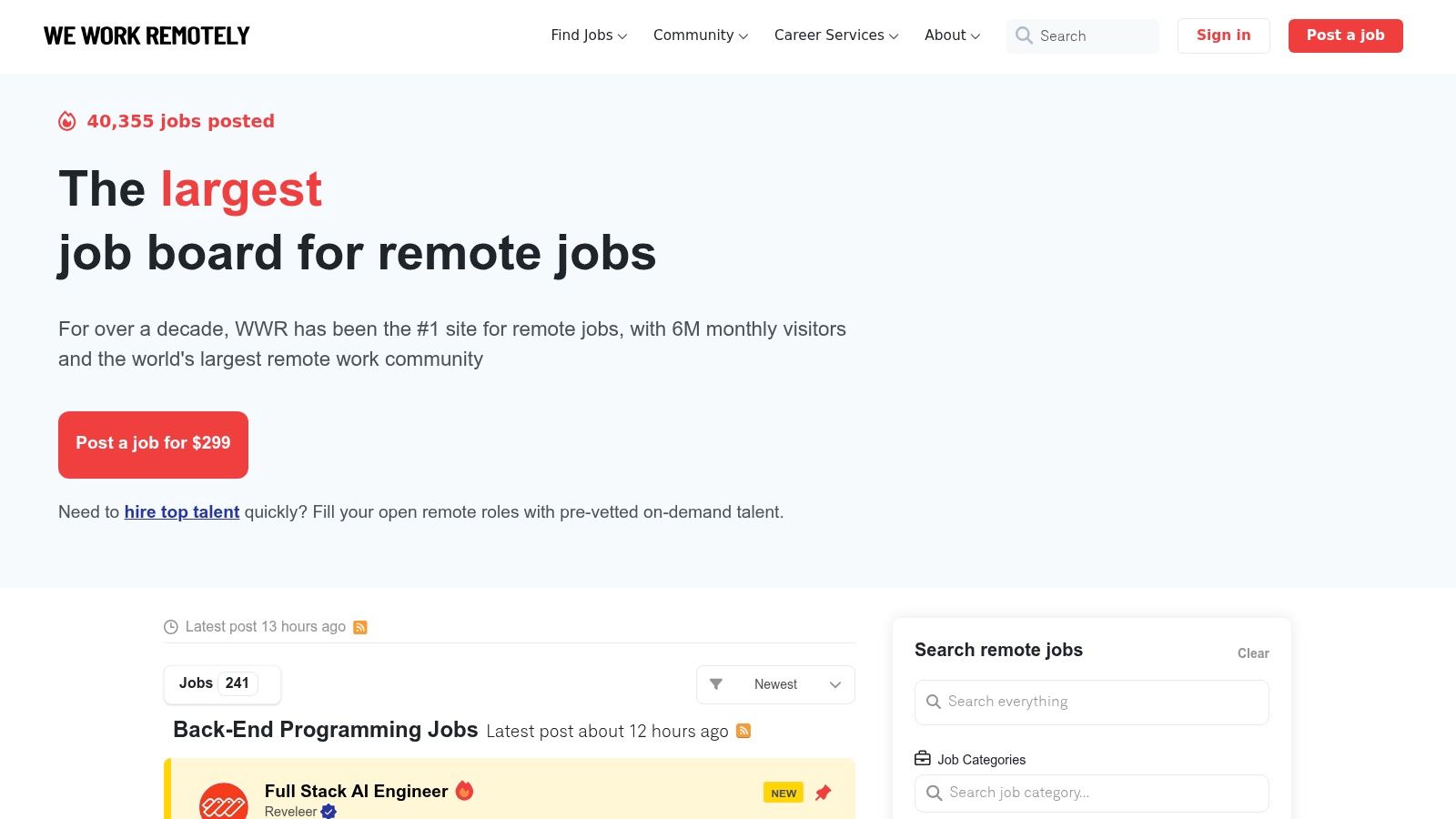
You open a board, spot 40 remote jobs, and half of them fall apart after two clicks because the company only hires in one country or expects a workday that starts at 5 a.m. in your time zone. We Work Remotely is useful because it reduces some of that friction fast. The board is simple, remote-first, and easy to scan in batches.
That simplicity is a key advantage. If you are checking new roles daily, a clean layout helps you review more listings without burning time on cluttered filters or heavy interfaces.
How to use it without wasting time
We Work Remotely works best when you treat it as a screening tool, not a place to fire off 20 generic applications. Listing quality varies by employer, so the payoff comes from filtering hard before you write a cover letter or tailor your resume.
Check these first:
- Hiring geography: Look for phrases like “US only,” “EMEA,” “North America,” or country-specific payroll limits.
- Time zone expectations: A role can be remote and still require heavy overlap. Read for meeting windows, response-time expectations, and whether async work is actually part of the culture.
- Role clarity: Vague listings often lead to messy hiring processes. If reporting lines, tools, or responsibilities are fuzzy, expect extra screening friction later.
I also watch for repeat employers. If the same company shows up regularly, that can mean steady remote hiring, but it can also signal turnover or a team that keeps changing scope. Check the company site, compare titles, and see whether the responsibilities look stable.
Where it shines
We Work Remotely is strongest for established remote categories such as engineering, design, marketing, support, sales, and operations. It is less about exotic filtering and more about getting a fast read on what is open right now.
It is also a good board for building a target list. If you notice the same remote-friendly employers posting over time, save them separately and check their career pages directly. That gives you two paths in: the board itself and the company pipeline.
If you want more examples of employer patterns to watch, this list of companies that hire remotely across different functions is a useful companion. Search current openings on We Work Remotely.
4. Remote OK
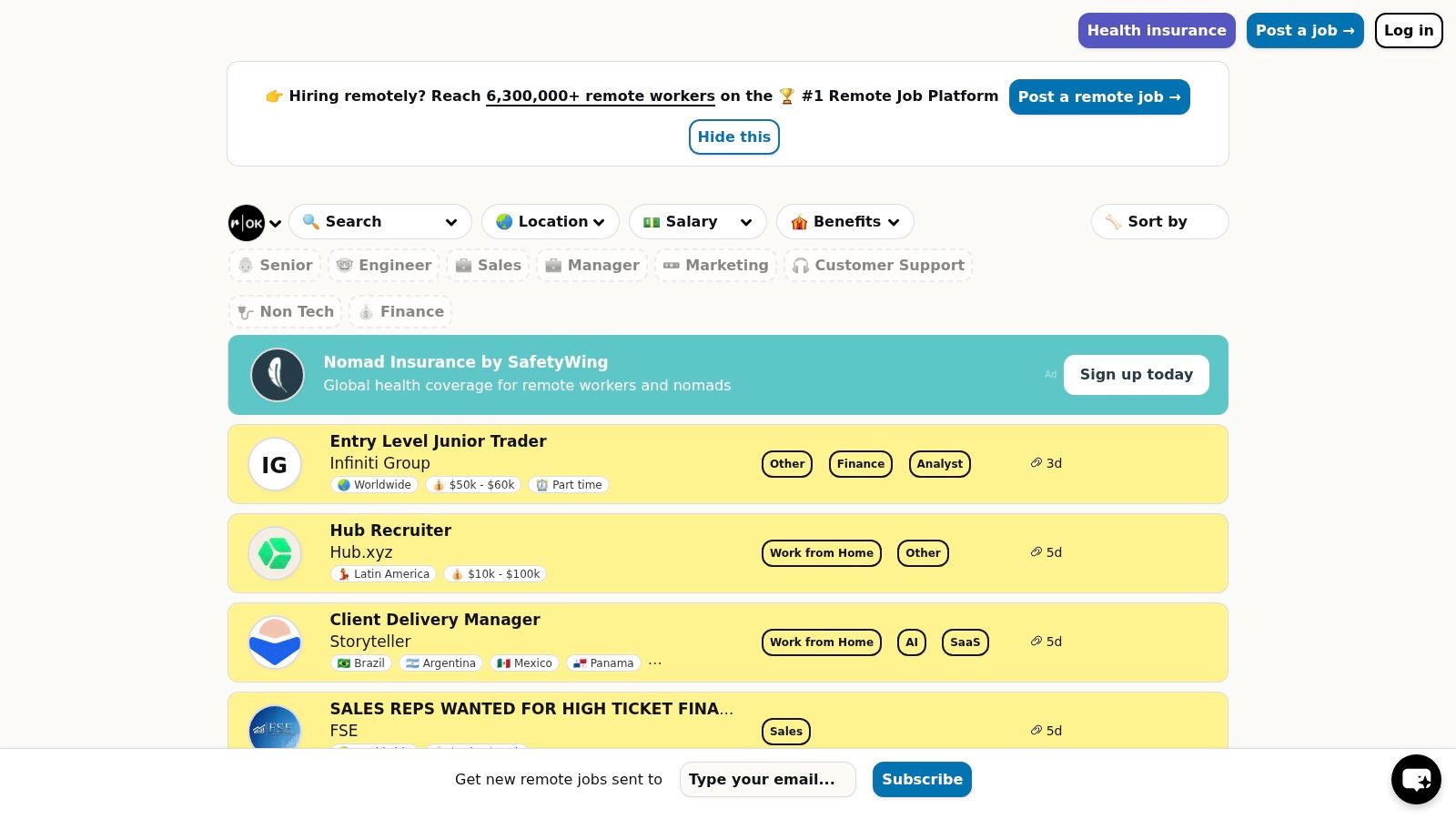
Remote OK is fast, filter-heavy, and especially good when you know what you're looking for. If your search is something like “senior product designer, US-compatible, salary shown, startup or SaaS,” this board can surface matches quickly.
It skews technical. That's not a flaw. It just means non-tech candidates may need a secondary board alongside it.
Best for speed and filtering
Remote OK is one of the better choices for early applicants because you can sort and screen roles with less friction. Country filters, tag filters, salary tags, and recency cues help you decide where to spend your time. For remote positions hiring now, that matters because the first useful cut isn't title. It's eligibility.
I'd use Remote OK with a narrow alert strategy:
- Primary alert: Your exact job title.
- Secondary alert: A close adjacent title.
- Third alert: A skill-based search, such as SQL, Python, Figma, lifecycle marketing, or customer success.
That mix catches title variation without flooding your inbox.
Where candidates get this wrong
A salary tag doesn't make a job good. A timezone tag doesn't guarantee sane collaboration. The posting is a lead, not proof. You still need to read for overlap expectations, meeting load, and whether “global” really means contractor-only.
If a job board gives you strong filters, use them to remove bad fits before you customize your resume. Don't do the expensive work first.
Remote OK is strongest for tech, product, data, design, and startup-adjacent roles. It's less useful if you need federal, healthcare administration, or broad corporate operations openings. Browse live listings on Remote OK.
5. Wellfound
Wellfound is where I'd send anyone targeting startups first. It's not trying to be universal. It's trying to make startup hiring easier to manage, and that focus helps.
The standout feature is the “Hires Remotely From” field. That single detail can save hours. Instead of guessing whether a company can hire in your country, you often get a direct answer up front.
Why startup candidates should care
Startup roles often move faster than enterprise hiring, but they also come with more ambiguity. Broad titles, evolving scope, and unconventional compensation are common. Wellfound handles that environment well because candidate profiles, one-click apply flows, and startup-specific job collections reduce friction.
What I like most is the hiring geography clarity. One of the biggest blind spots in remote job search is assuming “remote” means “worldwide.” It often doesn't. As noted in broader remote job coverage, job seekers need to check work authorization, tax, payroll, and time-zone constraints before applying, because many remote listings are still geographically restricted in practice (Virtual Vocations discussion of remote job realities).
Best use case
- Strong fit: Engineering, product, growth, data, operations, and early-stage business roles.
- Less ideal: Candidates who want public sector, heavily regulated enterprise, or large-company ladders.
- Big advantage: Better visibility into startup hiring geography than many general boards.
- Main caution: “Remote startup” can still mean long hours, fast pivots, and role sprawl.
If you're comfortable with startup trade-offs, Wellfound is one of the cleaner places to search. Check current roles on Wellfound.
6. Built In
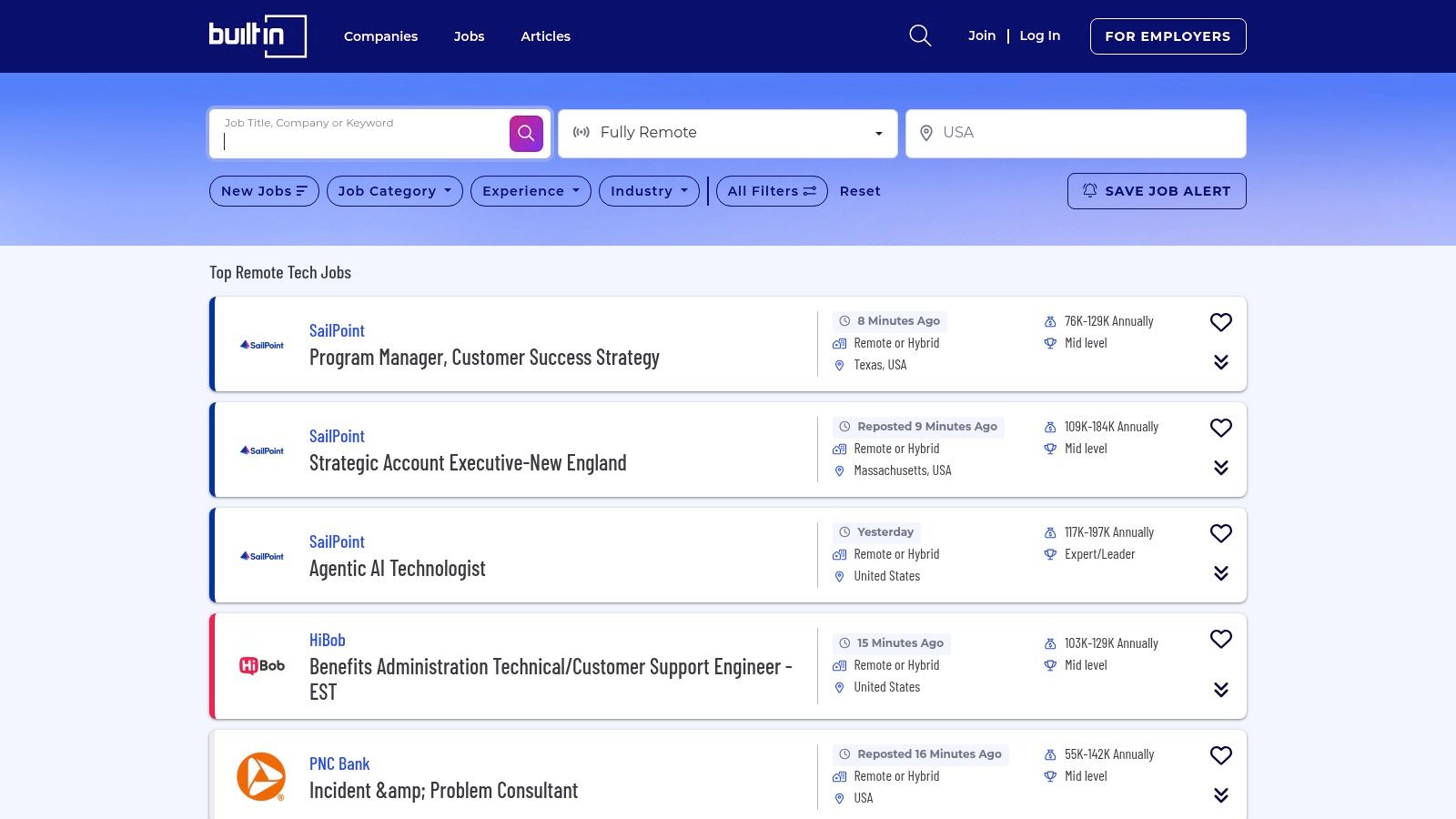
Built In is one of the better boards for candidates who care about compensation context. A lot of job boards tell you a role exists. Built In often helps you judge whether it's worth pursuing.
That's especially useful in U.S. tech hiring, where a title alone doesn't tell you enough. The difference between a “data analyst” role at one company and another can be huge in scope, expectations, and pay.
Compensation and company research
A live remote data analyst posting in Los Angeles shows a salary band of $111,000 to $141,000 per year on Indeed, which is a useful reminder that some remote analytical roles in major U.S. markets still pay at senior in-market levels rather than a substantially discounted remote rate (Indeed remote data analyst jobs in Los Angeles). Built In is valuable for this same reason. Many listings surface salary bands, benefits, and employer profile details that help you calibrate before you apply.
That matters in negotiation too. If you know the visible band, the employer's stage, and the likely market, you can tailor your ask without sounding detached from reality.
Best way to use Built In
Use Built In after you've identified your top title targets. Search narrowly, save the strongest listings, then compare company pages before writing your application. The platform's application tracking can help if you're juggling multiple processes and trying not to lose momentum.
- Best for: U.S.-based tech, startup, and product-adjacent searches.
- Most useful feature: Salary and benefit visibility on many listings.
- Weak spot: Non-tech coverage isn't the reason to use this platform.
- Good habit: Read the employer page before you apply. It's often enough to decide whether the culture sounds remote-friendly or just remote-tolerant.
Built In is a research-forward board. If you like context before action, it fits well. Explore openings on Built In remote jobs.
7. USAJOBS

You find a role that says "remote," spend an hour on the application, and then notice the job still requires you to live near a duty station or report in on a set schedule. That mistake happens on USAJOBS all the time.
USAJOBS belongs on this list because it serves a different type of remote search. If you want federal benefits, published pay grades, and hiring rules that are stated upfront, it is one of the few places where the process is formal enough to reward careful applicants. The trade-off is obvious. Applications take longer, the paperwork is stricter, and timelines can test your patience.
Read the announcement like an instruction sheet
On this platform, "telework" and "remote" are separate categories. Telework usually means the role has an assigned office and some work-from-home flexibility. Remote usually means your home is the duty location, but the posting can still limit where you live based on agency policy, security requirements, or pay-area rules.
That distinction affects whether a job is a fit.
The strongest candidates on USAJOBS do three things well. They verify the work arrangement, match their resume language to the specialized experience section, and submit every requested document the first time. If the announcement asks for transcripts, veteran preference paperwork, or a federal-style resume with hours worked per week, skipping any of that can knock you out before a hiring manager sees your application.
Who should use it
USAJOBS is a strong option for candidates in IT, cybersecurity, finance, HR, health, program management, analytics, and operations roles that map well to government hiring categories. It is also worth using if timezone stability matters to you. Many federal remote roles are tied to U.S. hours, agency locations, or domestic residency rules, so this is usually a better fit for applicants who want predictable scheduling than for candidates trying to work across multiple global time zones.
My advice is to treat USAJOBS less like a job board and more like a compliance screen. Set narrow saved searches, filter specifically for remote roles, and read the eligibility and location sections before you touch your resume. Then tailor your application to the exact announcement instead of sending the same version you use on startup boards. Search roles directly on USAJOBS.
Top 7 Remote Job Boards Comparison
| Platform | Implementation Complexity 🔄 | Resource Requirements ⚡ | Expected Outcomes ⭐ | Ideal Use Cases 📊 | Key Advantages & Tips 💡 |
|---|---|---|---|---|---|
| YayRemote | 🔄 Low–Medium: easy for jobseekers; Pro/API adds employer complexity | ⚡ Minimal for candidates; employers may budget for Pro/bundles and integrations | ⭐ High: curated global listings with salary bands and remote tools | 📊 Digital nomads, remote-first applicants, distributed hiring teams | 💡 Strong nomad visa hub, time-zone tools, resume analyzers; Pro pricing not public |
| FlexJobs | 🔄 Low: simple UX but subscription gating | ⚡ Paid subscription for full access; low time cost due to vetting | ⭐ High: vetted, scam-free listings improve application quality | 📊 Candidates who prioritize vetted remote/flexible roles across functions | 💡 Robust screening and Expert Apply; subscription may deter casual users |
| We Work Remotely | 🔄 Low: open browsing; employer posting straightforward | ⚡ Free for candidates; employer-funded postings | ⭐ Medium: large volume and visibility but quality varies | 📊 Jobseekers wanting high-volume, remote-only listings (US-heavy) | 💡 Broad reach and frequent updates; users should vet each posting |
| Remote OK | 🔄 Low: user-friendly with advanced RSS/API options | ⚡ Free browsing; employers pay; API for power users | ⭐ Medium–High: fast discovery of tech roles with salary/skill tags | 📊 Tech/startup candidates seeking US-eligible and fast-moving openings | 💡 Strong filters (location, salary, tech); leans toward tech/startups |
| Wellfound (AngelList) | 🔄 Low: simple profiles and one-click apply | ⚡ Free for candidates; profile setup recommended for visibility | ⭐ High for startups: focused matches and clearer hiring geography | 📊 VC-backed startup seekers in engineering, product, growth | 💡 “Hires Remotely From” clarifies eligibility; less suited for large enterprises |
| Built In (Remote Tech Jobs, US) | 🔄 Low–Medium: integrated community features and employer pages | ⚡ Free for candidates; useful employer research tools | ⭐ High for US tech: salary visibility and cultural insights aid decisions | 📊 US-based tech professionals researching pay and culture before applying | 💡 Salary ranges and employer insights; limited non-tech coverage |
| USAJOBS | 🔄 Medium–High: formal federal application processes and eligibility nuances | ⚡ Free to use but often requires detailed documentation and time | ⭐ High for stability: transparent pay grades, benefits, and federal pathways | 📊 Applicants seeking federal remote/telework roles with benefits and pensions | 💡 Use agency/grade filters and saved searches; read duty locations/telework details carefully |
Your Strategy to Secure a Remote Position Now
A remote listing can look perfect until the fine print knocks you out. The company only hires in certain states. The team needs four hours of overlap with Eastern time. The resume you sent never made your strongest remote work examples obvious. That is why remote hiring rewards focus and setup, not just effort.
Use these job boards as search inputs. Your actual strategy starts before you apply. Decide your target pay range, your acceptable overlap window, and the two or three job titles you can support with real results from past work. Candidates who skip that step waste time on roles they were never eligible for or never positioned correctly to win.
Resume tuning usually matters more than one more application. Read the posting closely and mirror the operating language only where it is true. If the role emphasizes async communication, stakeholder management, SQL, Figma, customer retention, or cross-functional planning, show those skills through specific work, not a generic summary. That helps both the recruiter and the ATS understand your fit faster. YayRemote's ATS Resume Checker can help catch missing keywords and formatting problems before you submit.
Alerts need the same discipline. A broad alert setup floods your inbox and slows your response time. A better system is small and repeatable: two exact titles, one adjacent title, and one skills-based alert if your field uses inconsistent job names. Review them daily if you can maintain that pace. Consistency beats bursts.
Time zone fit deserves its own pass before you apply. Plenty of qualified candidates get screened out because the collaboration window is wrong, not because the experience is weak. If a posting mentions overlap, state what you can offer in your note or cover letter. “Available for 9 a.m. to 1 p.m. Eastern” is clearer than “flexible with time zones.” If you want to map that before an interview, YayRemote's Time Zone Overlap feature is useful.
Remote hiring is still selective. The advantage comes from clean execution: a resume specific to the role, filters that remove poor-fit listings, quick follow-up, and careful reading of location, tax, and work-hour requirements. Before interviews start, tighten your presentation too. A stronger profile photo can help, and this professional LinkedIn headshot guide covers what to fix.
If you want one place to search curated remote roles and use tools built around how remote hiring works, start with YayRemote. It combines job discovery with practical application support, which is more useful than treating job boards like a numbers game.