Tools for Remote Teams: 2026 Essential Guide to Collaboration & Productivity
Explore tools for remote teams—12 essential picks for better communication, project management, and collaboration in 2026.
In a globally distributed workplace, the right software is the backbone of a high-performing team. It's the infrastructure that connects colleagues across cities and time zones, dictating communication patterns, project momentum, and even company culture. But with countless options available, selecting the ideal tech stack can feel overwhelming. This guide cuts through the noise, offering a detailed breakdown of essential tools for remote teams, organized by their core function.
We'll move beyond generic feature lists to provide a practical analysis of each platform. For every tool, you will find:
- Real-world use cases to see how they function in practice.
- An honest assessment of their strengths and limitations.
- Specific guidance on implementation and integration.
- Pricing details to help you make informed budget decisions.
This resource is built to help you assemble a cohesive and effective remote work environment. We'll explore everything from daily communication and project management to async collaboration and security. You'll see how platforms like Slack, Asana, Notion, and Deel fit together, complete with screenshots and direct links. We will also demonstrate how to integrate YayRemote's unique tools, such as the Time Zone Overlap calculator and ATS Resume Checker, to build a truly efficient and connected remote operation.
1. YayRemote
YayRemote earns its top spot by moving beyond a simple job board to become a multi-faceted hub for global remote work. It is an essential tool for remote teams and individuals, focusing on curated, high-quality opportunities rather than an unfiltered volume of listings. This approach immediately simplifies the job search, presenting roles from established distributed companies with critical details like salary ranges and benefits upfront, which saves valuable time for applicants.
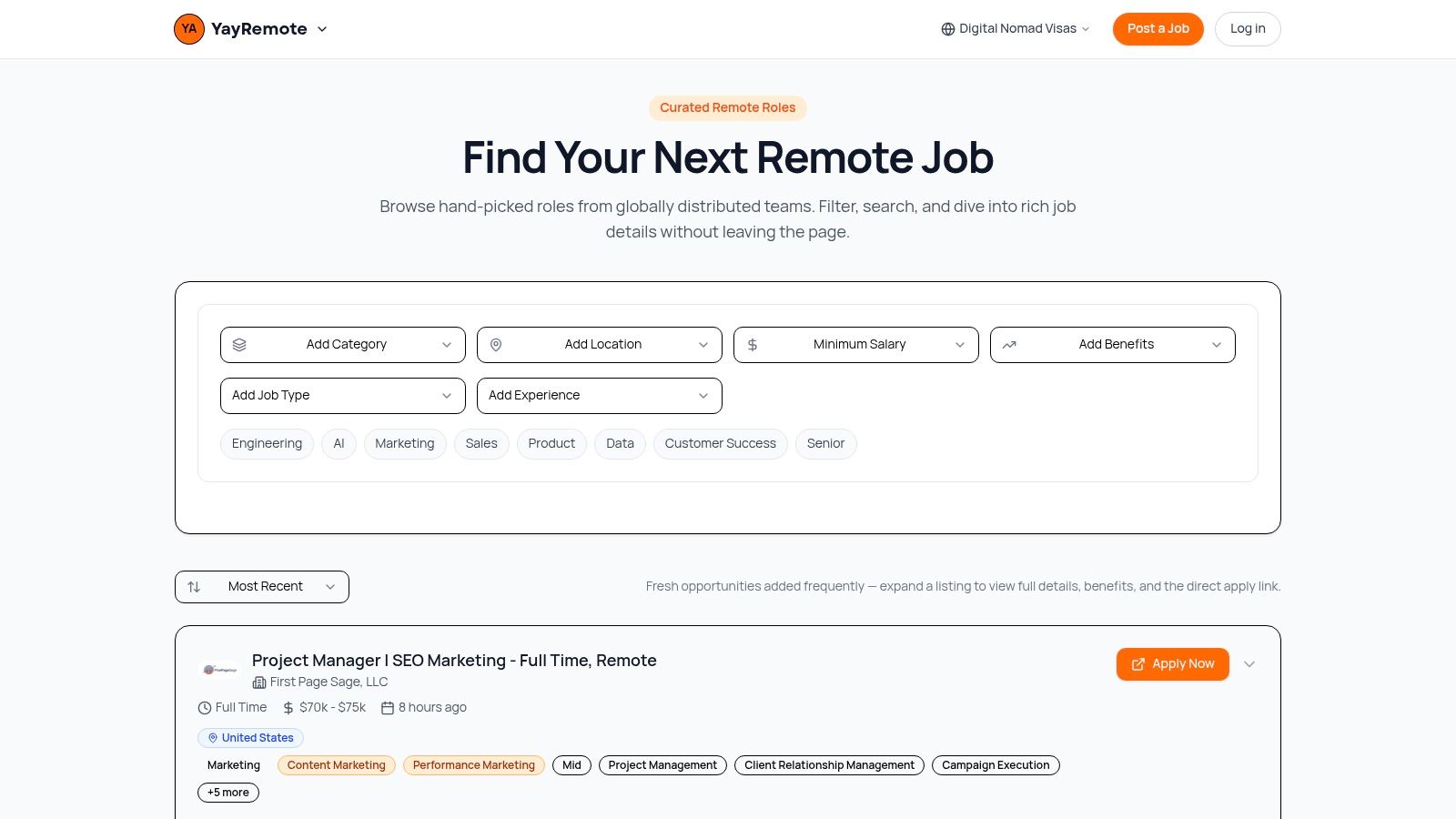
What truly distinguishes YayRemote is its built-in suite of practical, free tools designed to address common remote work friction points. The platform directly tackles the logistical challenges of a distributed workforce, offering more than just listings.
Standout Features and Use Cases
- Integrated Application Aids: The platform includes a Skills Analyzer and ATS Resume Checker, which help candidates refine their applications for better success rates. These are practical resources for anyone looking to stand out in a competitive remote job market.
- Time Zone Overlap Calculator: A critical function for hiring managers and candidates alike, this tool visualizes collaborative hours between different locations. It's an indispensable aid for structuring teams and setting expectations for synchronous work.
- Digital Nomad Visa Hub: For individuals considering relocation, this comprehensive section provides a visa eligibility wizard covering destinations worldwide. It centralizes complex information, making it a go-to reference for planning international moves.
- Developer-Friendly Integrations: The public API and embeddable widgets allow other platforms to display YayRemote's curated job listings. This is a powerful feature for partners wanting to add value for their own user base.
Analysis & Final Takeaway
YayRemote is a well-rounded platform that serves the entire remote work ecosystem. While its curated nature means it won't list every available job, its focus on quality and transparency makes it a highly efficient resource. Basic access and many of its best tools are free, with advanced options available for employers and power users. For any team or individual serious about navigating the global talent market, YayRemote provides the intelligent tools for remote teams needed to succeed.
- Website: https://www.yayremote.com
- Access: Free for browsing and core tools. Pro plans and employer job bundles are available with pricing on request.
2. Slack
Slack is a central communication platform that many distributed companies use as their virtual office. It organizes conversations into dedicated channels for projects, teams, or topics, reducing inbox clutter and making information accessible. Instead of fragmented email chains, teams can discuss, share files, and get quick feedback in real-time or asynchronously.
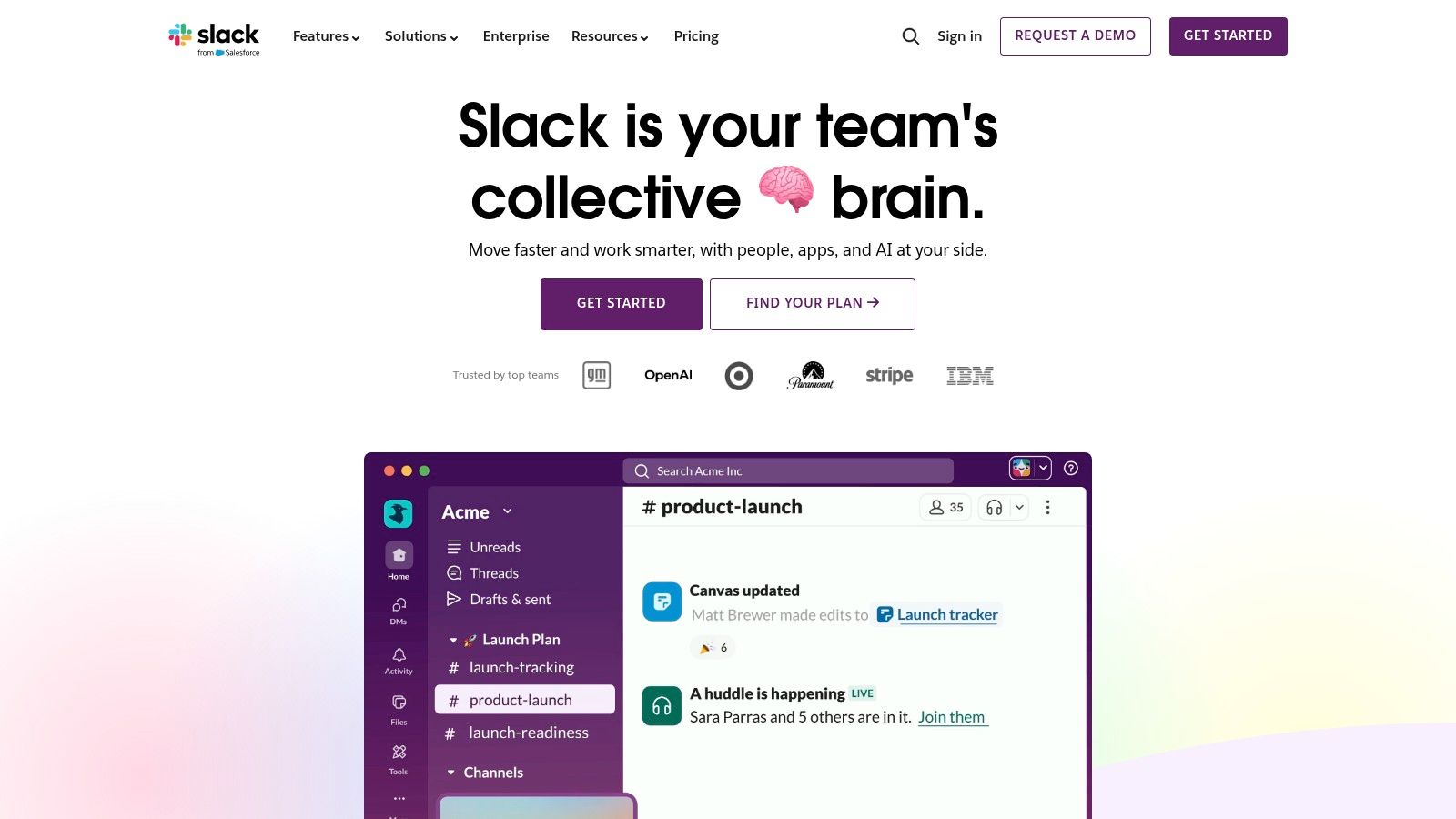
The platform stands out because of its powerful integrations. It connects with thousands of other apps, pulling notifications from tools like Jira, Google Drive, and your CRM directly into relevant channels. This centralizes updates and creates a single source of truth for project activity. For quick chats, Huddles provide instant audio or video calls, while Clips let you record short video or audio messages for asynchronous updates. Effective communication is key, and it's important to understand how to improve communication skills to get the most out of tools like this.
| Feature | Description |
|---|---|
| Pricing | Offers a free plan with a 90-day message history limit. Paid plans (Pro, Business+, Enterprise Grid) start at $7.25 per user/month and add unlimited history, more integrations, and security features. |
| Best For | Teams seeking a central hub for all work communication and notifications. |
| Limitations | The constant stream of messages can lead to notification fatigue if channels are not managed well. The per-seat cost can also become a significant expense for larger organizations. |
Website: https://slack.com
3. Microsoft Teams
For organizations embedded in the Microsoft 365 ecosystem, Microsoft Teams serves as a cohesive hub for meetings, chat, file collaboration, and even telephony. It consolidates work communication by tightly connecting with core apps like Outlook, SharePoint, and OneDrive, creating a unified workspace. This makes it a powerful and cost-effective solution for businesses standardizing on Microsoft's toolset.

Teams stands apart with its deep integration and enterprise-grade features right out of the box. Beyond standard chat and video, it offers robust security controls, calendar integration with both Outlook and Google, and the ability to host meetings for up to 300 participants with recordings and transcripts. Optional add-ons can expand its capabilities to include full PSTN calling with Teams Phone or advanced AI features for meetings. This makes it one of the most scalable tools for remote teams, capable of supporting both small businesses and large enterprises with complex communication needs.
| Feature | Description |
|---|---|
| Pricing | Includes a free plan. Paid plans are bundled with Microsoft 365 or available standalone (Teams Essentials at $4 per user/month), adding longer meeting durations, more cloud storage, and security features. |
| Best For | Organizations already invested in the Microsoft 365 suite seeking an all-in-one communication and collaboration platform. |
| Limitations | The user experience can feel heavyweight and complex compared to more lightweight chat apps. Its full value is only realized when used within the broader Microsoft ecosystem. |
Website: https://www.microsoft.com/en-us/microsoft-teams
4. Google Workspace
Google Workspace provides an integrated cloud suite that includes business Gmail, Drive, Docs, Sheets, and Meet. Its strength lies in its simplicity and web-first approach, making it one of the easiest tools for remote teams to adopt for real-time collaboration. Documents, spreadsheets, and presentations are co-edited live, eliminating version control issues and fostering seamless teamwork across different locations and devices.
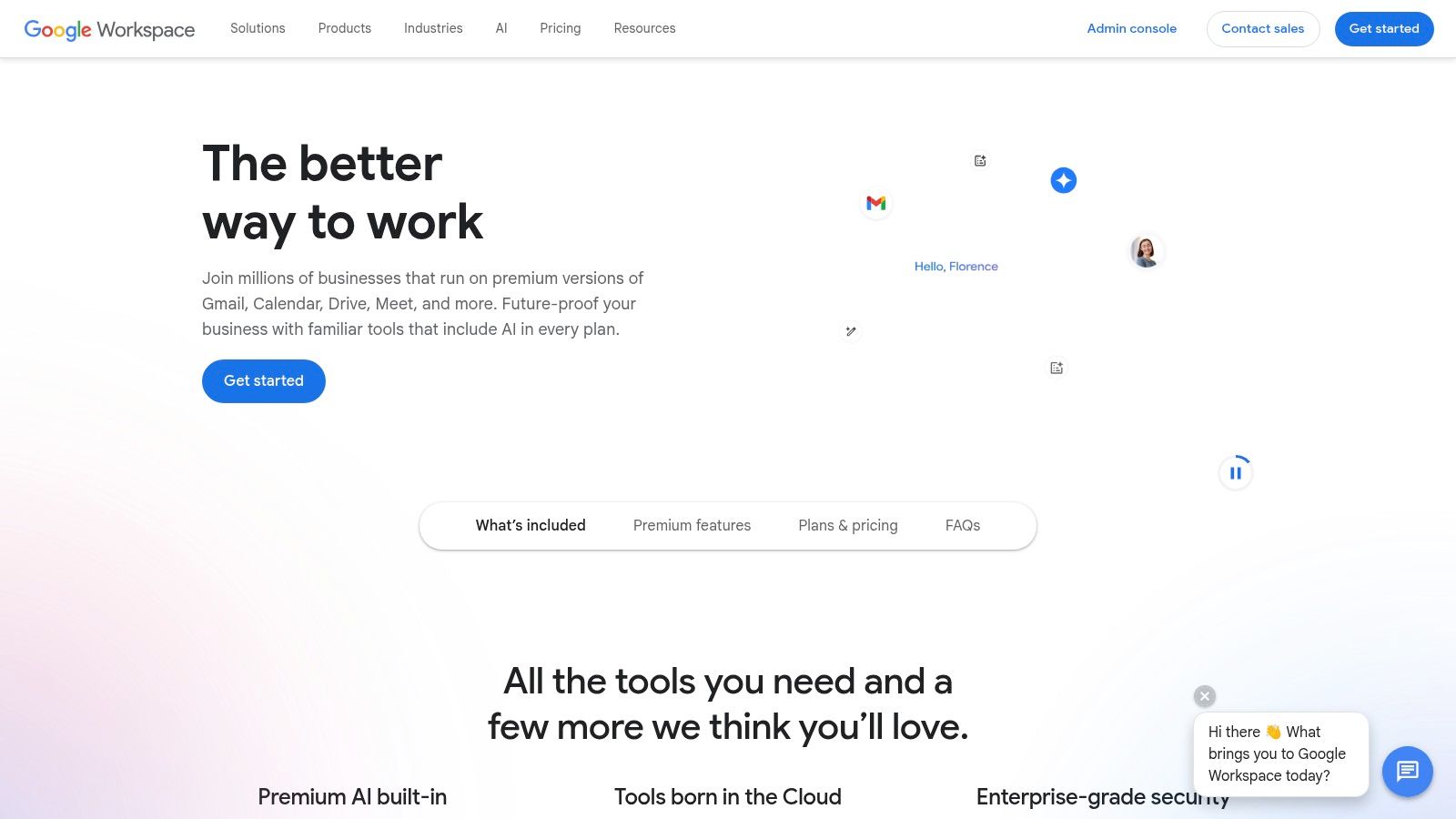
The platform’s key advantage is its unified ecosystem where everything is connected. A file shared in Gmail can be opened directly in Docs, and a meeting can be launched from a Calendar invite with a single click. Google Meet supports large video calls with features like noise cancellation and recording, while Gemini AI is being increasingly added across apps to assist with writing, data analysis, and summarizing. Its strong cross-device experience ensures productivity whether you are on a laptop, tablet, or phone.
| Feature | Description |
|---|---|
| Pricing | Business Starter begins at $6 per user/month with 30 GB of storage. Higher plans (Standard, Plus, Enterprise) offer pooled storage, larger meetings (up to 1,000 participants), and advanced security controls. |
| Best For | Organizations that need an all-in-one, easy-to-use suite for document collaboration and communication. |
| Limitations | Interoperability can be less smooth if external partners don't use Google. Advanced admin controls and data residency options are reserved for more expensive enterprise tiers. |
Website: https://workspace.google.com
5. Notion
Notion is a flexible all-in-one workspace that combines documents, wikis, and lightweight project management databases. For remote teams, it serves as a central knowledge hub, perfect for building company handbooks, documenting standard operating procedures (SOPs), and managing projects. Its unique block-based editor allows teams to quickly create and structure information, from simple text pages to complex relational databases.
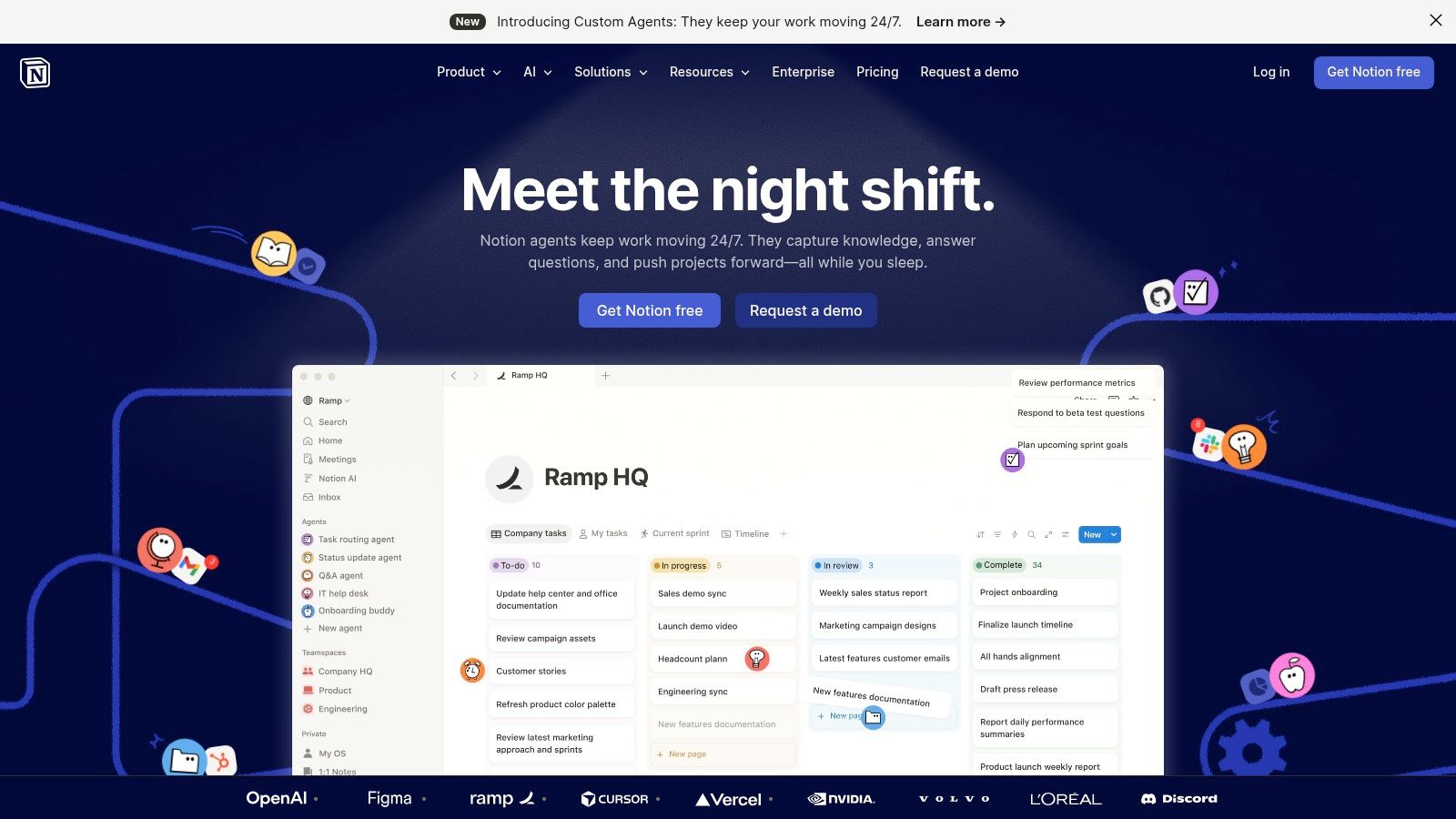
The platform's true power lies in its adaptability. Teams can use database views to create Kanban boards, calendars, and galleries from the same data source, catering to different workflow needs. With features like Teamspaces for departmental organization, a growing AI toolkit for summarizing content, and integrations that sync with tools like Jira and Asana, Notion becomes a dynamic operating system for a distributed company. Effective documentation is a cornerstone of remote work, and understanding the best practices for managing remote teams is crucial to making the most of these tools.
| Feature | Description |
|---|---|
| Pricing | Includes a free plan with generous limits for personal use. Paid plans (Plus, Business, Enterprise) start at $8 per user/month and add features like more guests, advanced permissions, and higher AI capacity. |
| Best For | Building a centralized knowledge base, project wiki, or team operating system. |
| Limitations | Without strong governance, it can become disorganized and complex at scale. Advanced security and admin controls are reserved for more expensive Enterprise plans. |
Website: https://www.notion.so
6. Asana
Asana is a robust project management platform that brings structure to complex work, making it one of the essential tools for remote teams. It helps organize tasks, track project progress, and manage team capacity through multiple views like lists, boards, timelines, and calendars. Teams can build repeatable workflows with templates and Rules, which automate routine actions like assigning tasks or updating statuses, freeing up time for more strategic work.
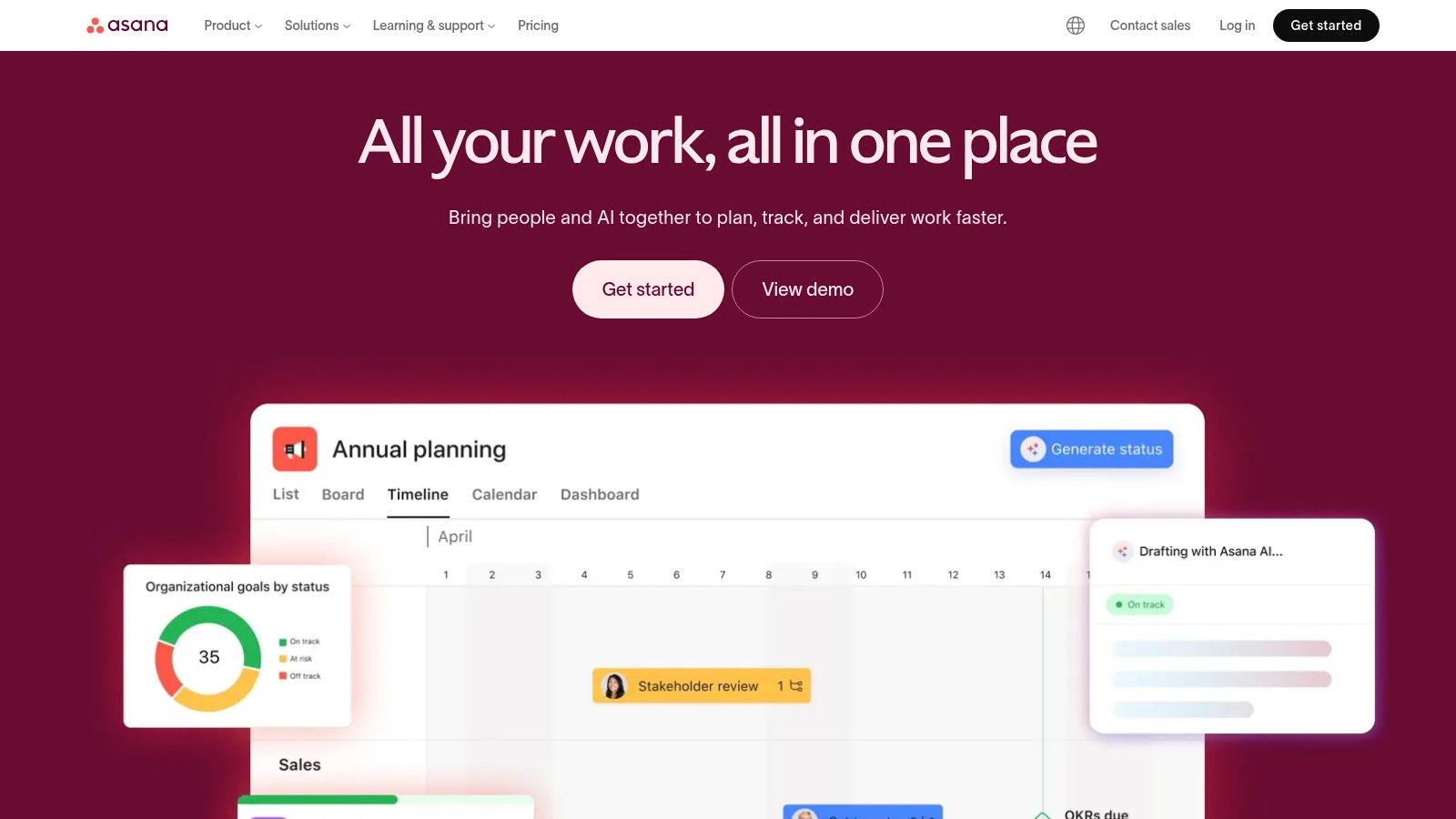
What sets Asana apart is its powerful capability for managing cross-functional initiatives and high-level goals. Features like Portfolios give leaders a bird's-eye view of all projects tied to a specific objective, while Workload management helps prevent burnout by visualizing team capacity. With integrated goal tracking and reporting dashboards, everyone from individual contributors to executives can see how their work connects to company-wide priorities, ensuring alignment even when physically apart. Its recent AI additions also provide smart summaries and help generate tasks from meeting notes.
| Feature | Description |
|---|---|
| Pricing | A free plan is available for individuals or small teams. Paid plans start at $10.99 per user/month (billed annually) and unlock features like timelines, custom fields, and advanced reporting. |
| Best For | Cross-functional teams needing clear visibility into project timelines, dependencies, and company goals. |
| Limitations | The most powerful features, like Portfolios and Workload, are locked behind higher-priced tiers. The per-seat cost can be substantial for large teams, and some plans have minimum seat requirements. |
Website: https://asana.com
7. Jira Software
Jira Software is the industry standard for agile software development, providing a powerful framework for planning, tracking, and releasing products. It's one of the most essential tools for remote teams in engineering, as it supports both Scrum and Kanban methodologies through highly customizable boards. Teams can manage complex backlogs, create detailed user stories, and visualize their entire development pipeline from concept to launch.
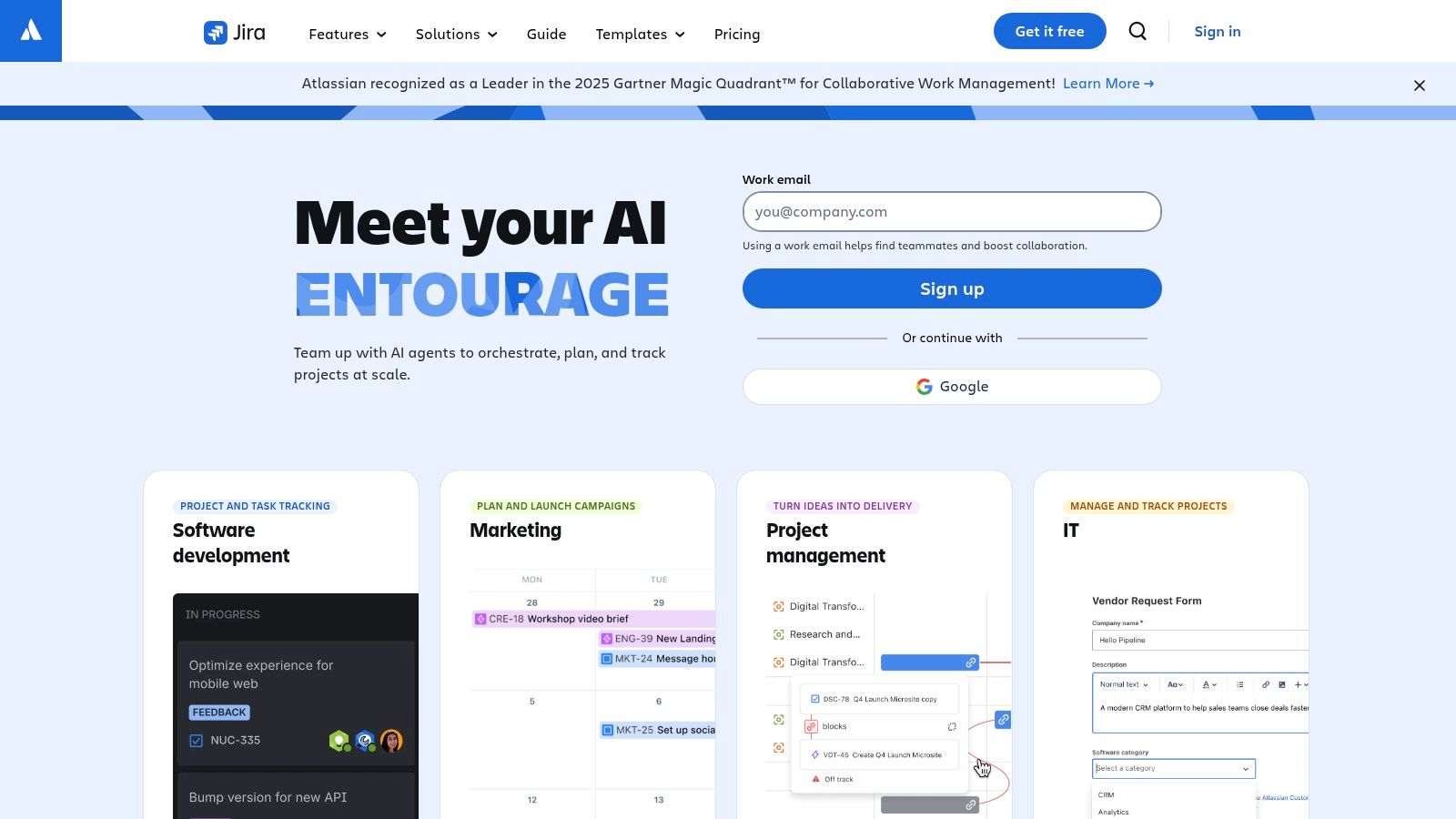
What sets Jira apart is its unmatched configurability and robust workflow engine. Unlike simpler project managers, Jira allows teams to build custom issue types, fields, and automation rules that map precisely to their internal processes. Its advanced reporting features offer deep insights into team velocity, cycle times, and sprint progress, which is critical for distributed teams needing clear performance metrics. With an extensive marketplace of apps and strong enterprise governance, it scales from small teams to large corporations.
| Feature | Description |
|---|---|
| Pricing | Includes a free plan for up to 10 users. Paid plans (Standard, Premium, Enterprise) start at $8.15 per user/month and add advanced permissions, automation limits, and enterprise-grade security. |
| Best For | Engineering and product teams that require a highly configurable, scalable platform for agile project management. |
| Limitations | The extensive customization options can result in a steep learning curve. It may feel overly complex for non-technical teams and often requires an administrator to manage its setup and maintenance. |
Website: https://www.atlassian.com/software/jira
8. Miro
Miro provides an infinite digital whiteboard for visual collaboration, essential for remote teams that need to brainstorm, plan, and design together. It replaces the physical whiteboard with a flexible online space where teams can run workshops, map out user journeys, or create complex architecture diagrams in real-time or asynchronously. It is one of the most effective tools for remote teams looking to replicate the creative energy of in-person sessions.
The platform excels at making complex discussions visual and accessible. With a massive library of pre-built templates for everything from retrospectives to product roadmaps, teams can start working immediately. Anonymous guest access allows for easy collaboration with external clients or stakeholders without requiring them to sign up. Miro also has powerful integrations, embedding boards directly into tools like Confluence and Jira, and is expanding its AI features to help generate ideas and summarize content, further speeding up workflows.
| Feature | Description |
|---|---|
| Pricing | A free plan offers three editable boards. Paid plans (Starter, Business, Enterprise) begin at $8 per user/month (billed annually) and add unlimited boards, private board sharing, and advanced security. |
| Best For | Creative, product, and engineering teams needing a shared space for visual planning and workshops. |
| Limitations | Governance and advanced security features like SSO are reserved for higher-priced enterprise tiers. Very large boards with many assets can become slow on less powerful computers. |
Website: https://miro.com
9. Loom
Loom reduces the need for live meetings by making it easy to record and share asynchronous video messages. Instead of scheduling another status update call, team members can record a quick screen share and voiceover to demonstrate a bug, explain a design concept, or give feedback on a document. This approach respects different time zones and allows colleagues to consume information on their own schedule.
The platform’s strength lies in its low-friction recording and AI-powered post-production. After recording, Loom automatically generates a transcript, adds captions, and can create a summary with chapters, making videos skippable and searchable. Integrations with tools like Slack and Jira embed these videos directly into existing workflows, keeping context where it belongs. This makes Loom one of the essential tools for remote teams aiming for clear, async communication without constant interruptions.
| Feature | Description |
|---|---|
| Pricing | A free Starter plan is available for up to 25 videos per person. The Business plan is $12.50 per user/month and includes unlimited videos, AI features, and custom branding. Enterprise plans add advanced security and admin controls. |
| Best For | Replacing short meetings and providing detailed feedback through asynchronous video. |
| Limitations | Its effectiveness depends on team-wide adoption of async video norms. Heavy usage can create significant video libraries that require good organization and governance to remain useful. |
Website: https://www.loom.com
10. GitHub
GitHub is the definitive platform for software development, providing version control and collaborative tools that are essential for distributed engineering teams. It allows developers to host and review code, manage projects, and build software together from anywhere in the world. Using a Git-based system, it tracks every change, making asynchronous contributions seamless and organized through pull requests and code reviews.
The platform’s strength lies in its integrated ecosystem. GitHub Actions automates CI/CD pipelines directly within repositories, while Codespaces offers cloud-based development environments, standardizing setups for remote developers. These features reduce local machine dependencies and streamline the entire development lifecycle, from writing code to deployment. For any company with a technical team, GitHub is one of the most fundamental tools for remote teams, promoting transparency and efficient collaboration on complex codebases.
| Feature | Description |
|---|---|
| Pricing | Free plan includes unlimited public/private repositories for individuals. Team plans start at $4 per user/month, adding protected branches. Enterprise plans offer advanced security and compliance. |
| Best For | Distributed engineering teams needing a central hub for code collaboration, version control, and integrated DevOps. |
| Limitations | Advanced security features and heavy usage of Actions or Codespaces can become costly. Effective governance at scale requires strict administrative best practices to avoid disorganization. |
Website: https://github.com
11. Deel
Deel is an all-in-one HR platform built for global teams, solving the complexities of hiring, paying, and managing employees and contractors across borders. It allows companies to compliantly hire talent in over 110 countries through its Employer of Record (EOR) service, eliminating the need to set up local legal entities. This is a critical tool for remote teams that want to hire the best person for the job, regardless of their location.
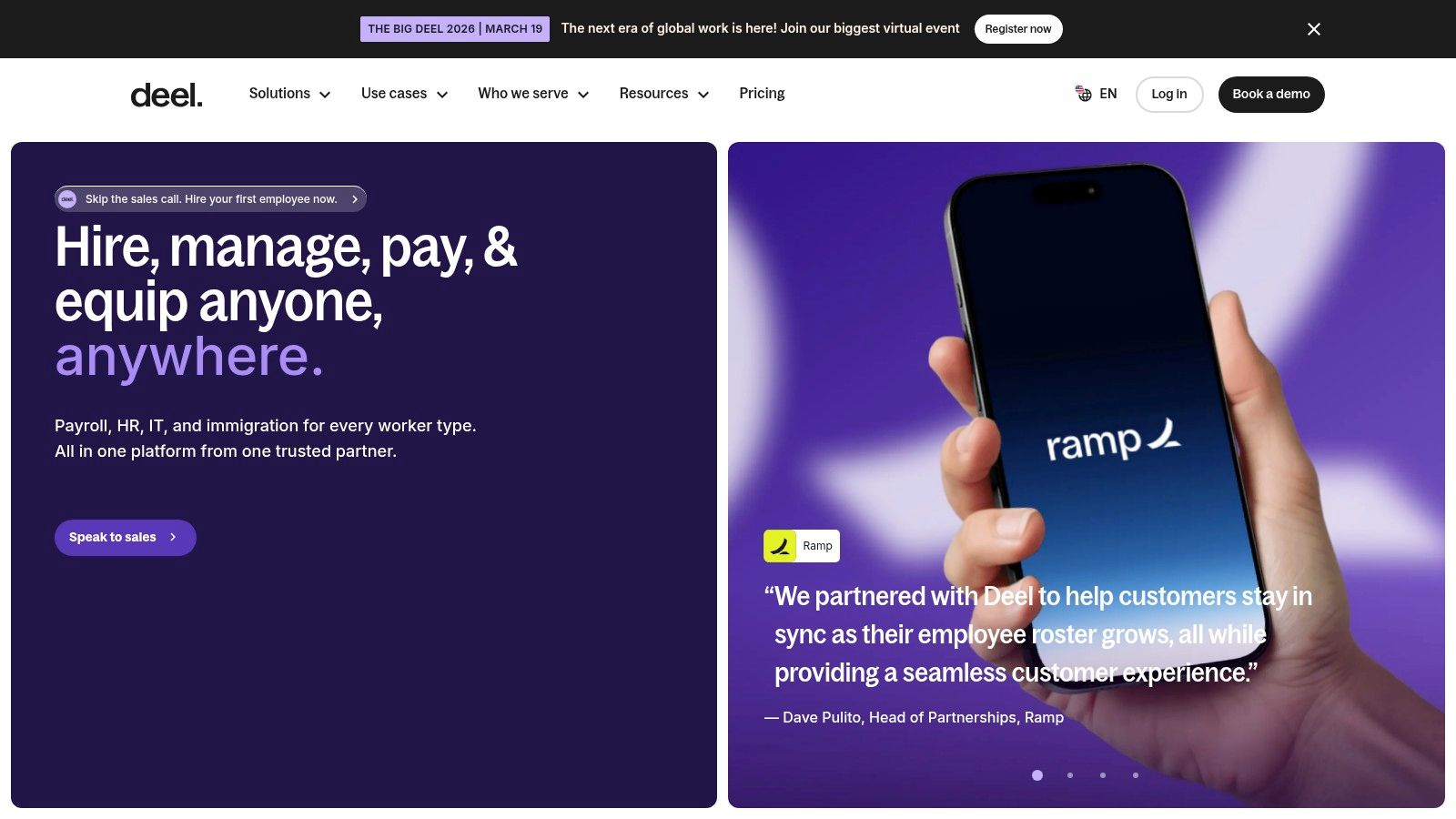
The platform stands out by centralizing global workforce operations into a single system. From generating locally compliant contracts to processing payroll in over 120 currencies and managing benefits, Deel automates tasks that would otherwise require significant legal and administrative overhead. For companies scaling internationally, it provides a transparent and efficient way to manage a distributed workforce, ensuring everyone is paid on time and in their preferred currency. This focus makes it one of the essential tools for remote teams operating on a global scale.
| Feature | Description |
|---|---|
| Pricing | Contractor management starts at $29 per contract/month. EOR services start at $599 per employee/month. They offer separate modules for Global Payroll, HRIS, and other services with custom pricing. |
| Best For | Companies hiring international employees and contractors without establishing local legal entities. |
| Limitations | The EOR service can become costly for a large number of employees. Some advanced HR modules and specialized services are priced separately, which can increase the total cost. |
Website: https://www.deel.com
12. 1Password
1Password is a password manager and security platform essential for distributed organizations. It secures credentials, two-factor authentication codes, and sensitive documents in encrypted vaults, reducing the risks associated with insecure account sharing among remote employees. Instead of using risky spreadsheets or messages, teams get a single, secure place to manage access.
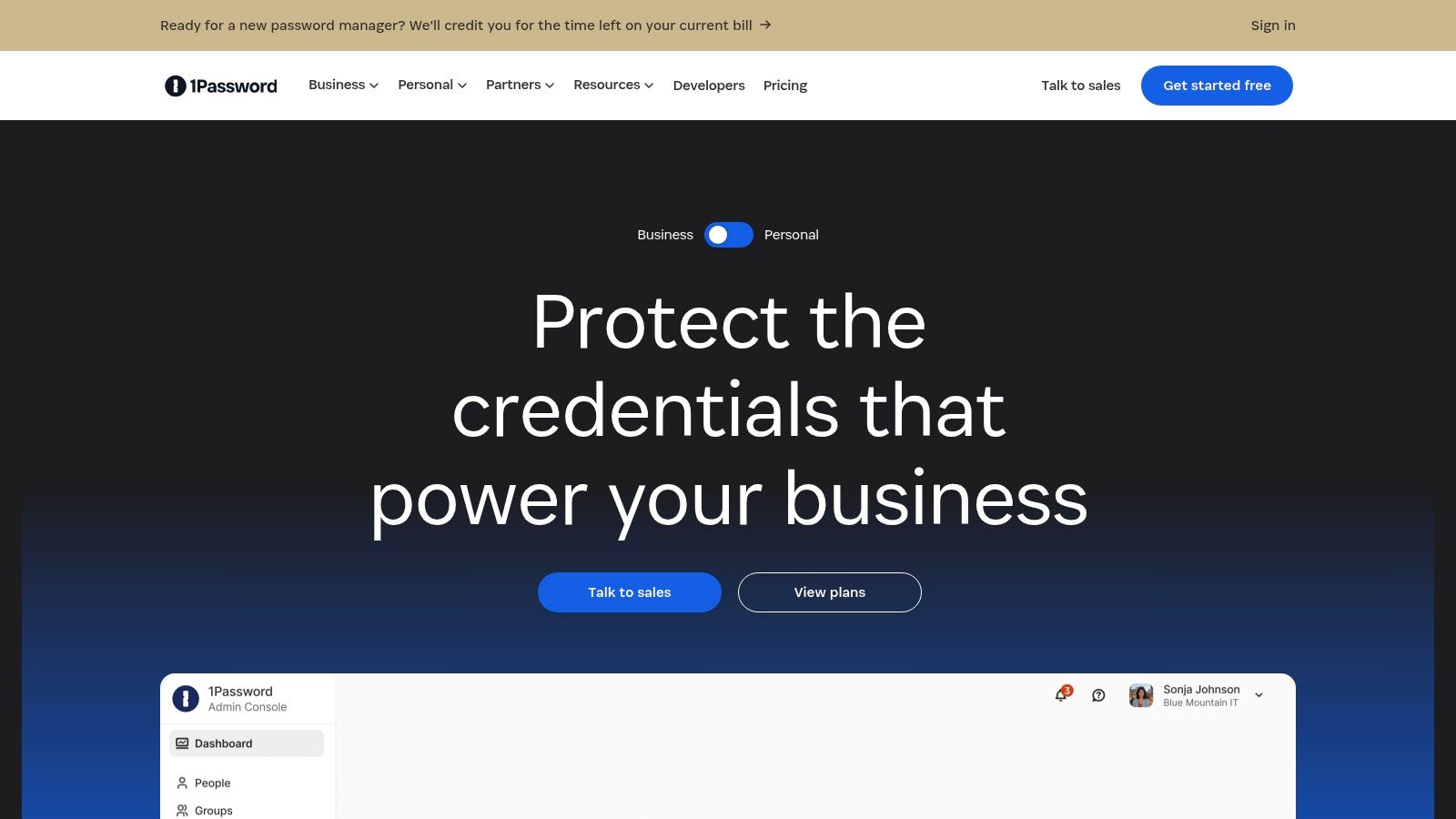
The platform’s strength lies in its robust administrative controls. Features like role-based access, audit logs, and breach alerts from its Watchtower service give companies clear oversight of security posture. It also integrates with identity providers like Okta for SSO and offers developer-focused tools, including a CLI and SSH key management. Adopting such tools is a core part of strong security, and it's vital to follow remote work security best practices to protect company data.
| Feature | Description |
|---|---|
| Pricing | No free tier for teams. Business plans start at $7.99 per user/month and include features like group policies, custom roles, and activity logs. Enterprise plans offer dedicated support and advanced integrations. |
| Best For | Organizations needing to enforce strict access controls and secure credentials across a distributed workforce. |
| Limitations | It is a subscription-only service with no perpetual licenses. Some advanced access management features are sold as separate add-ons, and recent price adjustments may impact budget renewals for existing teams. |
Website: https://1password.com
12 Remote Team Tools: Feature Comparison
| Tool | Core features | UX & Quality | Value proposition | Target audience | Unique selling points |
|---|---|---|---|---|---|
| YayRemote 🏆 | Curated remote job listings, salary/benefit visibility, free tools (Skills Analyzer, ATS Checker), Visa hub, API/widgets | ★★★★☆ — scannable listings + productivity tools | 💰 Mostly free; Pro & employer bundles for advanced features | 👥 Remote jobseekers, digital nomads, hiring teams, devs | ✨ Visa eligibility wizard, salary transparency, built-in remote tools |
| Slack | Channel-based messaging, huddles, app marketplace, automations | ★★★★☆ — intuitive, realtime + async | 💰 Freemium; cost scales with seats | 👥 Distributed teams needing real‑time comms | ✨ Best‑in‑class integrations & workflow apps |
| Microsoft Teams | Chat, meetings, PSTN calling, M365 integration, admin controls | ★★★★ — robust for orgs on Microsoft 365 | 💰 Cost‑effective with M365 bundles | 👥 Microsoft-centric enterprises & hybrid teams | ✨ Integrated telephony, room systems, enterprise security |
| Google Workspace | Gmail, Drive, Docs/Sheets/Slides, Meet, Gemini AI features | ★★★★ — simple web‑first collaboration | 💰 Flexible tiers; web-first value | 👥 Remote-first orgs & collaborators | ✨ Real‑time co‑editing, strong cross‑device UX |
| Notion | Docs, wikis, databases, teamspaces, API & embeds | ★★★★ — fast setup, highly adaptable | 💰 Free tier; paid for advanced admin/AI | 👥 Teams needing docs, knowledge bases, SOPs | ✨ Custom templates, publishing, flexible DBs |
| Asana | Projects, timelines, workload, goals, reporting | ★★★★ — mature PM experience | 💰 Per‑seat pricing; strong PM ROI | 👥 PMs, cross‑functional program teams | ✨ Portfolio visibility, rules & automations |
| Jira Software | Scrum/Kanban boards, backlogs, roadmaps, advanced workflows | ★★★★ — powerful but steeper learning | 💰 Tiered pricing; scales with users/add‑ons | 👥 Engineering teams & enterprises | ✨ Deep customization & governance for devs |
| Miro | Infinite whiteboards, templates, diagramming, guest collaboration | ★★★★ — intuitive for workshops | 💰 Freemium to enterprise; workshop ROI | 👥 Facilitators, product & UX teams | ✨ Visual collaboration + extensive templates |
| Loom | Async video recording, transcripts, AI summaries, libraries | ★★★☆ — very low friction for async updates | 💰 Freemium with limits; paid for org features | 👥 Teams adopting async communication | ✨ Quick screen/cam recordings + AI recaps |
| GitHub | Repos, pull requests, Actions CI/CD, Codespaces, Copilot add‑ons | ★★★★★ — developer standard | 💰 Free & paid tiers; add‑ons can raise costs | 👥 Developers & engineering orgs | ✨ Integrated CI/CD, cloud dev envs, vast ecosystem |
| Deel | EOR/PEO, global payroll, contractor payments, immigration support | ★★★★ — simplifies global compliance | 💰 Service‑based pricing; modules priced separately | 👥 HR/hiring teams scaling globally | ✨ EOR in 110+ countries; payroll + immigration services |
| 1Password | Encrypted vaults, 2FA/passkeys, admin controls, developer tools | ★★★★★ — strong usability & security | 💰 Subscription; enterprise plans for governance | 👥 Security teams, remote orgs, devs | ✨ End‑to‑end encryption, SSO/SCIM, dev secrets tooling |
Building a Cohesive and Secure Remote Workflow
Transitioning to a successful remote-first or hybrid model depends on more than just hiring talented people; it requires a thoughtfully constructed digital workplace. The tools for remote teams we've explored, from communication hubs like Slack to project management powerhouses like Asana and Jira, are the building blocks of that environment. However, simply subscribing to a dozen popular platforms isn't a strategy. The goal is to create an integrated ecosystem where information flows logically, work is visible, and collaboration feels natural, not forced.
The most effective tool stacks are built with intention. They start by solving core problems: How will we talk? How will we manage projects? Where will our knowledge live? Answering these questions leads you to foundational choices like Google Workspace for document collaboration or Notion as a central wiki. From there, you can layer in specialized tools like Miro for visual brainstorming or Loom for asynchronous video updates, filling specific gaps in your workflow.
From Tool Selection to True Integration
Choosing the right applications is only half the battle; the real value comes from their implementation. Before committing to a tool, consider these critical factors:
- Scalability: Will this tool grow with your team? A solution that works for five people might become chaotic and expensive for fifty. Evaluate pricing tiers and features designed for larger teams.
- Integration Capability: The best tools don't operate in a vacuum. Check for robust integrations with your existing stack. For example, can your project management tool pull information from your communication platform to create tasks automatically?
- Security and Compliance: When your team is distributed, security becomes paramount. Prioritize tools with strong access controls, encryption, and compliance certifications (like SOC 2). A password manager like 1Password should be a non-negotiable part of your security protocol.
- Team Workflow Alignment: Don't force a square peg into a round hole. A highly structured tool like Jira might frustrate a creative team, while a flexible platform like Asana might lack the required rigor for a software development sprint. Pilot tools with small groups to see how they fit your actual work patterns before a company-wide rollout.
Building Your Remote Stack Intelligently
Ultimately, constructing the ideal remote work environment is an iterative process. It begins with identifying your team’s most significant pain points, whether that's coordinating across time zones, managing a global hiring pipeline, or securing sensitive data. For instance, before you even select a communication tool, using a simple, free utility like YayRemote’s Time Zone Overlap can clarify daily collaboration windows, making your choice of Slack or Teams more informed.
Likewise, integrating the ATS Resume Checker early in your recruitment process ensures you’re assessing candidates on merit from the very first step. The perfect set of tools for remote teams is not a static list but a dynamic system that adapts to your company's evolving needs. By focusing on integration, security, and solving real-world problems, you can build a digital headquarters that empowers your team to do their best work, no matter where they are.
Ready to build the foundation of your global team? YayRemote provides the essential tools for hiring and managing a distributed workforce, from finding talent to coordinating across time zones. Explore our platform to see how our free utilities and powerful hiring features can simplify your remote operations. Find your next great hire and manage your team more effectively at YayRemote.