The Ultimate Guide to the 12 Best Tools for Remote Work in 2026
Discover the essential tools for remote work in 2026. A deep dive into the top 12 apps for communication, project management, security, and productivity.
In the world of distributed teams, your toolset isn't just a matter of convenience; it's the central nervous system of your company. The right combination of software powers seamless communication, unlocks asynchronous productivity, and secures your operations across borders. Without a solid foundation of tools for remote work, teams face miscommunication, stalled projects, and security vulnerabilities. This guide cuts through the noise, providing a direct path to building a stack that actually works.
We will explore 12 essential platforms, moving beyond generic feature lists to give you real-world use cases, honest limitations, and practical setup advice. Each entry is designed to help you make an informed decision, complete with direct links and screenshots to show you exactly how the software functions in a professional setting. This listicle is your blueprint for building a powerful and efficient remote work environment.
From finding your next opportunity on a curated platform like YayRemote to managing complex projects with Jira or collaborating visually with Miro, you will learn how each tool solves specific challenges for remote teams. We’ll also detail how these tools integrate with the YayRemote ecosystem, helping developers, recruiters, and job seekers create a more connected workflow. This is the definitive resource for assembling a remote stack that supports scalable, secure, and productive work for today and tomorrow.
1. YayRemote
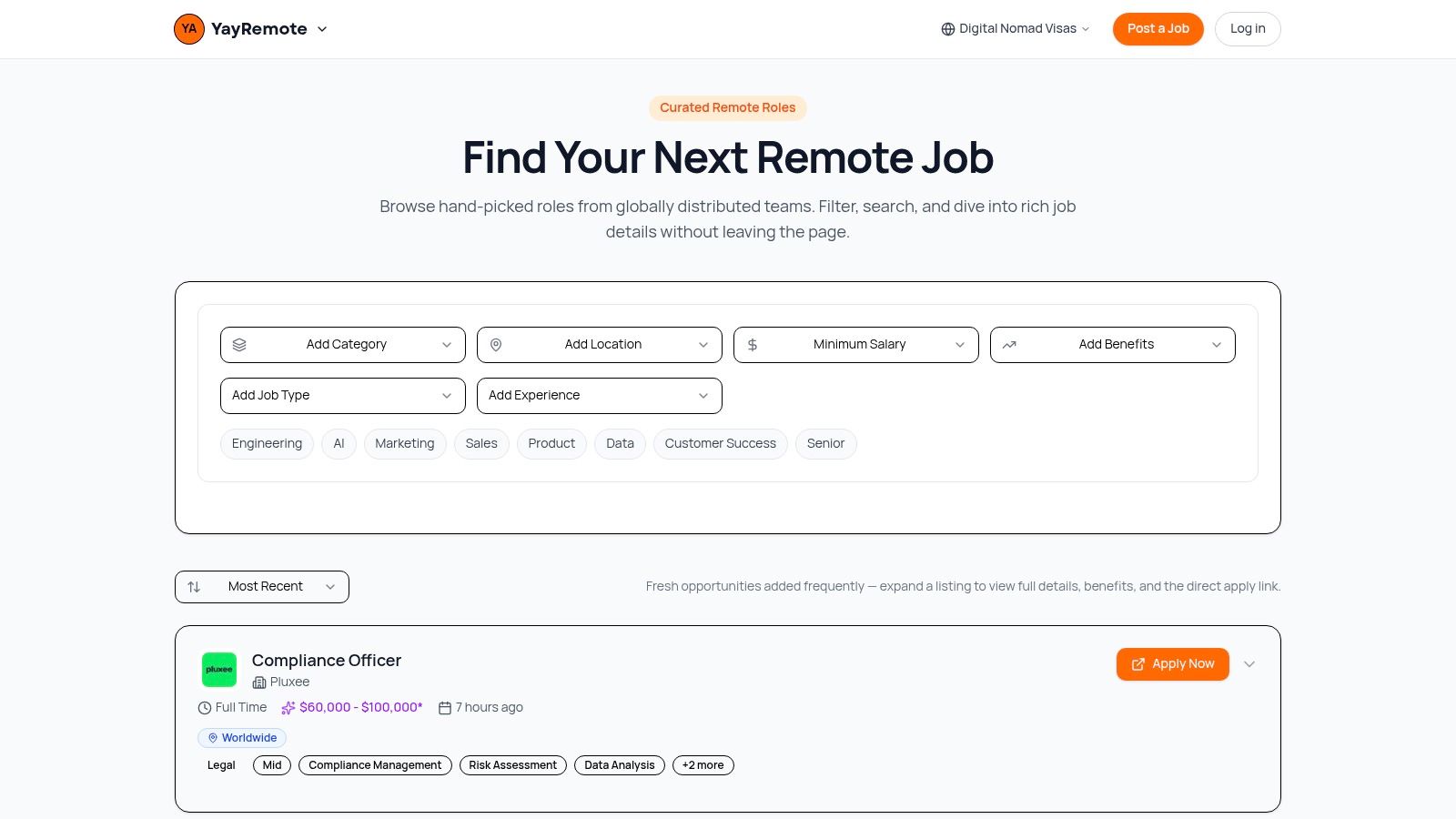
YayRemote earns its top spot by acting as a central command for the entire remote work lifecycle, not just another job board. It combines a highly curated marketplace of quality remote roles with a practical suite of free tools designed to address common friction points for job seekers, employers, and digital nomads. Instead of an endless, noisy feed, the platform focuses on vetted listings from recognizable global employers like Visa, Red Hat, and Docplanner, presenting all essential details on a single page.
This focus on quality over quantity is what sets it apart. The platform is designed for serious professionals who want to skip the clutter and find high-caliber opportunities in core disciplines like Engineering, Product, AI, and Marketing.
Why It Stands Out
What makes YayRemote one of the most effective tools for remote work is its built-in utility. The platform integrates free, actionable tools that support the entire application and planning process.
- Skills Analyzer: Matches your professional strengths directly to keywords and requirements in job descriptions.
- ATS Resume Checker: Helps you optimize your resume to pass through applicant tracking systems, a critical step in modern hiring.
- Time Zone Overlap Calculator: Simplifies scheduling across global teams, a constant challenge in distributed work.
- Digital Nomad Visa Hub: An invaluable resource with an eligibility wizard that helps you navigate visa requirements across Europe, Asia, the Americas, and beyond.
This combination of a curated job market and practical support tools makes the platform a powerful, all-in-one resource. It addresses the "what" (the job) and the "how" (applying, planning, and relocating) in one place. Developers can also integrate the job feed via an API, and employers have dedicated pathways for posting roles. To get the most out of your remote career, it's a good idea to stay current on new strategies; you can find helpful guidance by exploring remote work best practices.
Visit Website: YayRemote
2. Slack
Slack serves as the digital headquarters for many distributed companies, solidifying its place as one of the most essential tools for remote work. Its channel-based messaging system allows teams to organize conversations by project, department, or topic, creating searchable archives of all communication. This structure is critical for asynchronous collaboration, allowing team members in different time zones to catch up on discussions without being present in real time.

What truly sets Slack apart is its deep integration ecosystem. With over 2,600 apps, you can connect tools like Google Drive, Jira, and GitHub directly into your workflow, receiving updates and taking action without leaving the Slack interface. Features like Slack Connect also permit secure communication with external partners and clients within a shared channel.
Key Details & Use Cases
- Best For: Teams needing a central hub for both real-time and asynchronous communication, especially those reliant on a wide array of other software tools.
- Pricing: A free plan is available with a 90-day message history limit. Paid plans (Pro, Business+) add unlimited history, more integrations, and administrative controls. Enterprise Grid is quote-based.
- Practical Tip: To prevent notification fatigue, aggressively mute non-essential channels and customize your notification settings. Use threads religiously to keep channel conversations clean and focused.
YayRemote Integration: We use a dedicated Slack channel to post real-time job alerts from YayRemote. This keeps our team aware of new roles as they're added, facilitating quick reviews and promotion.
Website: https://slack.com
3. Microsoft Teams
For organizations deeply embedded in the Microsoft 365 ecosystem, Microsoft Teams is an undeniable powerhouse among tools for remote work. It functions as a comprehensive hub, merging persistent chat, video meetings, calling, and file collaboration into a single, integrated application. Its biggest advantage is the native connection to apps like SharePoint, OneDrive, and Outlook, creating a seamless workflow for users already familiar with Microsoft products.
Unlike competitors, Teams is built on an enterprise-grade security and compliance framework, making it a default choice for larger companies with strict governance needs. Features like guest access in chats and channels allow for controlled collaboration with external partners, while its meeting capabilities are reliable at scale. The platform also offers advanced add-ons like Teams Premium for intelligent meeting recaps and Copilot for AI assistance.
Key Details & Use Cases
- Best For: Companies standardized on Microsoft 365, or those requiring robust, enterprise-level security, compliance, and administrative controls for communication.
- Pricing: A free version is available. Teams Essentials is a low-cost standalone option. It is also included in most Microsoft 365 Business and Enterprise plans.
- Practical Tip: To prevent organizational chaos, establish a clear governance policy from the start for how new Teams and channels are created. Use the built-in calendar integration to schedule meetings directly from Outlook or the Teams app to keep everything synchronized.
YayRemote Integration: Our operations team uses a private Team to manage partnerships. We connect our CRM via a Power Automate flow, which posts updates into a specific channel when a new partner contract is signed, keeping all stakeholders informed automatically.
Website: https://www.microsoft.com/microsoft-teams
4. Zoom Workplace
Zoom built its reputation on rock-solid video and audio quality, becoming a household name for virtual meetings. Now, Zoom Workplace expands on that foundation, evolving into a unified communications suite that makes it one of the most reliable tools for remote work. It bundles core services like Team Chat, a collaborative Whiteboard, and Zoom Docs directly alongside its flagship meeting product, aiming to be an all-in-one hub for synchronous collaboration.

What solidifies Zoom's position is its low-friction experience for external guests and its powerful AI Companion. The AI tool can generate meeting summaries, identify action items, and provide feedback on presentation skills, directly addressing meeting fatigue. While many advanced features and integrations are tied to paid add-ons like Webinars or Phone, the core platform provides an excellent base for any company whose workflow revolves around real-time video communication.
Key Details & Use Cases
- Best For: Teams that prioritize high-quality video meetings and want an integrated platform for chat, whiteboarding, and AI-powered meeting assistance.
- Pricing: A generous free plan is available for personal meetings (up to 40 minutes). Paid plans (Pro, Business, Enterprise) add longer meetings, cloud storage, the AI Companion, and administrative features.
- Practical Tip: Pre-configure your meeting settings to automatically record key discussions and enable the AI Companion summary. This creates a searchable archive and ensures no one misses critical action items.
YayRemote Integration: We conduct all candidate interviews and internal team check-ins using Zoom. Its reliability is critical for making a good first impression, and we use the recording feature to review interviews with the hiring team asynchronously, ensuring a fair and thorough evaluation process.
Website: https://zoom.us
5. Google Workspace
Google Workspace is the connective tissue for countless remote-first teams, offering a complete cloud-native productivity suite that runs entirely in a browser. This collection of tools, including Gmail, Calendar, Meet, and Drive, provides an integrated environment where all work is centralized and accessible from any device. Its standout feature for distributed teams remains the best-in-class real-time co-editing in Docs, Sheets, and Slides, allowing multiple users to work on a single document simultaneously without version control chaos.

Beyond document collaboration, the suite serves as a core operational backbone for many businesses. Google Meet handles video conferencing, Calendar organizes schedules across time zones, and a professional Gmail address provides a credible business front. With a simple licensing model and robust administrative controls on higher tiers, it’s one of the most accessible yet powerful tools for remote work, especially for companies that don’t have a heavy reliance on legacy Microsoft Office files.
Key Details & Use Cases
- Best For: Browser-first remote teams that prioritize real-time collaboration, simple file sharing, and a unified ecosystem for email, calendar, and documents.
- Pricing: Business plans start from a per-user monthly fee, with tiers (Starter, Standard, Plus) adding more storage, larger meetings, and enhanced security features like Vault. Enterprise plans are quote-based.
- Practical Tip: Use Shared Drives (formerly Team Drives) instead of individual "My Drive" folders for all core team and project files. This ensures company ownership and prevents file loss if a team member departs.
YayRemote Integration: Our team drafts all content, from job descriptions to blog posts, in Google Docs. We use its commenting and suggestion features for collaborative editing before publishing content to the YayRemote platform, ensuring a smooth review workflow.
Website: https://workspace.google.com
6. Notion
Notion acts as an all-in-one workspace, combining documents, wikis, and project management into a single, highly flexible platform. For distributed teams, it’s an indispensable tool for building a central knowledge base, tracking projects, and documenting processes. Its unique block-based editor allows you to mix text, tables, databases, and embeds on a single page, creating rich, interconnected documents that can replace multiple standalone apps. This makes it one of the most adaptable tools for remote work.

What makes Notion powerful for remote teams is its database functionality. You can create custom databases for everything from project task lists to content calendars, with relations and rollups that connect information across your entire workspace. This structure supports deep asynchronous work, as team members can access a single source of truth for project status, company policies, and meeting notes. Teamspaces help organize this information by department, ensuring secure and relevant access for everyone.
Key Details & Use Cases
- Best For: Teams that need a customizable, unified space for documentation, lightweight project management, and company-wide wikis.
- Pricing: A generous free plan is available for individuals and small teams. Paid plans (Plus, Business) add features like unlimited blocks for teams, increased file uploads, and page history. Enterprise plans offer advanced security and controls.
- Practical Tip: Start with pre-built templates from Notion’s gallery to avoid the “blank page” problem. To maintain order, establish clear governance early on for how pages are structured and where new documents should live within your teamspace. Effective management is key to making a knowledge base scalable; you can find helpful advice in our guide on managing remote teams best practices.
YayRemote Integration: Our content team uses a Notion database as our editorial calendar. We track article ideas, status, author, and publish dates, and we embed drafts directly into the database entry. This creates a transparent workflow from initial concept to publication.
Website: https://www.notion.so
7. Asana
Asana brings clarity and accountability to complex work, making it one of the most effective tools for remote work management. It moves beyond simple to-do lists to provide a shared source of truth for projects, goals, and cross-functional programs. For distributed teams, its strength lies in creating transparent workflows where everyone can see who is doing what by when, significantly reducing the need for constant check-in meetings.

What distinguishes Asana is its focus on connecting tactical work to strategic objectives. With features like Goals and Portfolios, managers gain a high-level view of progress across multiple projects, ensuring distributed efforts align with company priorities. Its flexible views (List, Board, Timeline, Calendar) allow individuals to organize their work in the way that best suits them, while recent additions like Asana AI help summarize tasks and automate workflows.
Key Details & Use Cases
- Best For: Teams and organizations that need to coordinate complex, multi-stage projects and track progress toward larger strategic goals.
- Pricing: A free Personal plan is offered for individuals or small teams. Paid plans (Starter, Advanced) add features like timelines, custom fields, and advanced reporting. Enterprise tiers are quote-based.
- Practical Tip: Create project templates for recurring work like marketing campaigns or employee onboarding. This saves time and standardizes processes, ensuring consistency even when team members are in different locations.
YayRemote Integration: Our marketing team uses an Asana board to manage the content production for the YayRemote blog. Each article is a task with subtasks for drafting, editing, and promotion, ensuring a smooth, accountable process from idea to publication.
Website: https://asana.com
8. Jira Software (Cloud)
Jira is the industry-standard issue and project tracking tool for software development, making it a cornerstone for many remote engineering teams. It provides a structured environment for managing tasks through Scrum and Kanban boards, giving distributed teams a single source of truth for their work. This is especially important for remote setups, where clear visibility into project progress, backlogs, and individual responsibilities prevents work from falling through the cracks.
What makes Jira Software (Cloud) so effective for remote work is its powerful automation engine and deep integration with developer toolchains like GitHub and Bitbucket. Automation rules can handle repetitive tasks, such as moving an issue to "In Review" when a pull request is created, saving developers time. The platform’s robust reporting and roadmap features also give managers a high-level view of progress, which is critical for steering projects without in-person status meetings.
Key Details & Use Cases
- Best For: Engineering, IT, and product teams that require a formal, auditable system for managing complex projects and development cycles.
- Pricing: A free plan is available for up to 10 users. Standard, Premium, and Enterprise plans add more users, advanced features like roadmaps, and administrative controls.
- Practical Tip: Don't over-engineer your workflow. Start with a default Kanban or Scrum template and only add custom fields or issue types when a clear need arises. Use quick filters on your board to help team members focus on their assigned tasks.
YayRemote Integration: Our engineering team uses Jira to manage the development of new features for the YayRemote platform. We integrate it with our code repository to automatically link commits and pull requests to specific user stories, maintaining complete traceability from idea to deployment.
Website: https://www.atlassian.com/software/jira
9. Miro
Miro is an online visual whiteboard that replaces the physical wall of sticky notes for distributed teams, making it one of the most effective tools for remote work. It provides an infinite canvas for teams to conduct workshops, brainstorm ideas, map out user journeys, and create complex diagrams. This is especially useful for asynchronous ideation, allowing contributors across different time zones to add their thoughts and feedback without needing a live meeting.
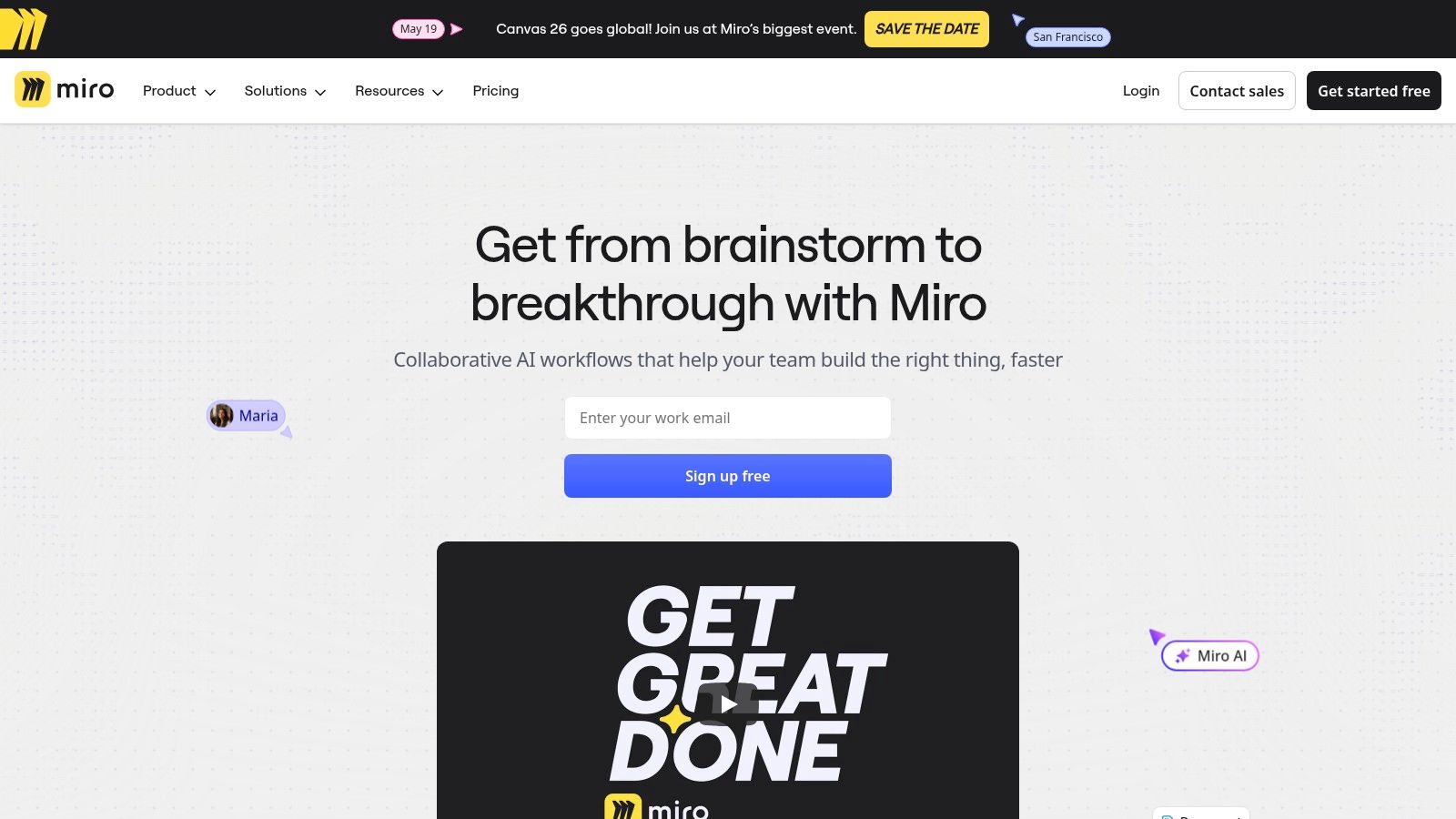
What distinguishes Miro is its robust feature set designed for facilitation and structured collaboration. With over 5,000 templates, teams can jumpstart any process, from a retrospective to a full product discovery session. Features like Talktracks allow for recorded, guided walkthroughs of a board, while built-in timers and voting tools keep live sessions on track. Its two-way sync with Jira and Azure DevOps also connects visual planning directly to development backlogs.
Key Details & Use Cases
- Best For: Product, design, and engineering teams needing a shared space for visual collaboration, workshops, and stakeholder alignment.
- Pricing: A free plan offers three editable boards. Paid plans (Starter, Business) add unlimited boards, private board sharing, and advanced facilitation tools. Enterprise plans include SSO and enhanced security.
- Practical Tip: Use frames to organize different sections of your board and create a "presentation" flow. For very large, complex boards, break them into smaller, linked boards to improve performance and navigation for participants.
YayRemote Integration: Our design and marketing teams use Miro for brainstorming sessions and campaign planning. The visual format is perfect for mapping out content strategies and has become a fun part of our virtual team building activities, fostering creative collaboration.
Website: https://miro.com
10. GitHub
For distributed engineering teams, GitHub is the foundational infrastructure upon which modern software is built. It acts as the central nervous system for code, providing version control, collaborative review processes, and robust automation. Its asynchronous nature, centered around pull requests and issue tracking, is perfectly suited for remote teams working across different time zones, making it one of the most critical tools for remote work.

Beyond simple code hosting, GitHub has become an entire development ecosystem. Features like GitHub Actions allow teams to automate their CI/CD pipelines, running tests and deploying code without manual intervention. Codespaces provides cloud-based development environments, which standardizes setups across the team and eliminates "it works on my machine" problems. This makes onboarding new remote engineers significantly smoother.
Key Details & Use Cases
- Best For: Software development and engineering teams that need a central platform for code collaboration, version control, project management, and automated workflows.
- Pricing: A generous free plan includes unlimited public/private repositories and a quota for Actions and Packages. Team plans add branch protection rules and increased Actions minutes, while Enterprise plans offer advanced security, compliance, and self-hosting options.
- Practical Tip: Use GitHub Projects to turn issues and pull requests into a visual Kanban board. This provides stakeholders with a clear view of development progress without needing to dig through code repositories.
YayRemote Integration: Our engineering team manages the entire YayRemote codebase on GitHub. We use GitHub Actions extensively to automate testing and deployment for our platform, ensuring new features and job listings go live smoothly and reliably.
Website: https://github.com
11. Loom
Loom champions the power of asynchronous video, offering a way to communicate with the clarity and personality of a real-time call but on your own schedule. It allows you to record your screen, camera, and microphone simultaneously, making it an excellent tool for remote work when explaining complex ideas, providing feedback on designs, or creating quick tutorials. This approach helps reduce the number of meetings required to share context across different time zones.

What makes Loom stand out is its focus on efficiency and engagement. Videos are instantly available via a shareable link, and viewers can leave time-stamped comments and emoji reactions. The platform also automatically generates transcripts and, with its AI features, can create summaries, chapters, and remove filler words, saving both the creator and viewer valuable time. Strong integrations with tools like Slack and Jira embed these video messages directly into existing workflows.
Key Details & Use Cases
- Best For: Teams that need to quickly share detailed context, such as engineering teams doing code reviews, product managers demoing features, or support teams explaining solutions.
- Pricing: A free Starter plan allows up to 25 videos per person. The Business plan adds unlimited videos, AI features, and custom branding. Enterprise options are quote-based.
- Practical Tip: Keep your Looms short and to the point (under 5 minutes is ideal). Use the built-in trimming feature to cut out any unnecessary pauses or mistakes before sharing to create a polished, professional video message.
YayRemote Integration: Our design and engineering teams use Loom extensively for async feedback. Instead of writing long documents, we record quick Looms to demonstrate bugs or explain design changes for new features on the YayRemote platform, speeding up our development cycle.
Website: https://www.loom.com
12. 1Password (Business)
Managing credentials across a distributed team is a critical security challenge, making a robust password manager an indispensable tool for remote work. 1Password for Business addresses this by providing a secure, centralized system for storing and sharing logins, API keys, and other sensitive information. Its use of shared "vaults" allows teams to organize access by project or department, ensuring employees only have the credentials they need for their specific roles.
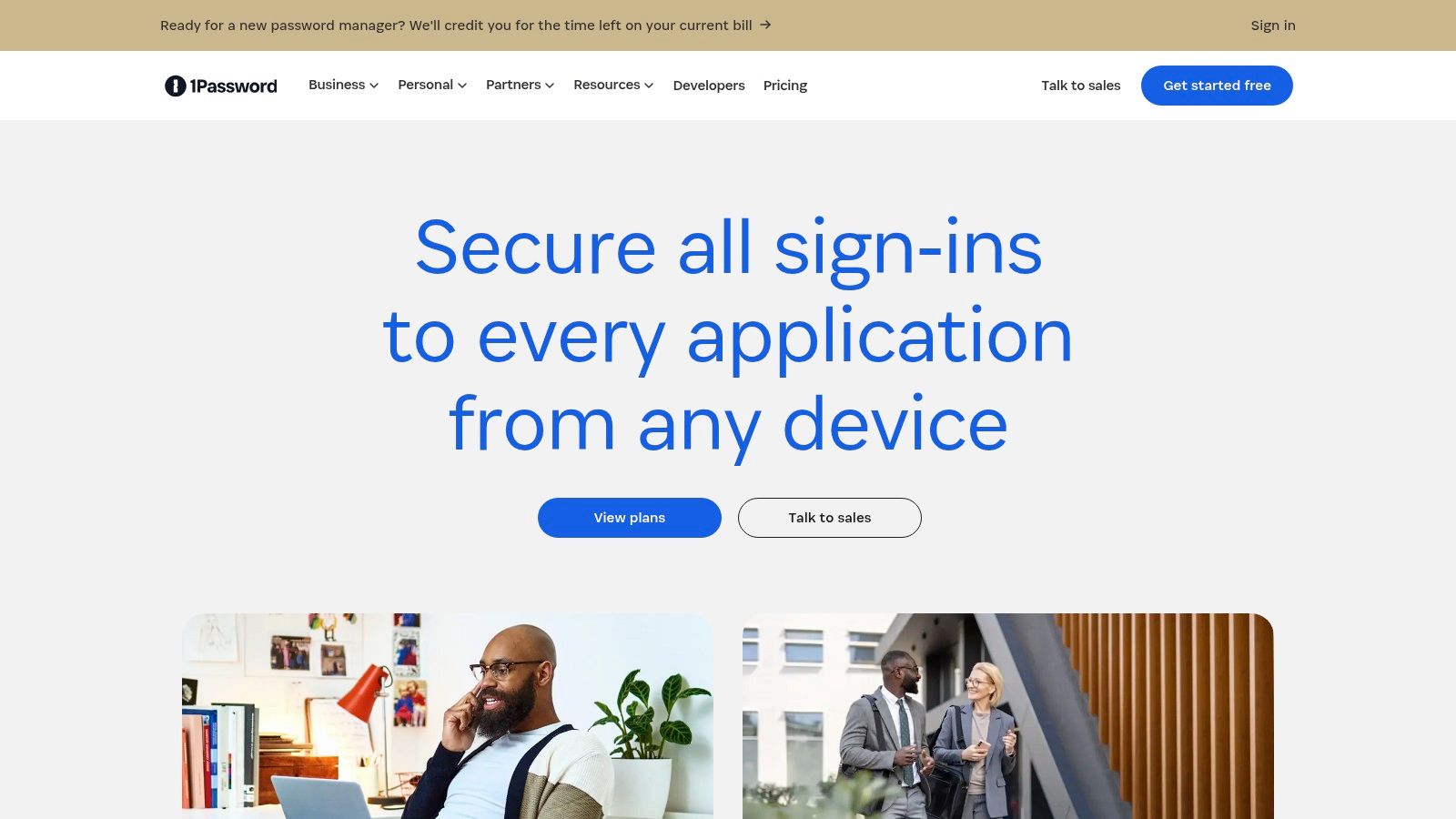
What distinguishes 1Password is its excellent user experience, which drives high adoption rates among team members, a key factor for any security tool's success. It integrates with identity providers like Okta and Entra ID for single sign-on (SSO) and offers strong administrative controls, including detailed audit trails and breach alerts via its Watchtower feature. This combination of usability and enterprise-grade security makes it a top choice for protecting a remote workforce.
Key Details & Use Cases
- Best For: Remote or hybrid companies needing a secure, user-friendly way to manage and share passwords, software licenses, and developer secrets.
- Pricing: Business plans are priced per user, per month. A free trial is available. Tiers add features like advanced reporting, SSO integration, and usage reports.
- Practical Tip: Create specific vaults for different teams (e.g., "Marketing Tools," "Dev-Ops Keys") and use role-based permissions to enforce the principle of least privilege. Encourage team members to use the browser extension for automatically generating and saving strong, unique passwords.
YayRemote Integration: We use 1Password to securely manage access to all our third-party SaaS tools and internal platforms. Shared vaults for the engineering, marketing, and content teams ensure that everyone has the access they need without sharing credentials insecurely over messaging apps.
Website: https://1password.com
12 Remote Work Tools Comparison
| Product | Core features ✨ | Quality ★ | Price & value 💰 | Target 👥 | USP / Notes ✨ |
|---|---|---|---|---|---|
| YayRemote 🏆 | Curated remote jobs + free tools (Skills Analyzer, ATS Check, Time Zone, Visa hub, API) | ★★★★☆ | 💰 Free tools; Pro & employer bundles (pricing via sales) | 👥 Job seekers, digital nomads, employers, devs | 🏆 Curation + practical remote tooling + Digital Nomad Visa hub |
| Slack | Channels, DMs, huddles, 2,600+ integrations | ★★★★☆ | 💰 Freemium → paid tiers; costs can scale | 👥 Remote teams needing chat & apps | ✨ Large app ecosystem & Slack Connect |
| Microsoft Teams | Chat, meetings, calling, native Microsoft 365 integration | ★★★★☆ | 💰 Included with M365; Essentials/Enterprise tiers | 👥 Microsoft-centric orgs & enterprises | ✨ Tight 365 integration & enterprise controls |
| Zoom Workplace | HD meetings, Team Chat, Whiteboard, Docs, AI Companion | ★★★★☆ | 💰 Freemium; many paid add-ons & bundles | 👥 Meeting-first teams & events | ✨ Best-in-class video + webinar/phone ecosystem |
| Google Workspace | Gmail, Drive, Meet, Docs/Sheets, Gemini AI | ★★★★☆ | 💰 Simple per-user tiers; AI/admin add-ons | 👥 Browser-first teams & SMBs | ✨ Real-time co-editing & broad APIs |
| Notion | Pages, databases, teamspaces, publishable sites, API | ★★★★☆ | 💰 Freemium; paid for advanced security/features | 👥 Docs/ops teams, KM, startups | ✨ Highly customizable knowledge workspace |
| Asana | Tasks, boards/timeline, automations, AI Studio | ★★★★☆ | 💰 Freemium → premium tiers for advanced features | 👥 PMs, cross-functional teams | ✨ Portfolio, workload & workflow automation |
| Jira Software (Cloud) | Backlogs, boards, roadmaps, automation, dev integrations | ★★★★☆ | 💰 Paid per-user; scales to enterprise with options | 👥 Engineering & IT teams | ✨ Industry-standard for software delivery |
| Miro | Infinite canvas, templates, facilitation tools, integrations | ★★★★☆ | 💰 Freemium; business/enterprise plans | 👥 Designers, facilitators, remote workshops | ✨ Best for async ideation & workshops |
| GitHub | Repos, PRs, Actions CI/CD, Codespaces, security tools | ★★★★★ | 💰 Freemium; paid for advanced security & enterprise | 👥 Developers & engineering orgs | ✨ Ubiquitous dev platform + cloud dev envs |
| Loom | Async video + transcripts, AI summaries, team libraries | ★★★★☆ | 💰 Freemium; paid AI/editing & enterprise options | 👥 Product, support, devs needing async demos | ✨ Fast context-sharing via short videos |
| 1Password (Business) | Vaults, SSO/SCIM, breach alerts, secrets management | ★★★★☆ | 💰 Paid per-user business plans | 👥 Security-conscious teams & devs | ✨ Strong UX for secrets + audit trails |
From Tools to Systems: Making Your Remote Stack Work for You
Navigating the extensive list of tools for remote work we've explored can feel like stocking a workshop. You have your heavy machinery for project management like Jira and Asana, your precision instruments for communication like Slack and Zoom, and versatile multi-tools like Notion and Google Workspace. However, simply owning the tools doesn't guarantee a finished product. The true art lies in arranging them into a cohesive, efficient system that supports your team's unique rhythm and workflow. The goal is to move from a collection of individual applications to an integrated "remote work stack" that feels seamless.
This shift from tools to systems is a critical step for any distributed team. It's about ensuring information flows logically from one platform to another, reducing manual data entry, and minimizing context switching. For instance, a well-designed system might see a customer support ticket in your help desk automatically create a task in Asana, which then triggers a notification in a specific Slack channel for the engineering team to review. This interconnectedness is what turns a good set of tools into a powerful operational backbone.
Building Your Stack Strategically
So, where do you begin? The key is to start small and solve a specific, tangible problem.
- Identify a Core Pain Point: Is your team drowning in email? Perhaps implementing a dedicated channel-based communication tool like Slack or Microsoft Teams is your first priority. Are projects consistently missing deadlines? A project management tool like Asana with clear timelines and dependencies might be the answer.
- Prioritize Integration: When selecting a new tool, consider how well it connects with your existing software. Strong native integrations or compatibility with automation platforms like Zapier can save countless hours and prevent the creation of information silos. For example, ensuring your new password manager, like 1Password, integrates with your identity provider makes onboarding new hires much smoother.
- Encourage Adoption with Clear Guidance: Simply rolling out a new tool and hoping for the best is a recipe for failure. You must champion its adoption. Create simple templates, record quick Loom videos demonstrating key workflows, and establish clear "rules of the road" for how the tool should be used. Designating a specific use case, such as using Miro exclusively for brainstorming sessions, helps build muscle memory and clarifies its purpose within the stack.
The Human Element in a Digital Workplace
Ultimately, no amount of software can replace the need for clear communication, trust, and well-defined processes. The tools are facilitators, not solutions in themselves. They are meant to reduce friction, not eliminate the need for thoughtful human interaction. The best remote work environments are those that use technology to amplify their culture of transparency, accountability, and collaboration.
Remember that your stack is not set in stone. It's a living system that should evolve as your team grows, your projects change, and new, better tools become available. Regularly solicit feedback from your team about what's working and what isn't. This continuous improvement loop ensures your technology investment continues to pay dividends in productivity and employee satisfaction. By thoughtfully combining powerful software with smart, human-centric processes, you can construct a remote work environment that is not just functional, but a true source of competitive advantage in a distributed world.
Ready to find a remote role where you can put these tools to work? YayRemote isn't just a job board; it's a platform built for the modern remote professional, featuring integrated tools like an ATS Resume Checker and Skills Analyzer to help you land your next opportunity. Explore remote jobs and build your career on YayRemote today.