12 Best VPN for Remote Workers: A Detailed Guide for 2026
Discover the best VPN for remote workers. Our 2026 guide tests 12 top services for security, speed, and real-world use cases to keep you productive and safe.
For remote workers, a reliable internet connection is foundational, but a secure one is mission-critical. Whether you're accessing sensitive company files from a coffee shop, connecting to a region-locked client portal, or simply trying to maintain your digital privacy across different networks, a Virtual Private Network (VPN) is no longer a "nice-to-have" but an essential part of your toolkit. The challenge isn't deciding if you need a VPN, but which one truly meets the specific demands of a distributed career.
This guide cuts through the marketing noise to deliver a practical analysis of the best VPN for remote workers. We've gone beyond surface-level feature lists to test and evaluate each service based on real-world scenarios you face daily. You'll find detailed breakdowns on performance, security protocols, and specific features like split tunneling for separating work and personal traffic. We also examine corporate-focused solutions for teams and highlight services with uncompromising privacy stances.
Our goal is to help you make an informed decision quickly. Each entry includes a concise summary, key specifications, and direct links to get started. We'll explore:
- Individual VPNs like NordVPN and ExpressVPN for speed and reliability.
- Privacy-first options such as Mullvad and Proton VPN.
- Business-centric platforms including NordLayer and Perimeter 81 for team-wide security.
By the end of this resource, you will have a clear understanding of which VPN aligns with your specific needs, whether you're a freelancer, part of a distributed team, or a digital nomad on the move. Let's secure your digital workspace.
1. NordVPN: The High-Performance All-Rounder
NordVPN earns its top spot by delivering a reliable, high-speed connection that remote workers can depend on. Its proprietary NordLynx protocol, built on WireGuard, ensures minimal speed loss, which is critical for video conferences, large file transfers, and maintaining a responsive connection to company servers. This makes it an excellent choice for individuals who need performance without compromising on security.
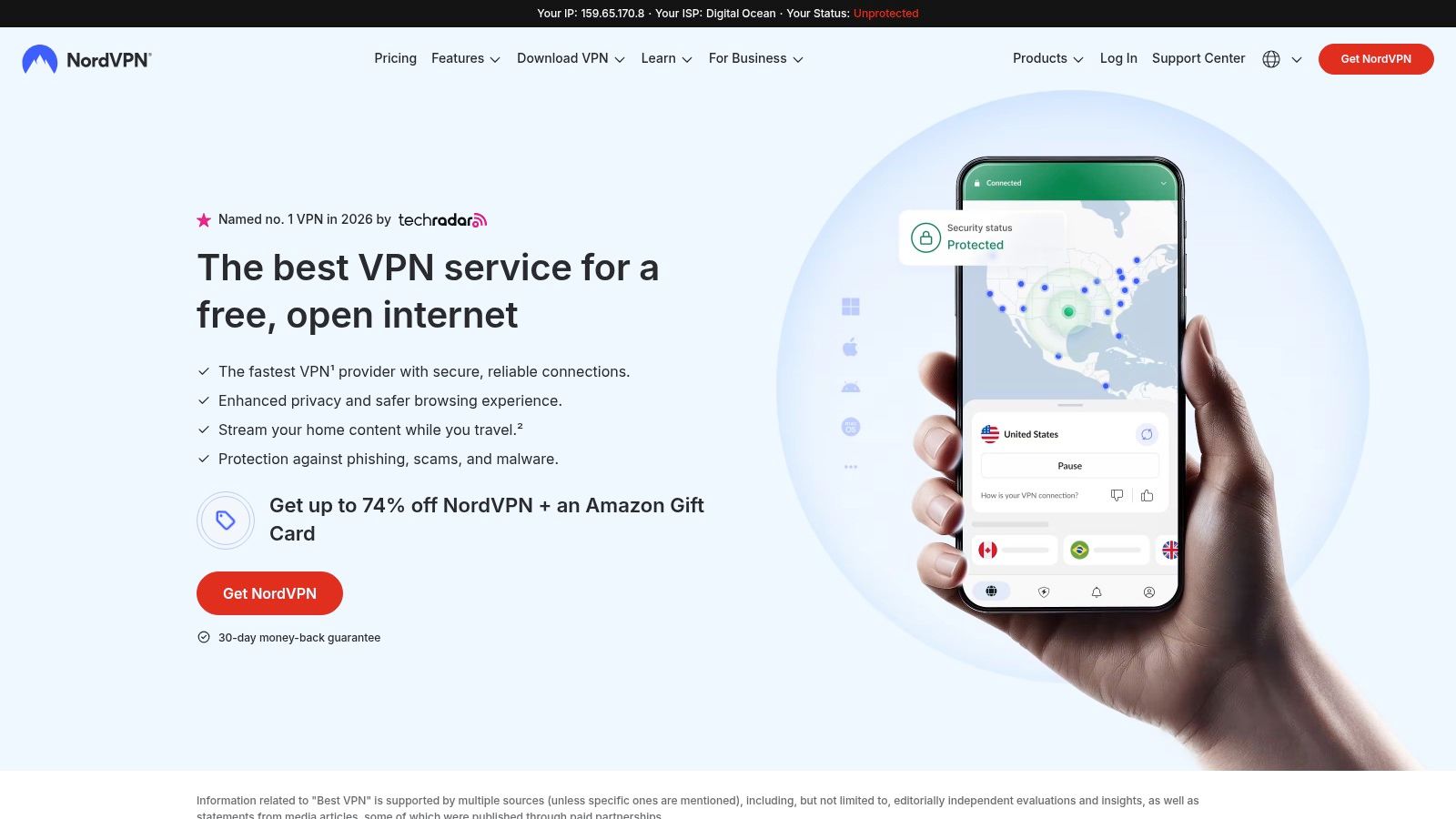
Beyond core VPN functions, NordVPN offers features that are particularly useful for remote work scenarios. Its Threat Protection feature goes beyond a simple ad blocker, actively scanning downloads for malware and blocking malicious websites. This adds a crucial layer of security, especially when working from less secure networks like cafes or co-working spaces. Implementing these tools is a key part of maintaining a secure work environment, a topic covered in our remote work security best practices.
Key Features & Considerations
- Meshnet: This unique feature allows you to create a secure, private network linking your devices directly. A remote developer could use Meshnet to access a local test server on their home desktop from their laptop while traveling, without exposing that server to the public internet.
- Dedicated IP: Available as a paid add-on, a dedicated IP address provides a static IP that only you use. This is essential for accessing corporate networks or services that use IP whitelisting for security.
- Pricing: NordVPN offers attractive introductory discounts for its 1- and 2-year plans. However, be aware that these plans renew at a significantly higher standard rate.
| Pros | Cons |
|---|---|
| Consistently fast speeds suitable for demanding tasks. | Renewal pricing is much higher than the introductory offer. |
| Meshnet provides secure, ad-hoc device-to-device access. | Past confusion over Meshnet's status warrants verifying its current support. |
| Audited no-logs policy and RAM-only servers bolster privacy claims. |
Website: https://nordvpn.com
2. ExpressVPN: The Reliable and Simple Performer
ExpressVPN is a premium choice that prioritizes simplicity and stability, making it one of the best VPN options for remote workers who need a "set it and forget it" solution. Its proprietary Lightway protocol, now written in Rust for improved security and performance, excels at maintaining a connection even on unstable networks. This is a significant advantage for digital nomads or anyone frequently working from public Wi-Fi, as Lightway handles network changes seamlessly, preventing frustrating drops during calls or transfers.
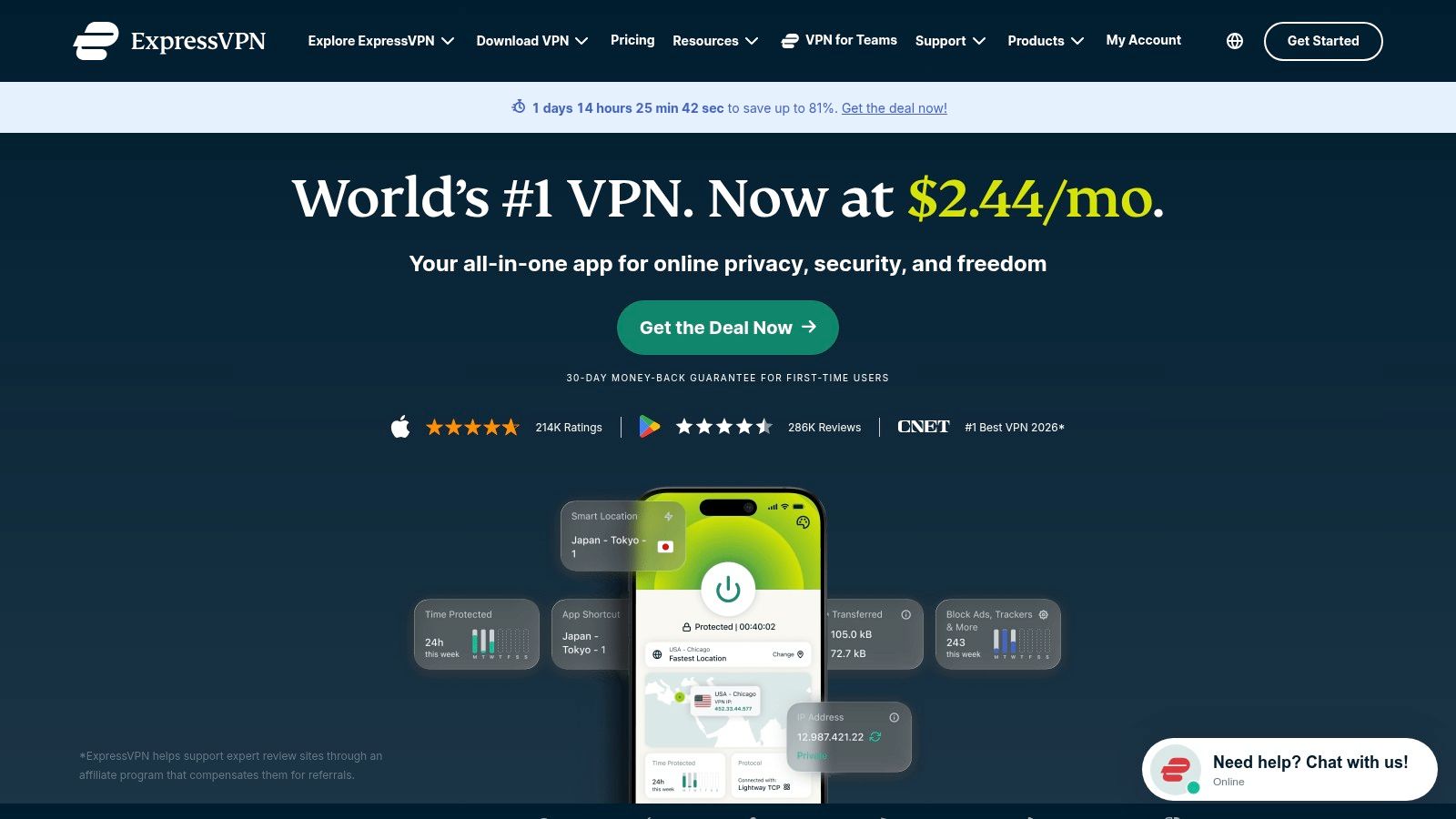
The user experience is defined by clean, intuitive apps across a wide range of devices, from desktops and mobiles to routers. This broad device coverage ensures you can secure your entire remote work setup without technical headaches. While the core VPN is a strong product on its own, ExpressVPN bundles additional security features in higher-tier plans, positioning itself as a more complete digital safety solution, similar to other essential tools for remote work.
Key Features & Considerations
- Lightway Protocol: Engineered for speed and reliability, its fast handoffs are ideal for remote workers on the move. Your VPN connection remains stable when switching between Wi-Fi and mobile data.
- Business Licensing: ExpressVPN offers a straightforward path for small teams (5+ users) to get licensed under a single account, simplifying administration for startups and small businesses securing their remote workforce.
- Post-Quantum Protection: The service is actively rolling out protections against future threats from quantum computing, offering a forward-looking security posture for protecting sensitive company data.
| Pros | Cons |
|---|---|
| Exceptionally simple and polished apps on all major platforms. | Pricier than many competitors, especially at renewal. |
| Lightway protocol offers excellent stability on flaky networks. | Advanced features like a password manager are locked in higher tiers. |
| Clear business licensing for small teams is available. | Dedicated IP is only offered as a paid add-on. |
Website: https://www.expressvpn.com
3. Surfshark: The Budget-Friendly Multi-Device Champion
Surfshark stands out with its exceptional value proposition, offering unlimited simultaneous connections on a single account. This makes it an ideal solution for remote workers with multiple devices, digital nomad families, or small teams needing to secure their entire tech arsenal without breaking the bank. Its combination of affordability and a growing feature set solidifies its place as one of the best VPNs for remote workers who prioritize device coverage.
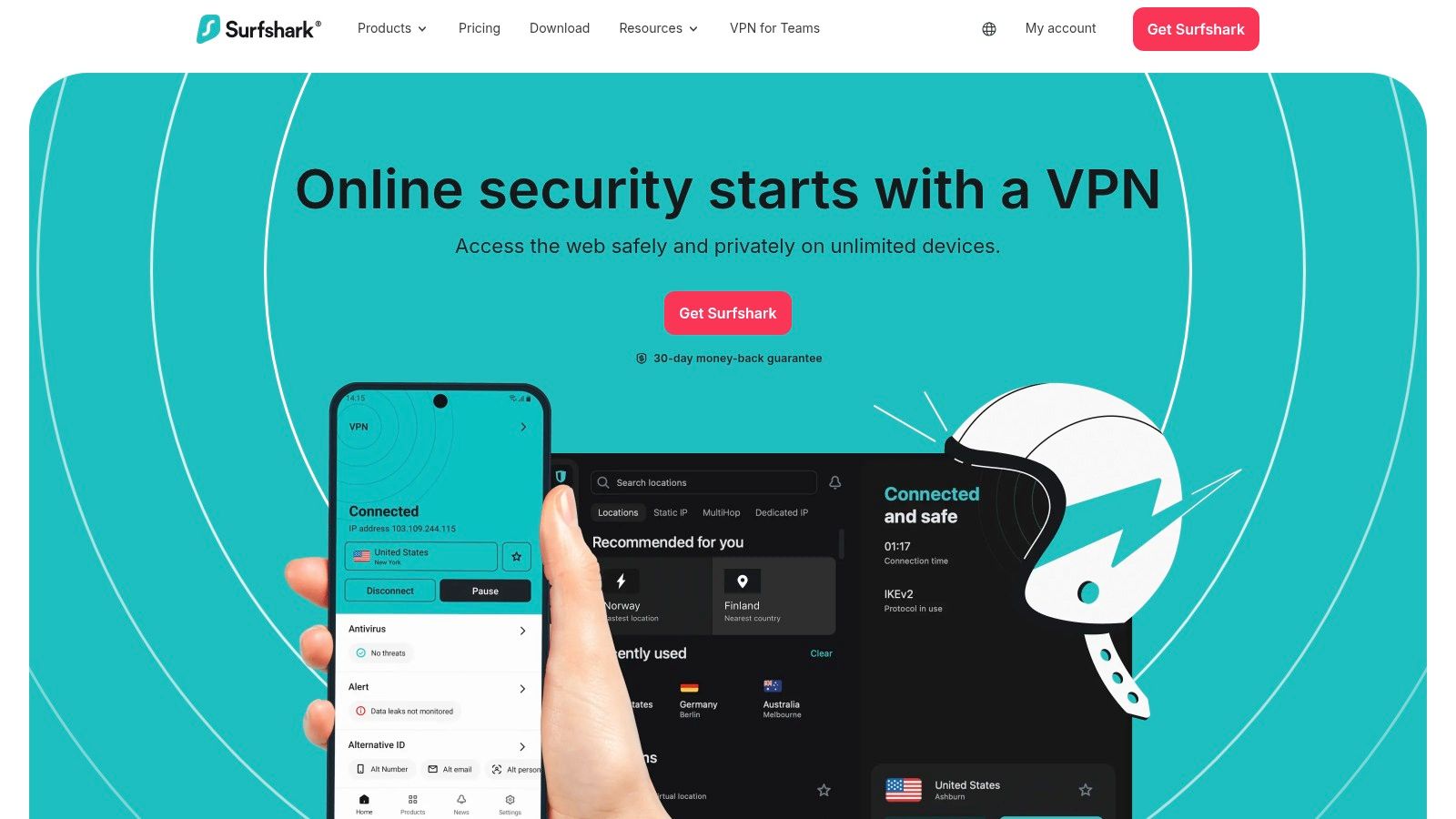
With a large server network spanning 100 countries, Surfshark provides plenty of options for bypassing geo-restrictions or finding a low-latency connection. This is particularly useful for digital nomads who need to access services that are only available in specific regions or want to explore their options for the best countries for remote workers. The service also offers a "Surfshark One" bundle that includes antivirus and data-breach monitoring, adding layers of security beyond the core VPN functionality.
Key Features & Considerations
- Unlimited Connections: The ability to connect an unlimited number of devices simultaneously is Surfshark's defining feature. A remote professional can secure their laptop, phone, tablet, and even a smart TV without needing multiple subscriptions.
- Dedicated IP: Surfshark offers a dedicated IP address as an add-on, which is a key requirement for accessing IP-restricted corporate networks. Its support for this feature extends to a broad range of operating systems.
- Pricing: The introductory prices for its long-term plans are extremely competitive. However, these plans will renew at the standard rate at the time of renewal, which will be higher.
| Pros | Cons |
|---|---|
| Excellent value with unlimited simultaneous device connections. | Renewal pricing is higher than the very low introductory rates. |
| Strong feature set, including an optional antivirus and alert system. | Dropped support for some older Apple OS versions, so check compatibility. |
| Offers a "VPN for Teams" option suitable for small business use. |
Website: https://surfshark.com
4. Proton VPN: The Privacy-First Swiss Provider
Proton VPN stands out for its uncompromising focus on privacy and transparency, making it an excellent choice for remote workers who handle sensitive data or operate in restrictive environments. Backed by Swiss privacy laws, its audited no-logs policy and open-source applications provide verifiable security. This foundation of trust is critical for journalists, researchers, or any professional prioritizing data integrity.
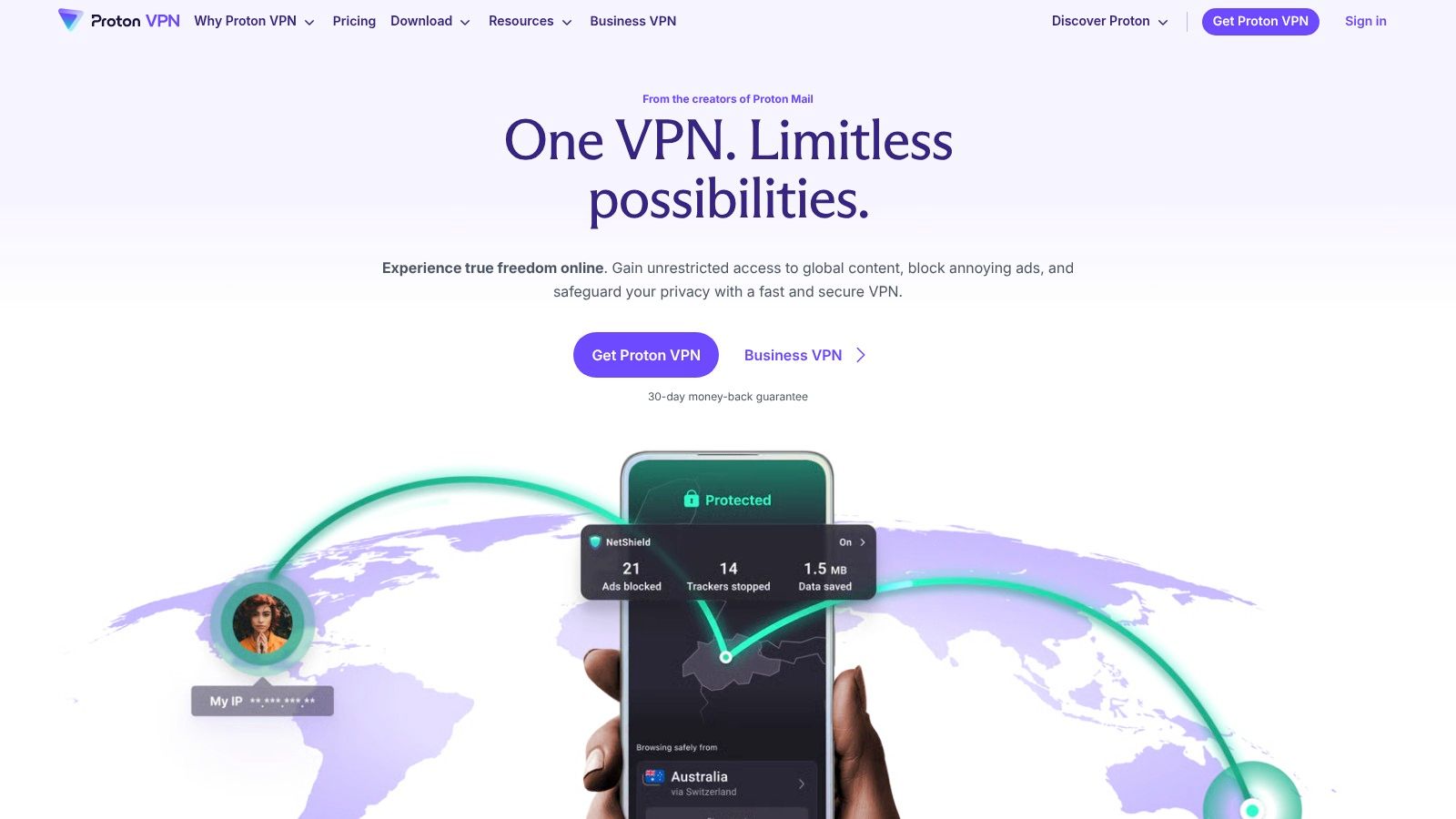
While its free tier is a major draw, offering unlimited data, the paid plans unlock the features that make Proton VPN one of the best VPNs for remote workers. Its Secure Core architecture routes traffic through multiple servers in privacy-friendly countries before it reaches its final destination, adding a formidable layer of protection against network surveillance. This is particularly useful for workers connecting from regions with heavy internet monitoring.
Key Features & Considerations
- Secure Core: Available on Plus plans, this multi-hop feature routes your connection through hardened servers in Switzerland, Iceland, or Sweden. A remote worker could use this to access company resources from a high-risk location, ensuring their original IP address is almost impossible to trace.
- Generous Free Plan: Unlike many competitors, Proton VPN's free plan has no data caps. While speeds are limited, it's a perfectly viable option for securing your connection on public Wi-Fi for light tasks like checking email or company chat.
- Business Offerings: For teams, Proton for Business provides dedicated gateways, static IPs, and centralized user management. This is available via a direct sales process rather than a self-serve checkout.
| Pros | Cons |
|---|---|
| Strong transparency with regular independent audits of its no-logs policy. | Secure Core and the fastest speeds are reserved for the paid Plus plan. |
| Excellent free plan with no data limits for occasional secure use. | Dedicated/static IPs are primarily available through business plans. |
| Good roadmap and support for Linux and macOS, including split tunneling. |
Website: https://protonvpn.com
5. Mullvad VPN: The Privacy Purist's Choice
Mullvad VPN stands out by prioritizing user privacy and anonymity above all else, making it a compelling choice for security-conscious remote workers. It operates on a unique system of numbered accounts, meaning you never need to provide an email address, name, or any personal information to sign up. This philosophy extends to its payment methods, which include cash sent by mail and cryptocurrencies like Monero, offering a degree of anonymity that few competitors can match.
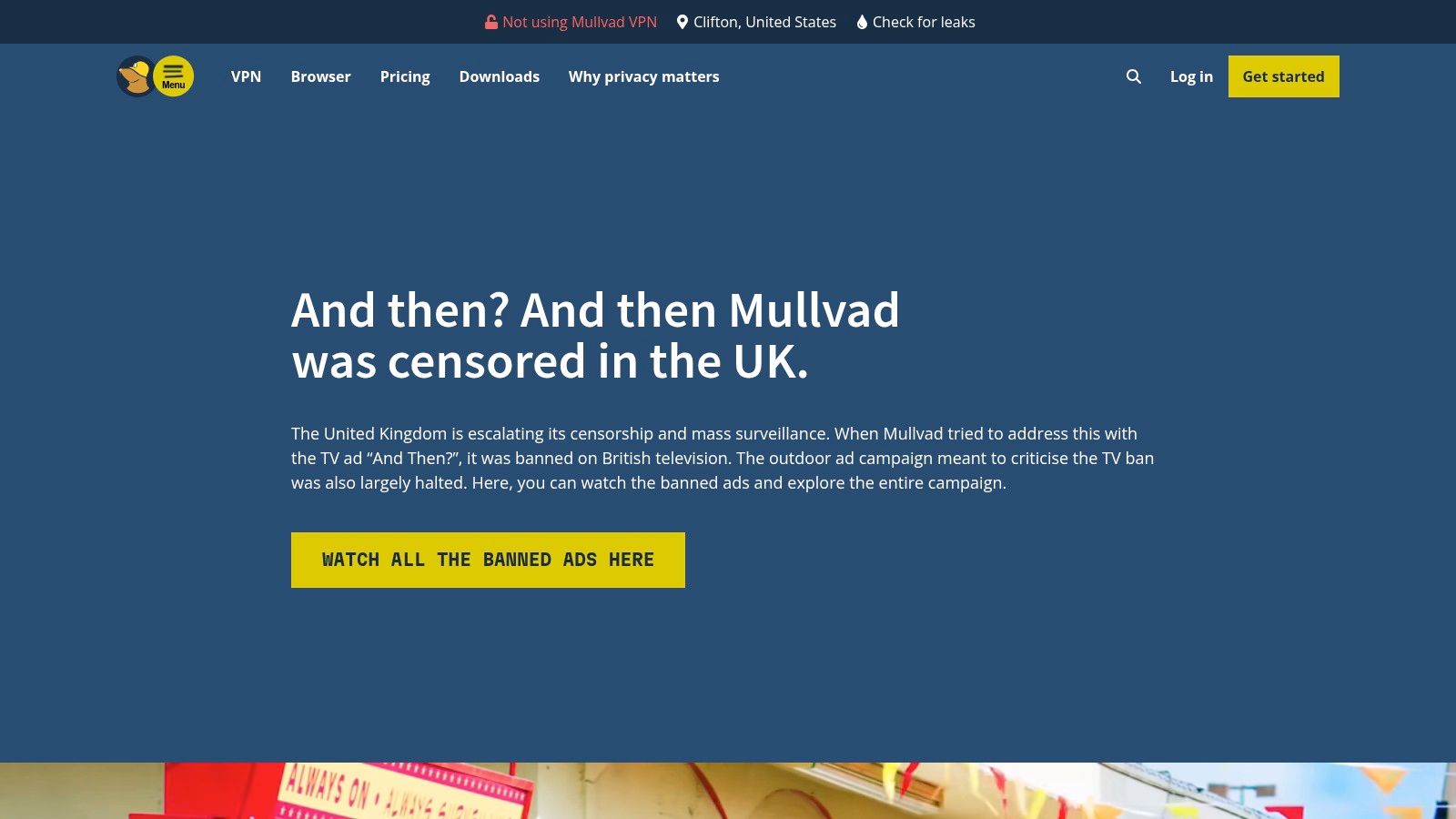
The platform’s transparent and simple pricing model is another major differentiator. There are no confusing long-term contracts or steep renewal hikes; just a flat rate of €5 per month. This straightforward approach is ideal for freelancers or contractors who prefer predictable monthly expenses without being locked into multi-year plans. While it may lack some of the convenience features of mainstream rivals, Mullvad’s unwavering commitment to privacy makes it one of the best VPNs for remote workers who handle sensitive data and want to minimize their digital footprint.
Key Features & Considerations
- Anonymous Accounts: By generating a random account number instead of requiring an email, Mullvad ensures your VPN usage is not tied to your identity. This is perfect for journalists, researchers, or any professional needing maximum discretion.
- Privacy-Friendly Payments: The option to pay with cash by mail or cryptocurrencies like Bitcoin and Monero provides a truly anonymous payment pathway, which is almost unheard of in the VPN industry.
- Pricing: A simple, flat rate of approximately €5 per month (subject to currency conversion) applies whether you pay monthly or yearly. There are no introductory deals, just consistent, fair pricing.
| Pros | Cons |
|---|---|
| Exceptional commitment to privacy with anonymous accounts. | Lacks some convenience features like a dedicated IP option. |
| Transparent, flat-rate pricing with no long-term lock-in. | No port forwarding, which can be a limitation for certain technical tasks. |
| Supports anonymous payment methods including cash and crypto. | Smaller server network compared to some larger competitors. |
Website: https://mullvad.net
6. IVPN: The Privacy-First Choice for the Security-Conscious
IVPN distinguishes itself with an unwavering commitment to user privacy and operational transparency, making it a top contender for remote workers who handle sensitive data. Instead of flashy marketing, IVPN focuses on core security principles, offering a service built on trust and straightforward functionality. Its clear, no-nonsense approach is a refreshing alternative for those who prioritize security above all else, making it one of the best VPN for remote workers who demand accountability.
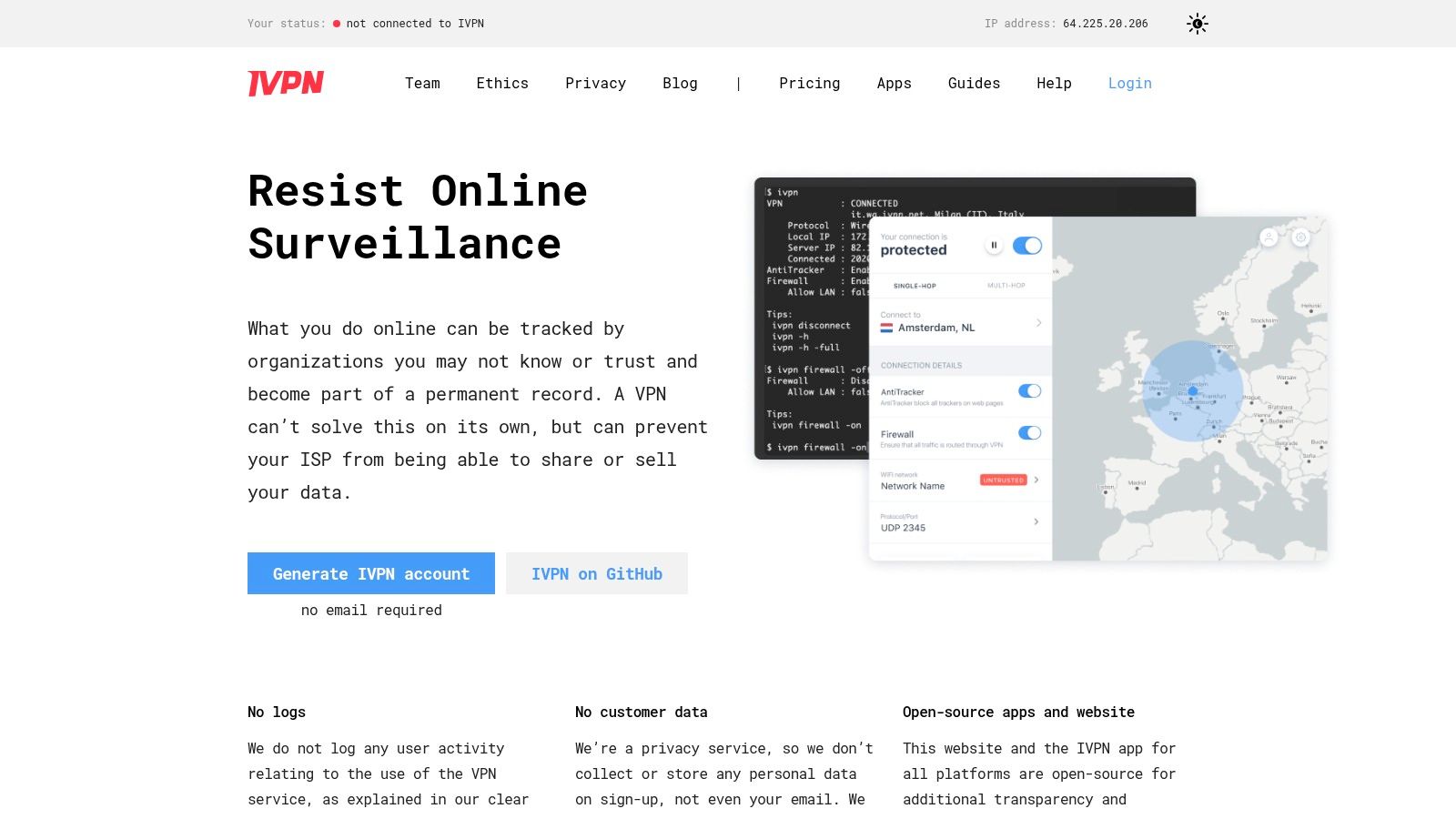
The platform’s strength lies in its thoughtfully designed features that protect users without being overly complex. The AntiTracker feature blocks ads, malicious websites, and third-party trackers, reducing your digital footprint while connected. This is particularly valuable when working from public Wi-Fi. The service is also fully open-source and has undergone independent audits, reinforcing its privacy-centric mission.
Key Features & Considerations
- Standard vs. Pro Tiers: IVPN offers two plans. The Standard plan covers basic VPN needs, while the Pro plan adds multi-hop connections (routing traffic through two servers for extra anonymity) and port forwarding, which can be useful for specific technical tasks like hosting a small server or improving P2P performance.
- Transparent Policies: The company maintains extremely clear and honest documentation about its operations, logging policies (they don't log activity), and corporate structure. This transparency builds confidence that your data is handled responsibly.
- Pricing: IVPN's pricing is straightforward, with monthly, yearly, and multi-year options. It does not use aggressive introductory discounts, meaning the price you see is what you pay, providing more predictable budgeting for freelancers and small teams.
| Pros | Cons |
|---|---|
| Exceptional reputation for privacy and operational transparency. | Smaller server network compared to larger, mainstream providers. |
| Features like multi-hop and AntiTracker add meaningful security layers. | Fewer convenience-oriented features or third-party integrations. |
| Clear, simple apps and excellent documentation. | Performance may not always match the top speeds of competitors. |
Website: https://www.ivpn.net
7. Private Internet Access (PIA): The Customizable Powerhouse
Private Internet Access (PIA) stands out for its deep configurability and massive server network, making it a strong contender for tech-savvy remote workers who want granular control. Its long-standing reputation is built on providing a reliable service with a focus on user customization. For remote workers needing to connect to specific U.S. regions, PIA is particularly useful as it maintains servers in all 50 states, ensuring low-latency connections regardless of your location.
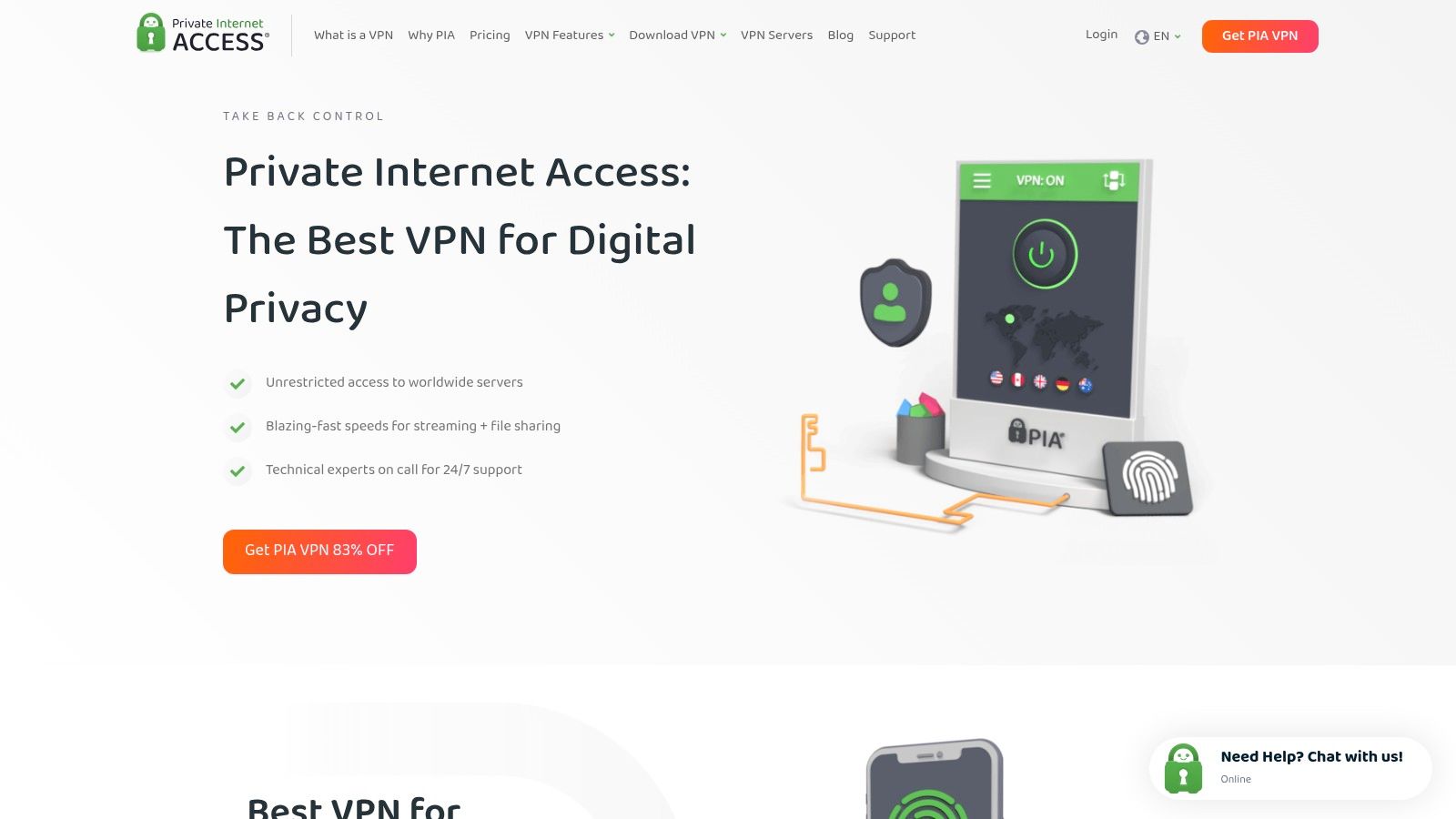
PIA's applications allow users to fine-tune their connection by selecting different protocols, encryption levels, and ports. This flexibility can be critical for troubleshooting network restrictions or optimizing performance for specific tasks. A generous allowance of 10 simultaneous device connections also makes it a cost-effective choice for professionals who switch between a desktop, laptop, tablet, and smartphone throughout their workday. This makes PIA a solid choice if you're searching for the best VPN for remote workers and value technical control.
Key Features & Considerations
- Advanced Configuration: Users can adjust settings like DNS, port forwarding, and protocol choice (OpenVPN/WireGuard), which is ideal for advanced scenarios like setting up a secure home media server or bypassing strict firewalls.
- Dedicated IP: Similar to other top providers, PIA offers a Dedicated IP as a paid add-on. This is a must-have for accessing corporate resources that are protected by IP whitelisting, preventing lockouts that can occur with shared IPs.
- Pricing: PIA often features some of the most competitive prices for its long-term plans. However, its promotional language and auto-renewal policies can be confusing, so it is important to carefully review the checkout details and renewal rates.
| Pros | Cons |
|---|---|
| Very competitive long-term pricing and frequent promotions. | Auto-renew and promotional language can be confusing; confirm renewal rates. |
| Excellent for users who want to customize protocols and connections. | Promos and pricing structure require careful review at checkout. |
| Supports crypto payments for added privacy. |
Website: https://www.privateinternetaccess.com
8. CyberGhost VPN: The User-Friendly Choice for Simplicity
CyberGhost stands out for its straightforward, plug-and-play experience, making it an excellent option for non-technical remote workers who prioritize ease of use. Its interface is clean and simple, allowing users to connect with a single click. With one of the largest server networks in the industry, finding a stable, uncongested server for daily work tasks is rarely an issue, providing solid performance for general remote work activities.
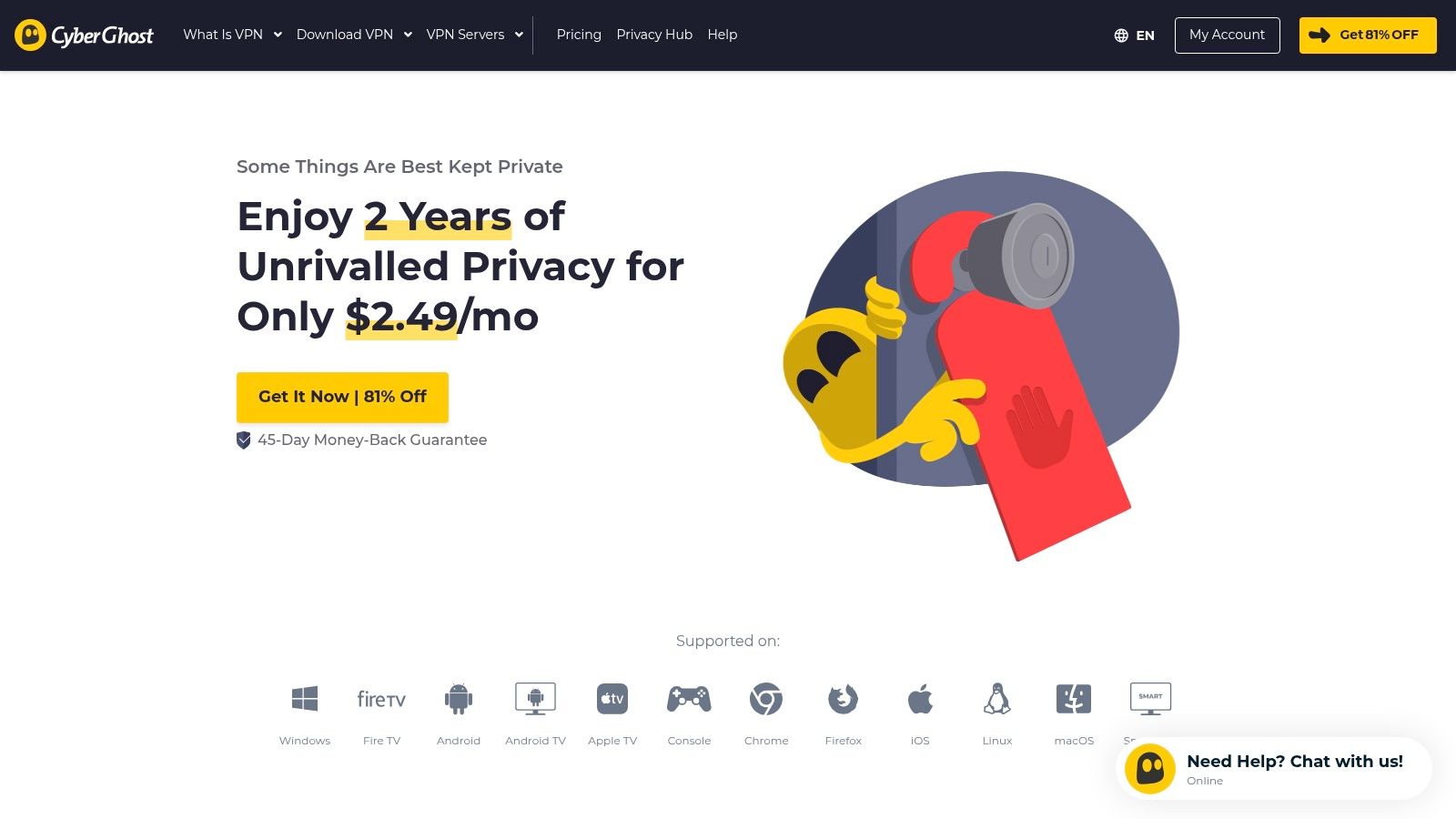
The platform is particularly known for its aggressive long-term pricing and generous refund window, which can extend up to 45 days on multi-year plans. This offers a low-risk opportunity for remote workers to thoroughly test the service. Its specialized streaming servers also provide a reliable way to access media content from home during downtime, simplifying a common pain point for digital nomads and frequent travelers.
Key Features & Considerations
- Streaming-Optimized Servers: Clearly labeled servers for specific streaming services make it easy to access your favorite shows after the workday, regardless of your physical location.
- Generous Connection Limit: CyberGhost allows for up to 7 simultaneous connections, which is sufficient for a remote worker to secure their laptop, phone, tablet, and other personal devices under a single subscription.
- Pricing & Refunds: The service is known for deep discounts on 2- and 3-year plans. However, it's crucial to read the fine print, as renewal rates will be significantly higher than the introductory offer.
| Pros | Cons |
|---|---|
| Very easy setup with solid day-to-day speeds for remote work. | Promotional pages emphasize discounts; watch small print on renewals. |
| Strong long-term pricing promotions make it budget-friendly. | Some support and specific pricing details can be buried in fine print. |
| Generous 45-day refund window on longer plans reduces risk. |
Website: https://www.cyberghostvpn.com
9. Windscribe: The Flexible Power-User Pick
Windscribe stands out with its exceptional flexibility in both pricing and configuration, making it a strong contender for tech-savvy remote workers and small teams. Its generous free tier offers a great starting point, but the real value for remote work lies in its unique "Build-A-Plan" option. This allows you to pay per server location, which is perfect for a freelancer needing a static IP in a specific country to access a client's network without paying for a full global package.
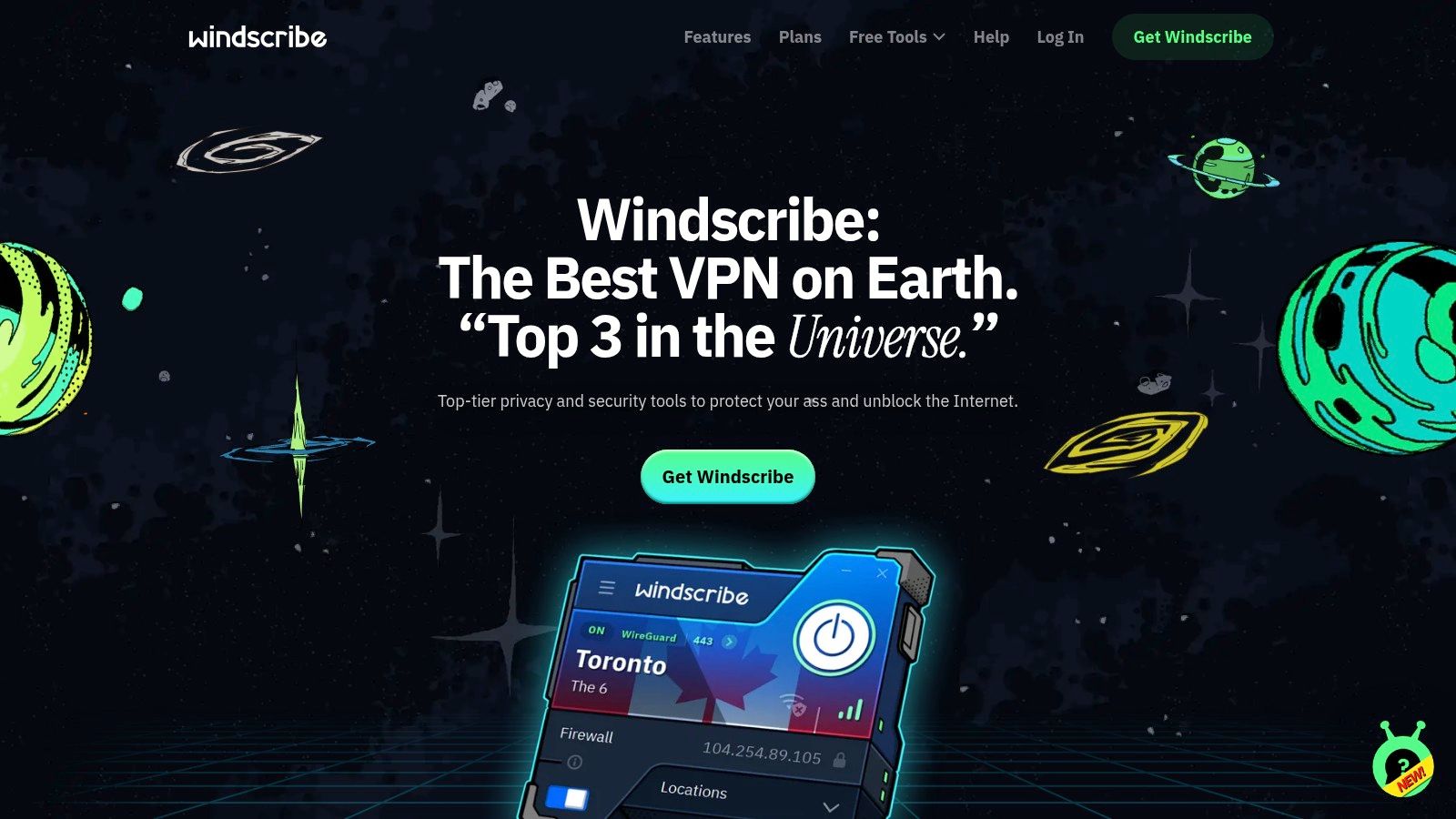
This provider goes beyond basic VPN protection with its powerful DNS-level filtering tool, R.O.B.E.R.T., which can be configured to block ads, trackers, malware, and custom domains directly within the app. This provides a clean and secure browsing environment on any network. For those managing a small distributed team, the ScribeForce feature offers a simple way to centrally manage billing and user accounts, making it a practical choice for startups.
Key Features & Considerations
- Build-A-Plan: Pay just $1 per month for each server location you need (with a minimum). This is a cost-effective solution for remote workers who only need to appear in one or two specific countries.
- Config Generator: Advanced users can generate custom configuration files for OpenVPN, IKEv2, and WireGuard. This is ideal for setting up routers or other devices that don't support the native Windscribe app.
- ScribeForce: A simple team management feature that consolidates billing and makes it easy to add or remove team members from the VPN plan.
| Pros | Cons |
|---|---|
| Highly flexible and transparent pricing with a "Build-A-Plan" option. | Standard yearly plan can be more expensive than some competitors' promotions. |
| R.O.B.E.R.T. provides powerful, customizable ad and tracker blocking. | The interface can feel busy and slightly overwhelming for new users. |
| Advanced configuration tools are excellent for manual setups and power users. |
Website: https://windscribe.com
10. NordLayer: The Business-Grade Secure Access Solution
While most VPNs on this list cater to individuals, NordLayer is purpose-built for businesses and IT teams managing distributed workforces. It moves beyond a simple consumer VPN by integrating Zero Trust Network Access (ZTNA) principles, offering a more robust security posture for organizations. This approach ensures that access is granted on a strict need-to-know basis, verified by user identity and device health, making it a strong contender for companies seeking the best vpn for remote workers at an organizational level.
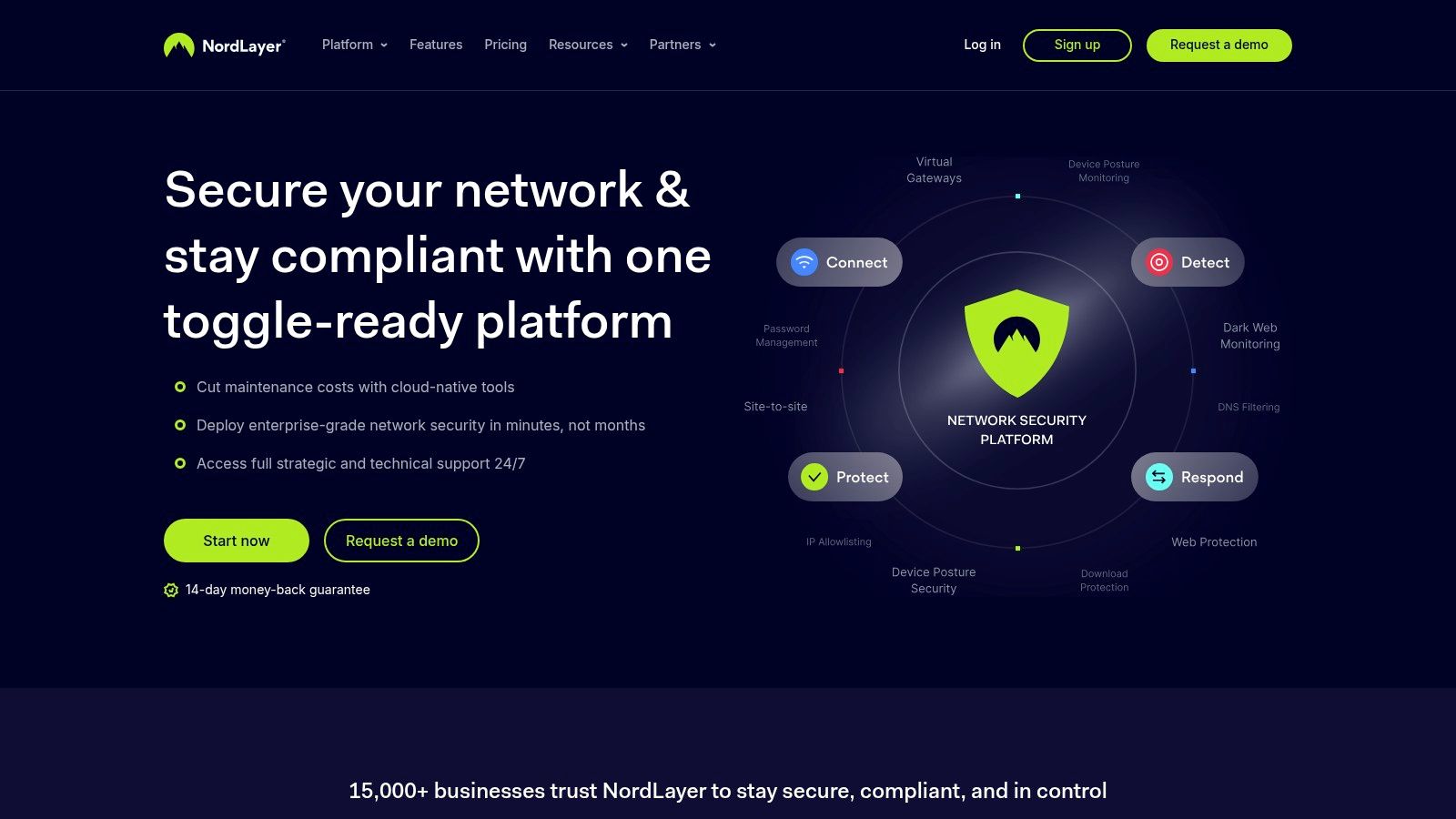
NordLayer equips IT administrators with a centralized control panel to manage user permissions, enforce security policies, and monitor network activity. Features like single sign-on (SSO) integration, mandatory multi-factor authentication (MFA), and DNS filtering provide layers of defense against common cyber threats. It's designed for scalability, allowing a business to easily add or remove licenses as the team grows or changes.
Key Features & Considerations
- Centralized Administration: IT teams can manage all users, set up private gateways, and enforce security policies like Always-On VPN from a single dashboard. This simplifies the otherwise complex task of securing a remote team.
- Identity-Aware Access: NordLayer integrates with major identity providers (Okta, Azure AD, Google) to ensure only authenticated users can access specific network resources. It also checks device posture to block access from non-compliant or compromised devices.
- Pricing: Plans start from $7 per user per month, but this often comes with minimum user requirements. Advanced features like site-to-site connectivity or dedicated servers are available as add-ons or in higher-tier plans, which can increase the overall cost.
| Pros | Cons |
|---|---|
| Fast setup and scalable user/license management for IT teams. | Minimum user limits can make it unsuitable for very small teams. |
| Strong compliance posture with ISO 27001 and SOC 2 Type I certifications. | Pricing can become complex with different tiers and add-on features. |
| Combines traditional VPN security with modern ZTNA controls. | More of a business solution than a personal VPN for individual freelancers. |
Website: https://nordlayer.com
11. Perimeter 81: The Enterprise-Grade ZTNA Solution
Moving beyond traditional VPNs, Perimeter 81 is designed for businesses and IT teams managing a distributed workforce. Now part of Check Point's SASE (Secure Access Service Edge) platform, it replaces legacy corporate VPNs with a modern, identity-centric security model. This makes it one of the best VPN options for remote workers whose companies need robust, scalable, and centralized access control.
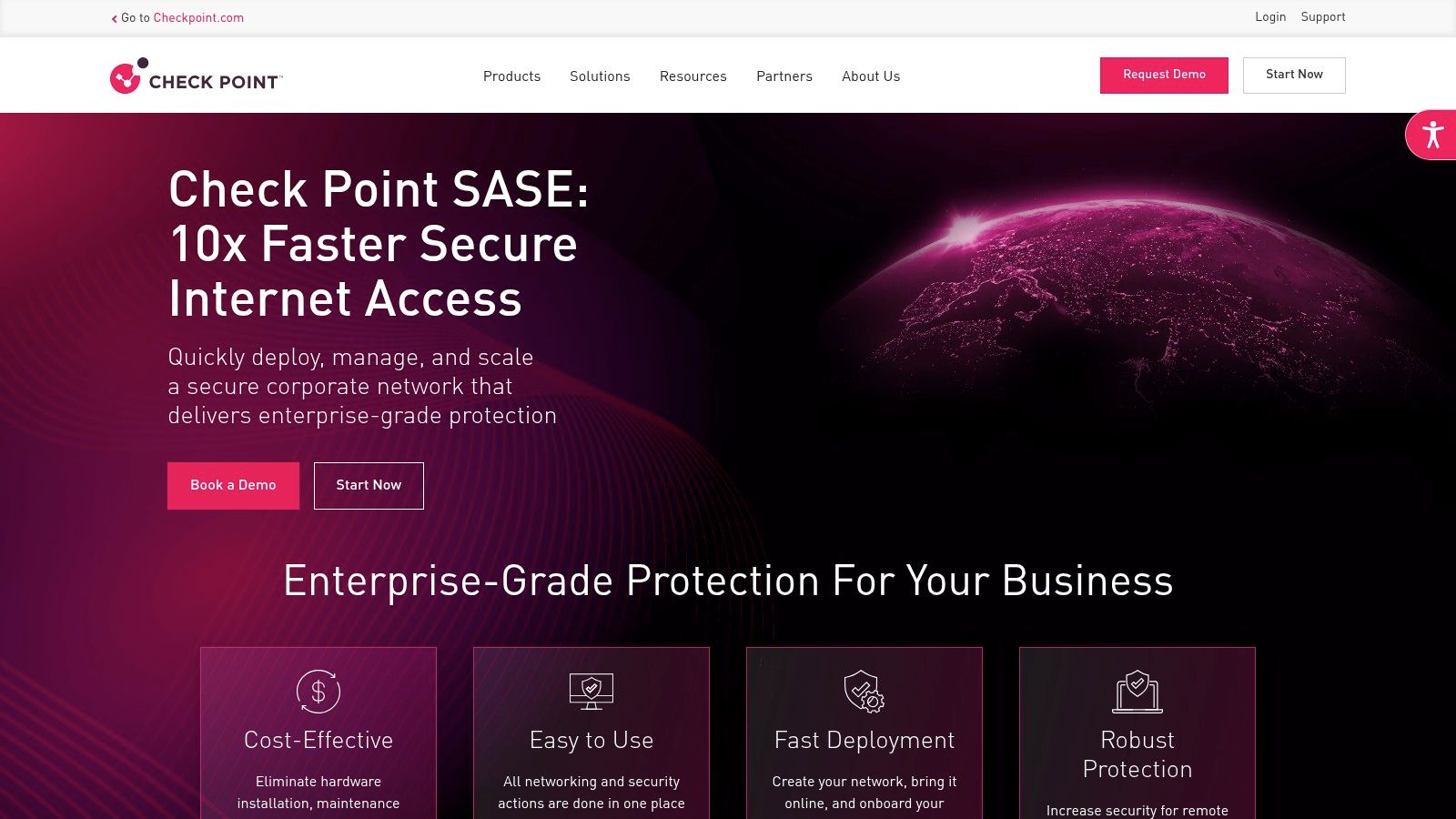
Perimeter 81 is built on the principles of Zero Trust Network Access (ZTNA), meaning no user or device is trusted by default. Access to company resources is granted on a per-session basis after verifying identity, device health, and other contextual factors. This granular approach provides superior security compared to a standard VPN, which often grants broad network access once connected.
Key Features & Considerations
- Secure Web Gateway (SWG): The platform filters internet traffic to block malicious websites and enforce corporate policies, protecting remote employees from threats regardless of their location.
- Consolidated Management: IT administrators get a single dashboard to manage user access, monitor network activity, and apply security policies across the entire organization, from cloud environments to on-premise servers.
- Pricing: Since its integration with Check Point, public pricing has been de-emphasized. Businesses interested in the platform will need to contact the sales team for a custom quote, as it is a solution sold to organizations, not individual consumers.
| Pros | Cons |
|---|---|
| Designed for IT teams managing many users and cloud resources. | Most plans and detailed pricing require contacting sales. |
| Consolidates access and security controls into one platform. | Not intended for individual remote workers looking for a personal VPN. |
| Enterprise features suitable for hybrid and multi-cloud setups. | Can be overly complex for small teams or freelancers. |
Website: https://www.perimeter81.com
12. Tailscale: The Zero-Config Mesh Network
Tailscale rethinks the traditional VPN model, making it an exceptional choice for technical remote workers, developers, and small teams. Instead of routing all your traffic through a central server, it creates a secure, private mesh network (a "tailnet") connecting your devices directly. This peer-to-peer approach, built on the high-performance WireGuard protocol, is perfect for accessing internal resources like a development server on your home desktop or a file share in a private cloud, all without complex firewall rules or gateway configurations.
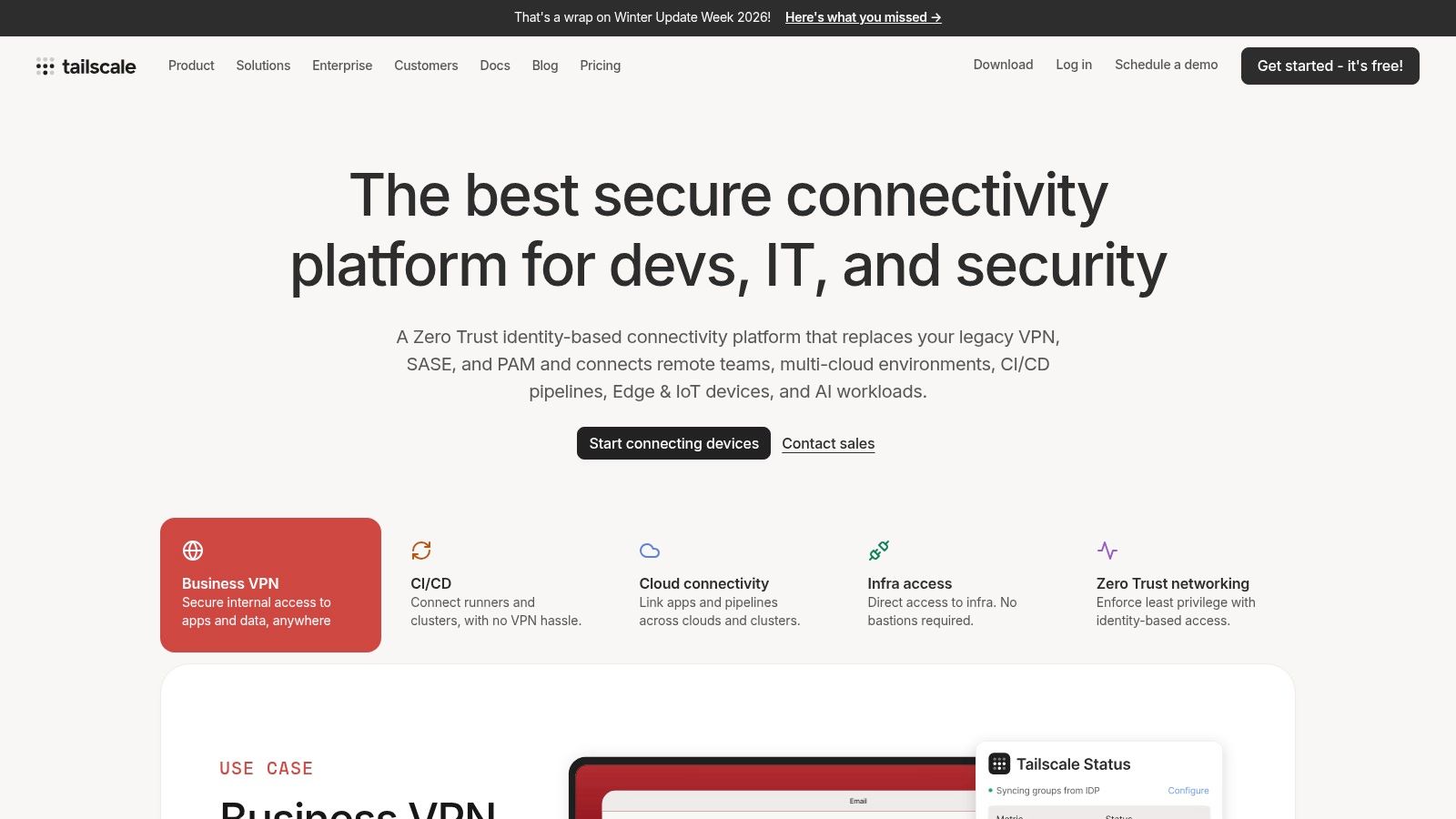
This service is less about hiding your public IP for general browsing and more about creating a secure, flat network for your own devices and services. It simplifies the "zero trust" security model, where access is granted on a per-device and per-user basis. It's a powerful tool for a remote worker needing reliable, secure access to their own distributed infrastructure. For those who need both a tailnet and public browsing privacy, Tailscale offers an exit node integration with Mullvad.
Key Features & Considerations
- Simple Deployment: Getting started is incredibly fast. You install the Tailscale app on your devices, sign in with a single sign-on (SSO) provider like Google or Microsoft, and your devices can instantly and securely communicate with each other.
- Access Control Lists (ACLs): For teams, Tailscale provides powerful, policy-as-code ACLs. You can define in a simple text file exactly which users or devices can access specific servers or ports, offering fine-grained control over your internal network.
- Pricing: Tailscale offers a generous free tier for personal use, covering up to 3 users and 100 devices. Business plans are priced per user with a two-week free trial, making it a scalable and transparent option for growing teams.
| Pros | Cons |
|---|---|
| Extremely simple setup for creating a secure, private network. | Not a traditional consumer VPN for geo-unblocking or general privacy. |
| Excellent for zero-trust access to internal resources without a VPN gateway. | Public internet privacy requires using an exit node, which may be an optional add-on. |
| Generous free tier and transparent per-user pricing for teams. |
Website: https://tailscale.com
Top 12 VPNs for Remote Workers — Feature Comparison
| Provider | Core features | UX / Reliability | Price & Value | Best for | Unique selling point |
|---|---|---|---|---|---|
| NordVPN | NordLynx, RAM‑only servers, Threat Protection, Meshnet, Dedicated IP | ★★★★☆ Stable, fast, wide apps | 💰 Mid–Premium; intro discounts → higher renewals | 👥 Remote pros, streamers, small teams | ✨ Meshnet & audited no‑logs; 🏆 speed & platform support |
| ExpressVPN | Lightway protocol, post‑quantum protections, Dedicated IP, team licensing | ★★★★★ Very reliable, polished apps | 💰 Premium; higher renewal for top tiers | 👥 Travelers, non‑technical users, small teams | ✨ Fast handoffs (Lightway); 🏆 simple cross‑device UX |
| Surfshark | Unlimited devices, 4,500+ servers, Dedicated IP, Antivirus add‑ons | ★★★★☆ Good speeds; many features | 💰 Budget‑friendly; excellent multi‑device value | 👥 Families, nomads, small teams | ✨ Unlimited connections; great value |
| Proton VPN | Secure Core multi‑hop, audited no‑logs, robust free tier | ★★★★☆ Privacy‑focused, reliable | 💰 Free tier (no cap); Plus for top speed/features | 👥 Privacy‑conscious remote workers | ✨ Swiss privacy + audited transparency |
| Mullvad VPN | Flat pricing (€5/mo), numbered accounts, crypto/cash payments | ★★★★☆ Minimalist, privacy‑purist UX | 💰 €5/month flat — very transparent | 👥 Privacy purists, anonymous payment users | ✨ Anonymous accounts/payments; predictable billing |
| IVPN | AntiTracker, multi‑hop, Standard/Pro tiers, transparent policies | ★★★★☆ Strong defaults; clear docs | 💰 Mid; simple tiering | 👥 Privacy‑minded users & small teams | ✨ Operational transparency; privacy‑forward |
| Private Internet Access (PIA) | Highly configurable clients, huge server network, crypto payments | ★★★★☆ Configurable; advanced options | 💰 Very competitive long‑term promos | 👥 Power users who tweak settings | ✨ Deep customizability; extensive server footprint |
| CyberGhost | Large network, streaming‑labeled servers, easy setup, 7 connections | ★★★★☆ Plug‑and‑play; good day‑to‑day | 💰 Aggressive long‑term deals; watch renewals | 👥 Non‑technical remote workers & streamers | ✨ Streaming‑optimized servers; long refund windows |
| Windscribe | Free tier, Build‑A‑Plan, R.O.B.E.R.T. DNS, config generator | ★★★★☆ Flexible but busy UI | 💰 Flexible pricing (pay‑per‑location) | 👥 Power users & small teams | ✨ Build‑A‑Plan + strong DNS/ad blocking |
| NordLayer | VPN + ZTNA, SSO/MFA, device posture, site‑to‑site connectors | ★★★★☆ Enterprise‑ready; scalable | 💰 From $7/user/mo (min users) | 👥 IT teams & employers securing distributed teams | ✨ Identity‑aware access; centralized admin |
| Perimeter 81 | ZTNA, Secure Web Gateway, private backbone, SD‑WAN | ★★★★☆ Enterprise feature set | 💰 Sales‑driven pricing; contact sales | 👥 Enterprises & hybrid cloud IT teams | ✨ Consolidated access/security platform |
| Tailscale | WireGuard mesh tailnet, ACLs, SSO/SCIM, subnet routers | ★★★★★ Extremely quick to deploy for internal access | 💰 Free personal tier; clear per‑user plans | 👥 Engineers, dev teams, small orgs | ✨ Peer‑to‑peer mesh (tailnet); fine‑grained access |
Making Your Final Choice: A Strategic Framework for Remote Professionals
We've explored a dozen powerful VPN solutions, from consumer-focused privacy guards like NordVPN and Mullvad to business-centric secure access tools like NordLayer and Perimeter 81. Choosing the single best VPN for remote workers is not about finding one universally perfect service, but about identifying the one that aligns with your specific professional circumstances. The ideal choice for a freelance developer accessing sensitive code repositories will differ from that of a marketing professional collaborating across time zones.
Your decision-making process should be a personal audit of your daily workflow. Think beyond generic feature lists and consider the practical realities of your remote setup. A budget-friendly option like Surfshark, with its unlimited device connections, is excellent for a digital nomad with a laptop, phone, and tablet. However, a corporate team member might find the granular control and dedicated IP options of a business VPN like Perimeter 81 non-negotiable for secure, consistent access to company servers.
Your Personal VPN Selection Checklist
Before you commit, run through this final checklist. Your answers will point you directly to the right tool among the ones we've reviewed.
- Primary Use Case: Are you primarily focused on personal privacy while using public Wi-Fi, or do you need reliable, secure access to a corporate network?
- Privacy-First: Look toward Mullvad, Proton VPN, or IVPN.
- Corporate Access: Prioritize NordLayer, Perimeter 81, or even self-hosted solutions like Tailscale for specific tech needs.
- Performance Needs: Is raw speed critical for your work, such as for video editing or large file transfers?
- High-Speed: ExpressVPN and NordVPN consistently perform at the top in speed tests, making them strong contenders.
- Budget and Scale: Are you an individual, part of a small team, or a large enterprise?
- Solo/Budget: Surfshark and Private Internet Access offer great value.
- Team/Enterprise: NordLayer and Perimeter 81 are built for team management and scalability.
- Technical Comfort Level: How comfortable are you with network configuration?
- Plug-and-Play: Most consumer VPNs like CyberGhost and ExpressVPN offer simple, one-click apps.
- Advanced User: Tailscale and some features within Proton VPN will appeal to those who want more control.
- Jurisdiction and Trust: How important are the provider's logging policies and legal jurisdiction?
- Strict No-Logs & Favorable Jurisdiction: Proton VPN (Switzerland) and NordVPN (Panama) are excellent examples of providers who prioritize this.
From Decision to Deployment
Once you've made your selection, the journey isn't over. Proper implementation is what turns a VPN from a simple app into a core part of your professional security stack. Remember to configure features like the kill switch to prevent data leaks if the connection drops. Experiment with split tunneling to optimize your connection, routing only work-related traffic through the VPN while leaving personal activities on your local network for better speed.
Ultimately, a VPN is a foundational tool for the modern remote professional. It’s the digital equivalent of locking the door to your office. It protects your data, grants you access to necessary resources, and provides peace of mind. By carefully matching your unique needs to the strengths of the providers we've covered, you can build a more secure, flexible, and productive remote work environment.
Securing your connection is a critical first step, but what about finding the right remote job in the first place? At YayRemote, we curate the best remote job opportunities from around the globe, connecting talented professionals like you with forward-thinking companies. Start your search for a secure and fulfilling remote career today at YayRemote.